


How to Accept a Marketing API Request in Meta Business Manager
.png)
Share on WhatsApp
.png)


When you sign up for Zoko, our system will send a request to your Meta Business Manager to enable the WhatsApp Marketing Cloud API for your business. You will need to accept this request from your Meta Business Manager to allow Zoko to connect with your WhatsApp assets and enable you to start using the Zoko.
To do this:
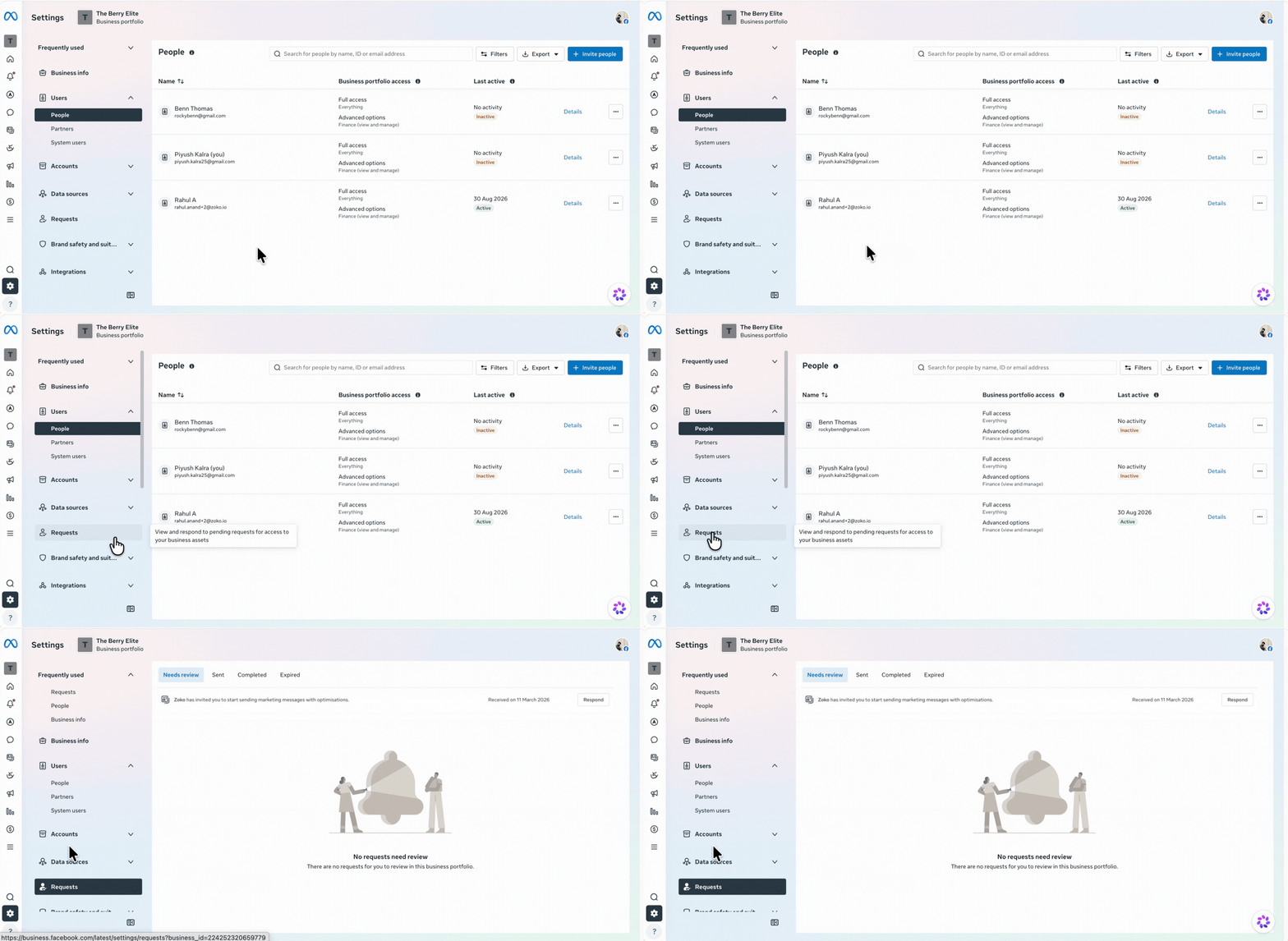
1. Go to Business Settings in your Meta Business Manager.
2. Click on Requests.
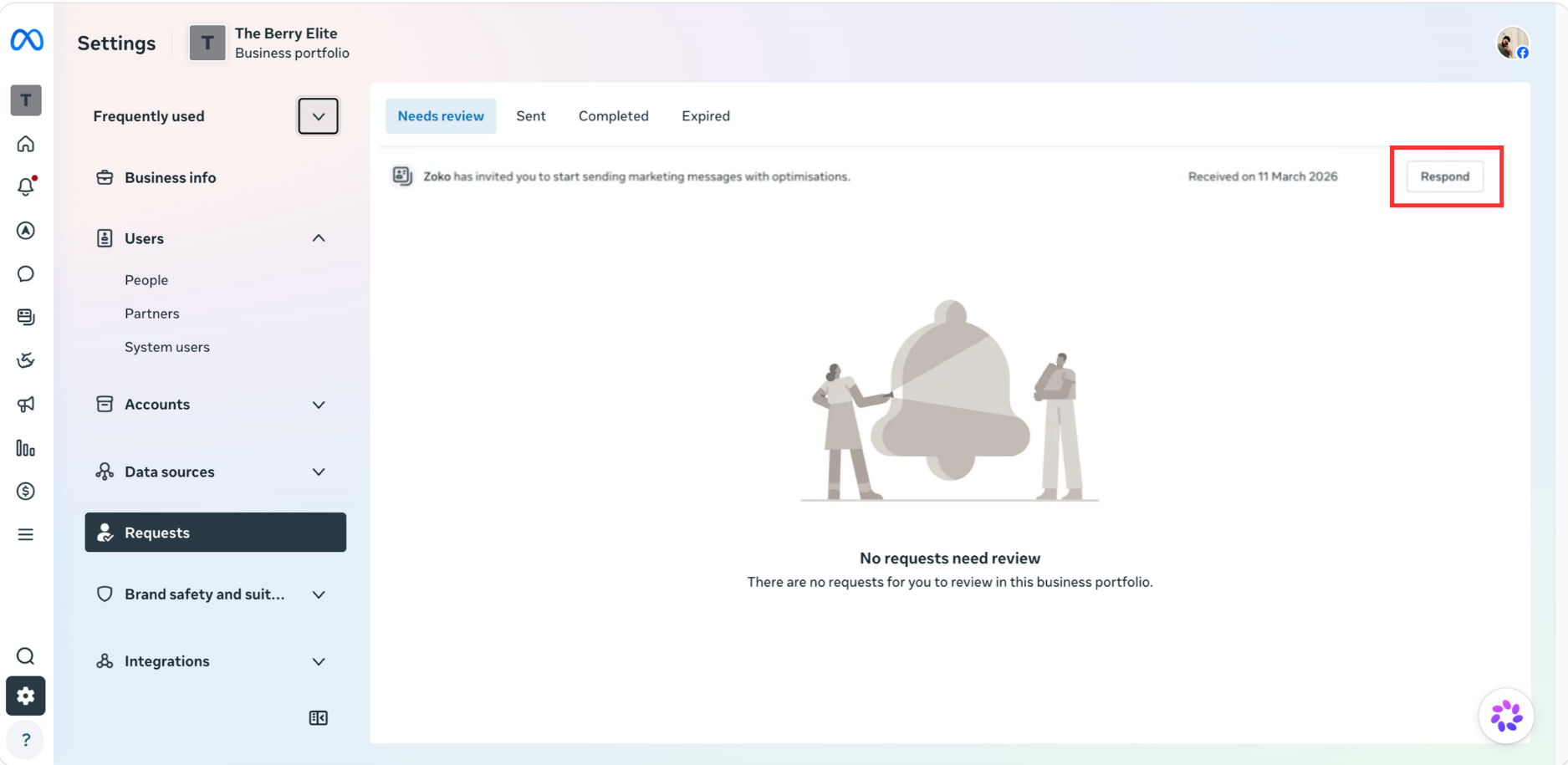
3. Find the request sent by Zoko and click Respond.
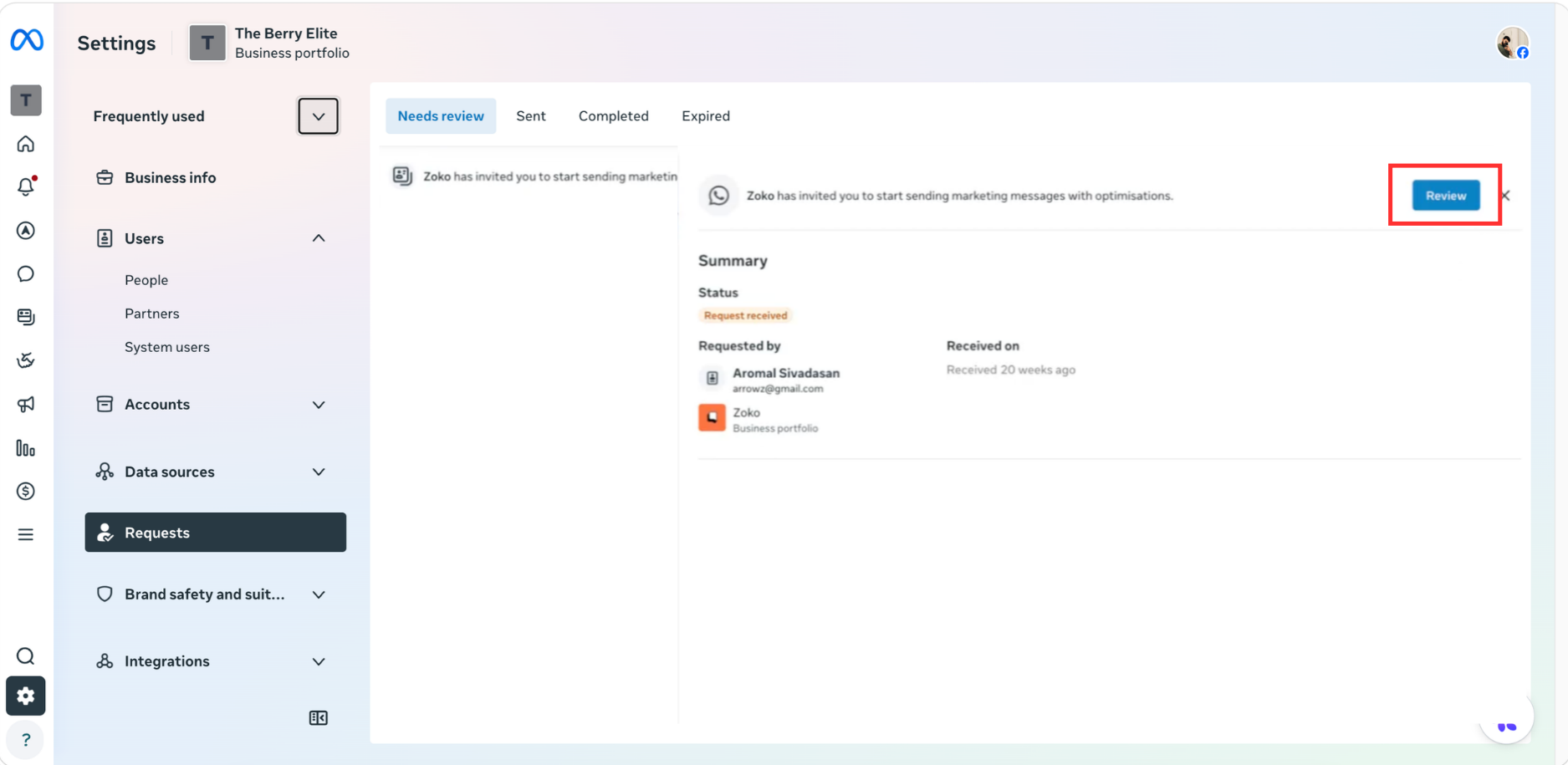
4. Click Review.
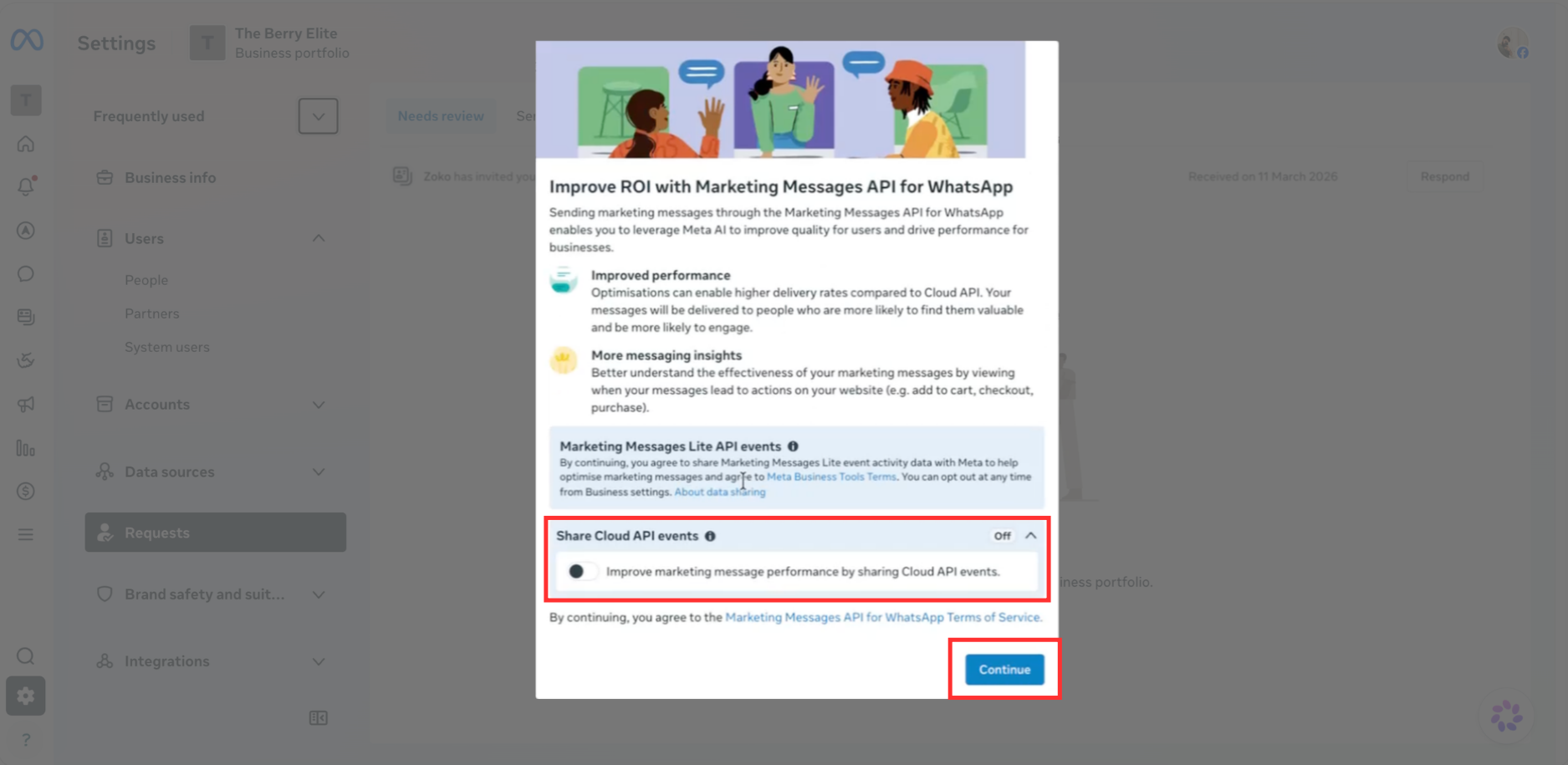
5. In the popup, enable the Cloud API events toggle and click Continue.
Note: If you are unable to enable the toggle, you can skip this step and click Continue.
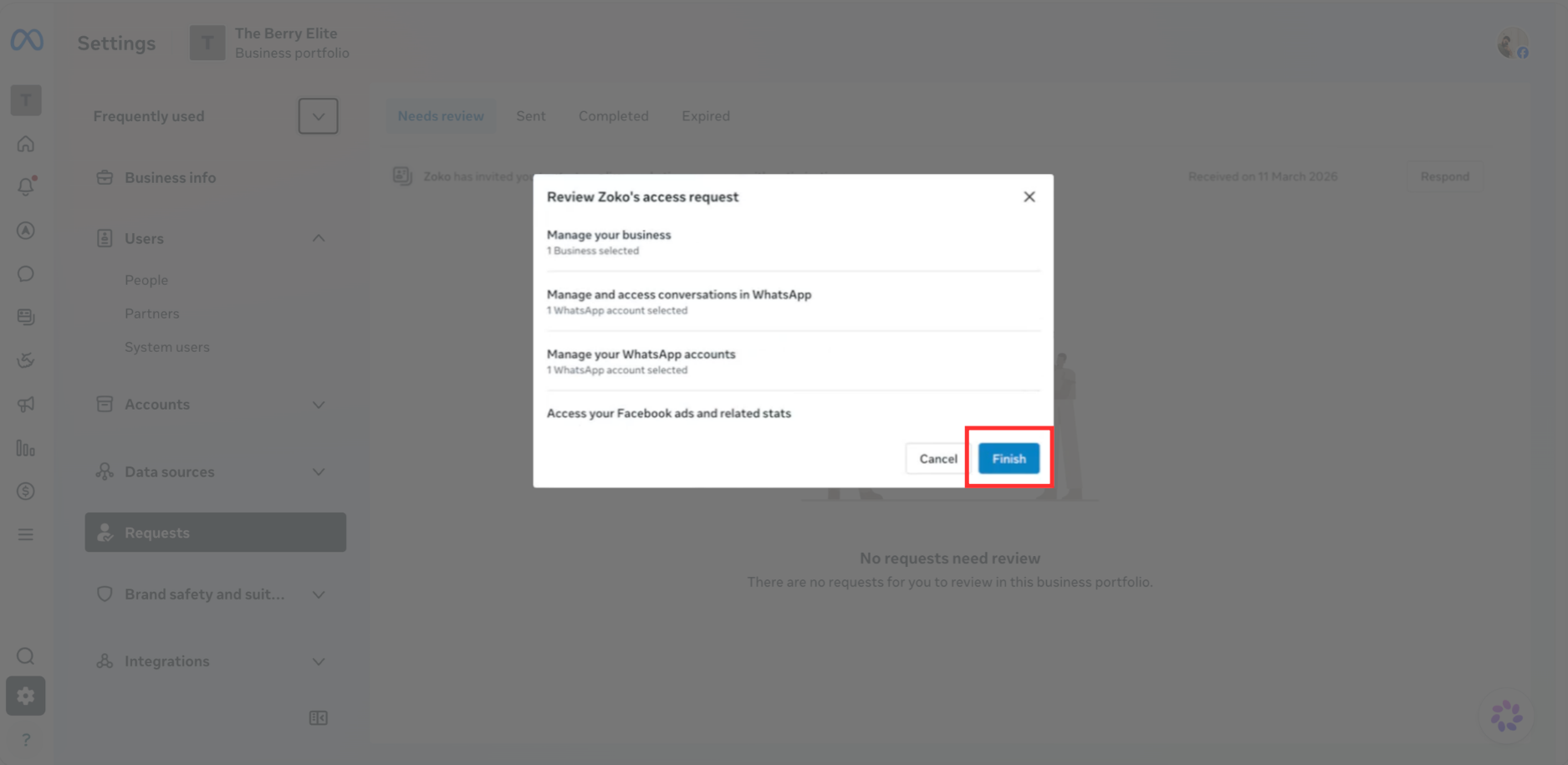
6. Review the request details and click Finish.
Keywords: WhatsApp marketing API, WhatsApp cloud API, Accept request, Marketing API request
