


Why Verifying Your Meta Business Manager is Important
.png)
Share on WhatsApp
Thank you! Your submission has been received!
Oops! Something went wrong while submitting the form.
.png)
When you start using the WhatsApp Business API, your account starts with limited capabilities. To increase messaging capacity, your WhatsApp API account needs to be scaled. One of the most common ways to scale your account is by completing Meta Business Manager Verification.
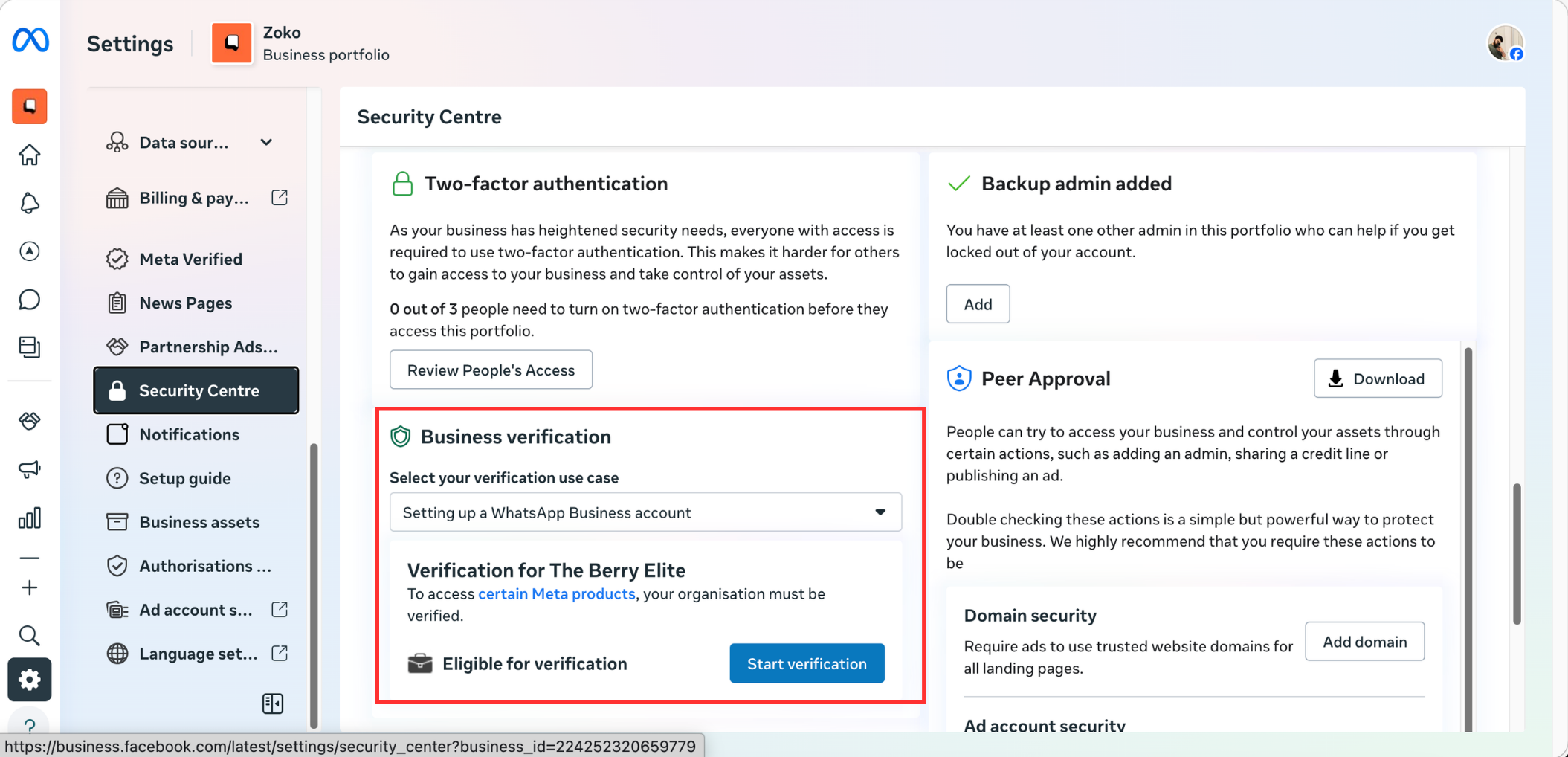
Not Verified
If your business manager is not verified, your WhatsApp account has certain limitations:
- You can start conversations with up to 250 unique customers every 24 hours per Business Manager.
- You can register up to 2 phone numbers.
- You cannot apply for a WhatsApp Official Business Account (Blue Tick).
- If you are using a +1 555 phone number, messages may fail if your display name has not been approved.
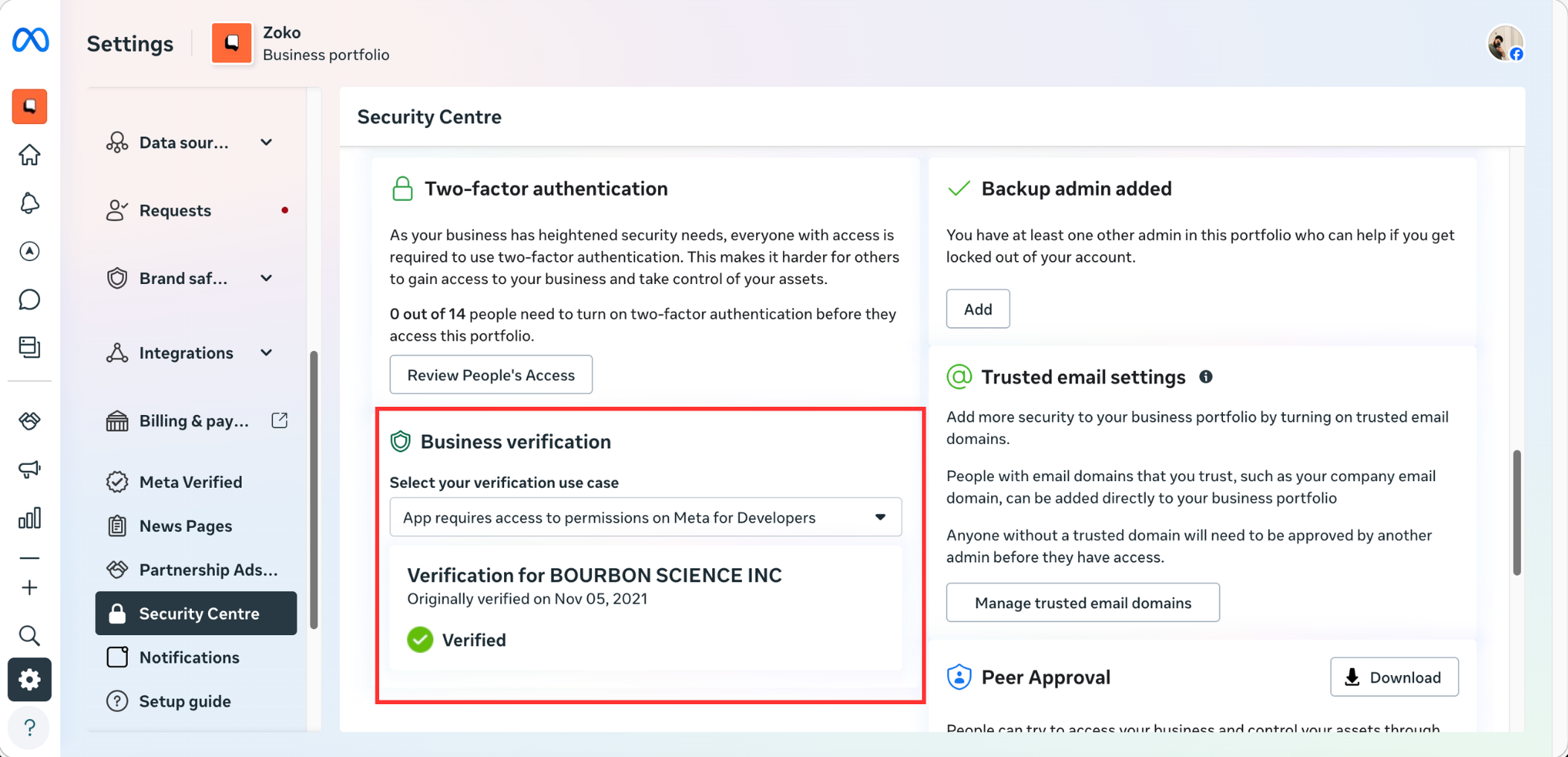
Verified
Once your business completes Meta Business Manager Verification, your account gains additional capabilities:
- You can start conversations with up to 2,000 unique customers every 24 hours, and this can increase further through automatic scaling.
- You can register up to 20 phone numbers.
- Your business name can be displayed to customers in chats (after Meta review).
- You become eligible to apply for a WhatsApp Official Business Account (Blue Tick).
To start the Meta Business Manager verification, please follow the article below:
- Full list of accepted documents
- Enabling Start Verification Button on the Meta Business Manager
- Applying for Facebook Verification
- How to check the Verification Status of Facebook Business Manager
Keywords: Meta business verification, Whatsapp business verification, Display name approval, Whatsapp +1 555 number issue, Verify business manager whatsapp.
