


How to Re-assign Chats from Chat Screen
Learn how to re-assign the chats
.png)
Share on WhatsApp
Thank you! Your submission has been received!
Oops! Something went wrong while submitting the form.
.png)
The re-assign chat is very helpful if you want to assign the chat to another agent or team. To do this
1. Select the chat.
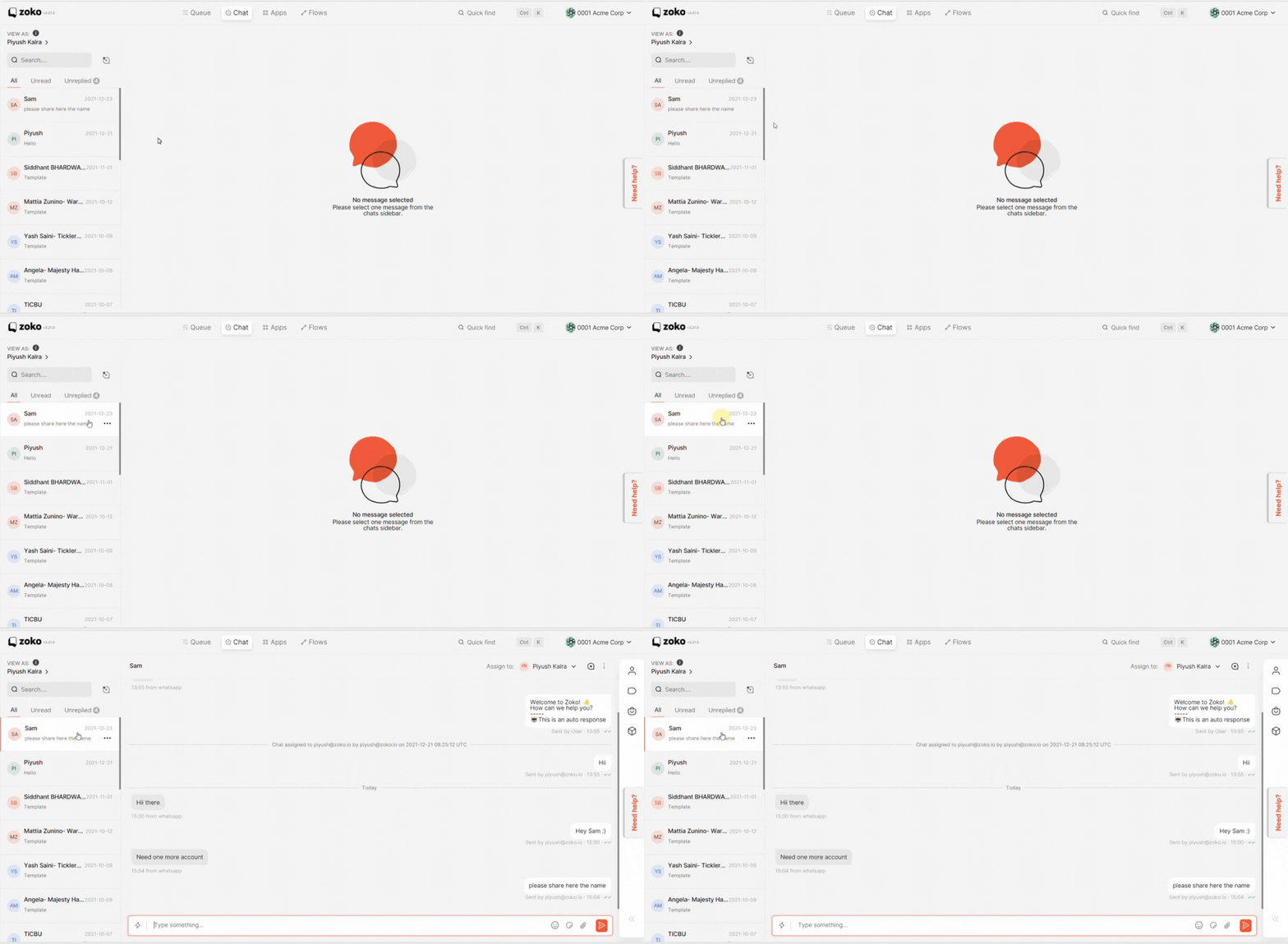
2. Click on this dropdown to get a list of all agents and teams
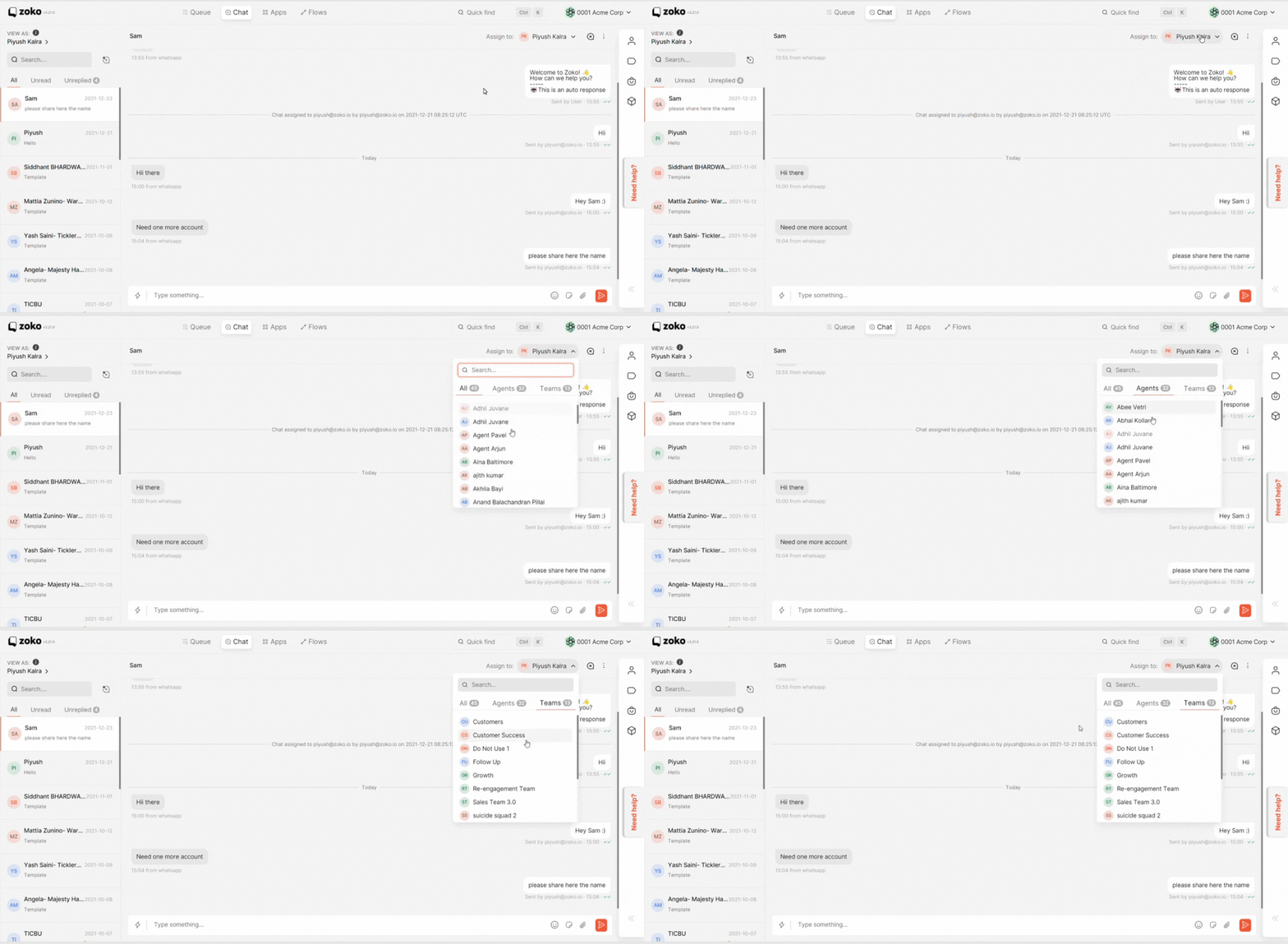
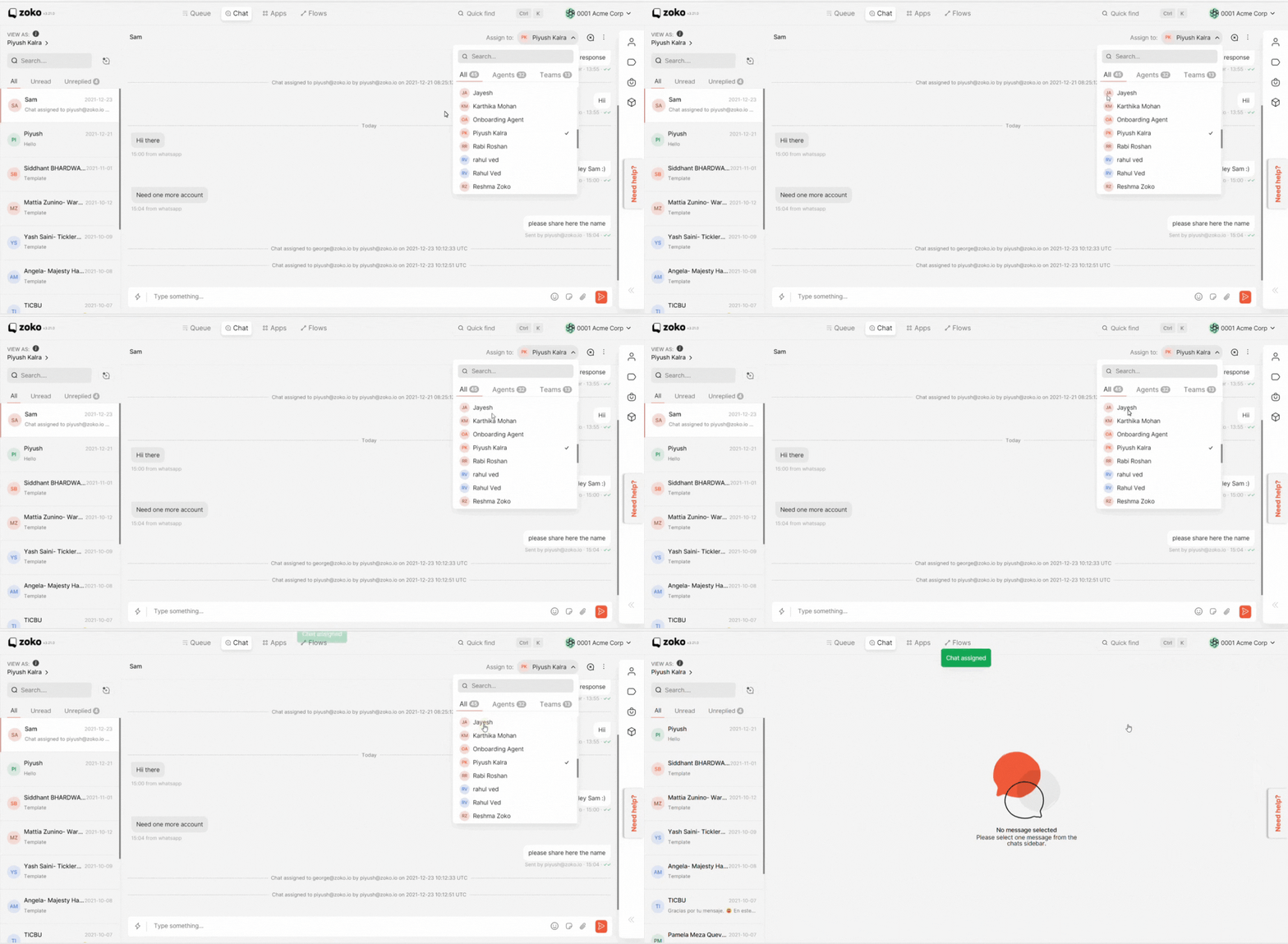
3. Select the agent or team to which you want to assign the chat and this particular chat will be re-assigned.
Keywords: Reassign chat, Reassign team.
