


How to Generate an OTP Passcode on Zoko Mobile App
Learn how to generate a passcode on your Zoko mobile app.
.png)
Share on WhatsApp
Thank you! Your submission has been received!
Oops! Something went wrong while submitting the form.
.png)
Sometimes, when you try logging into Zoko on another device, the OTP may be delayed or not arrive at all. In such cases, you don’t need to wait. If you’re already logged into the Zoko mobile app, you can generate a passcode and use it to log in instantly on another device, no OTP needed.
To do this:
1. Open the Zoko mobile app and Click on Home.

2. Click on All Features.

3. Click on Your Profile & Security.

4. Click on Generate Passcode and copy it.

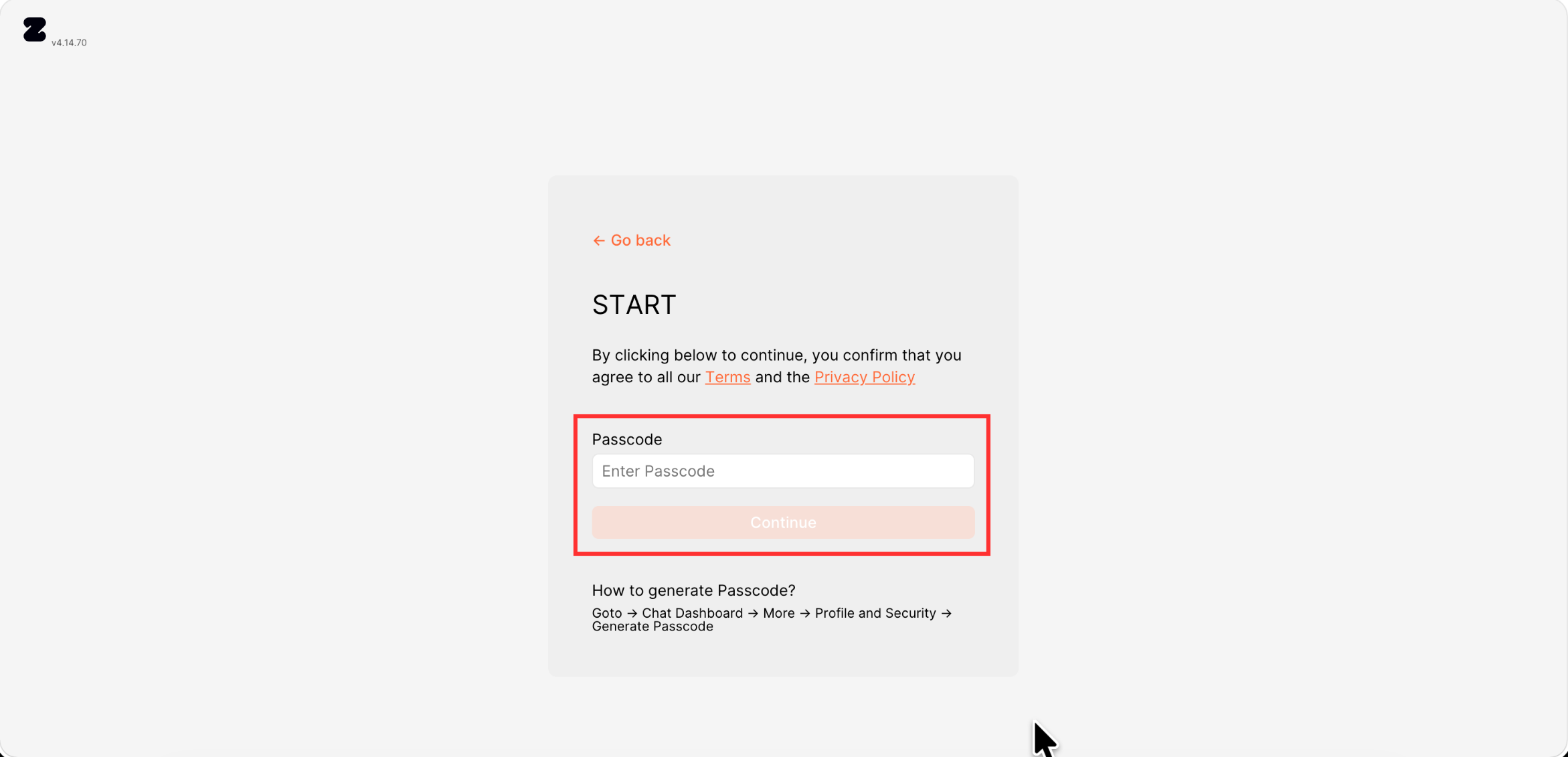
Now, on the device where you're trying to log in:
1. Click on Use Passcode on the mobile app or web.

2. Paste the passcode and click on Continue.
Keywords: Zoko Otp, Generate Otp, Login, One time passcode, Otp not received, Mobile Otp.
