


How to Create Product Collections in Your Shopify Store
Learn how to create product collections in your Shopify store.
.png)
Share on WhatsApp
.png)
Collections help organize your products into categories, making them easier to manage and share. If you're using Zoko's WhatsApp Catalog, you'll first need to create collections in Shopify. These collections automatically sync to Zoko and become available in the Catalog settings.
To do this:
1. Go to Shopify Admin >> Products >> Collections.
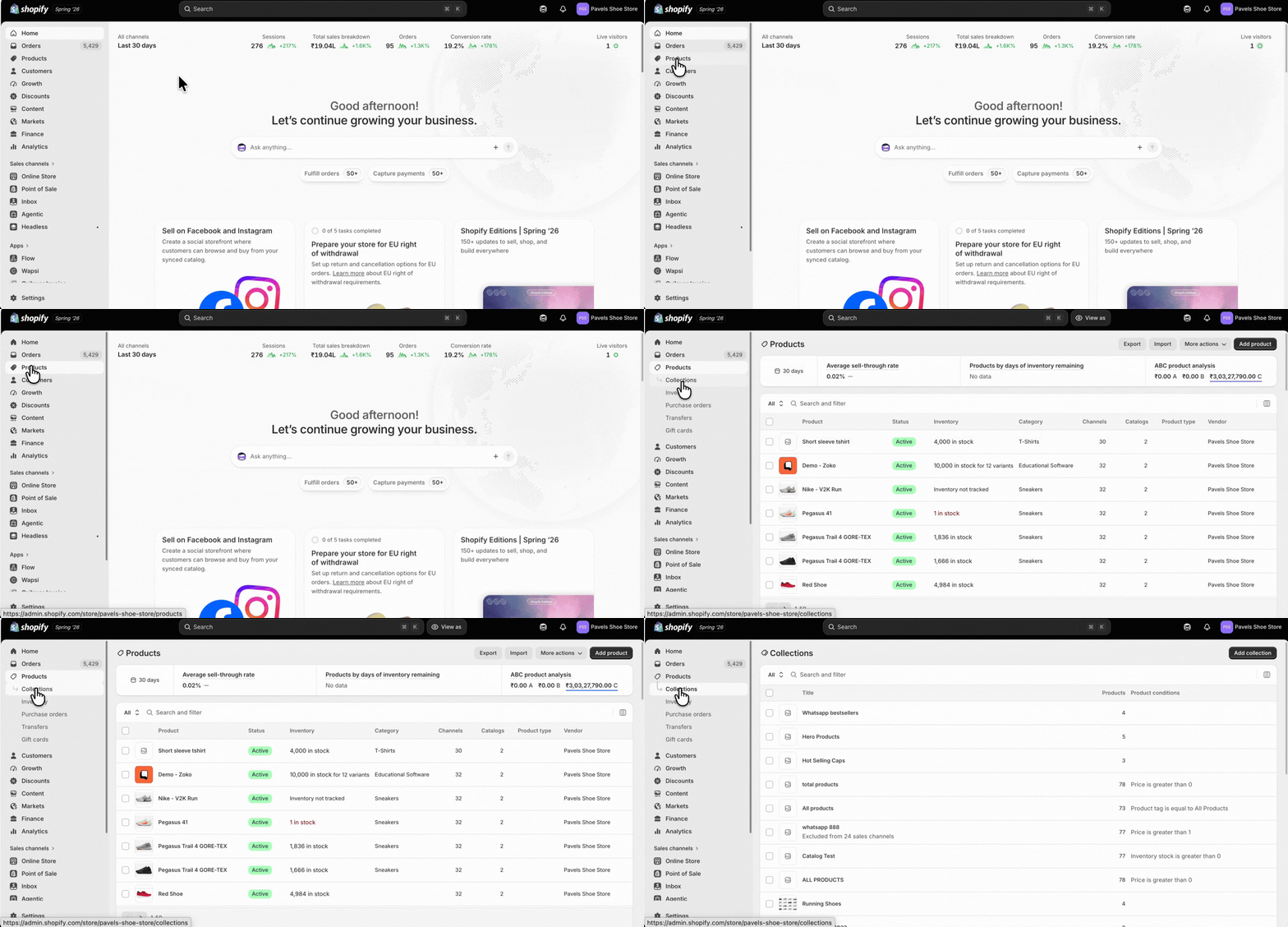
2. Click Add collection.
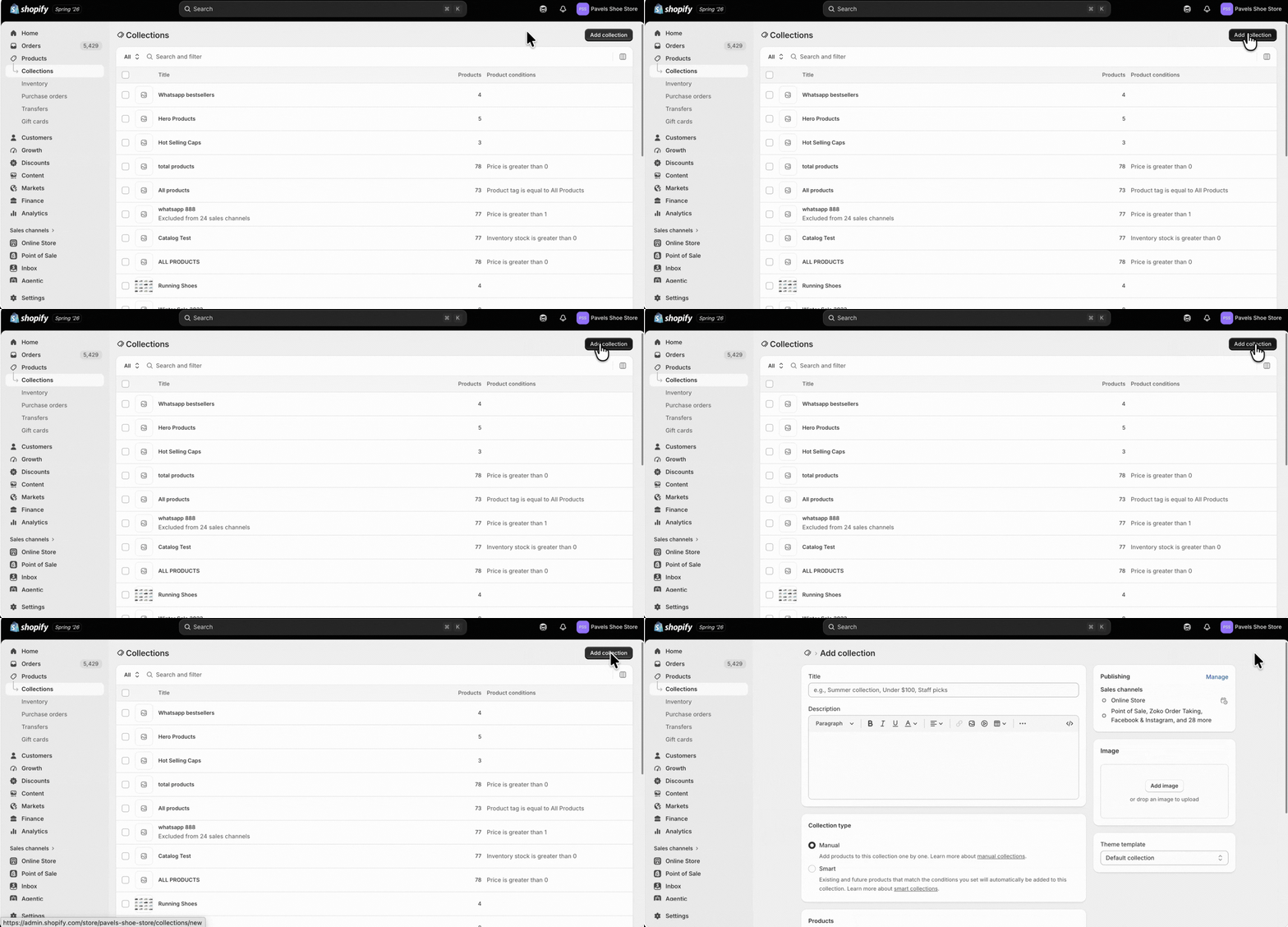
3. Type a name for the collection.
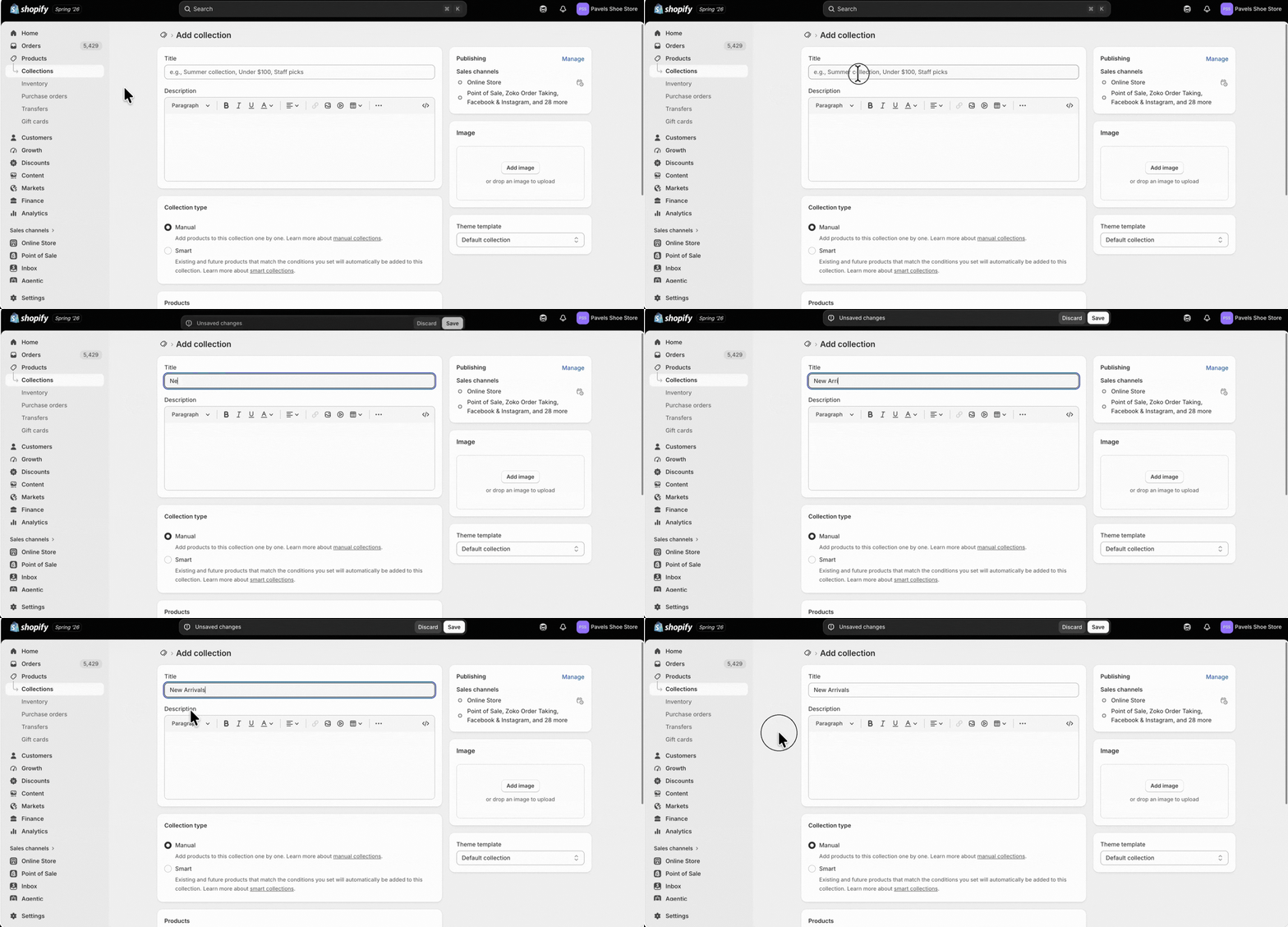
4. (Optional) Add a description.
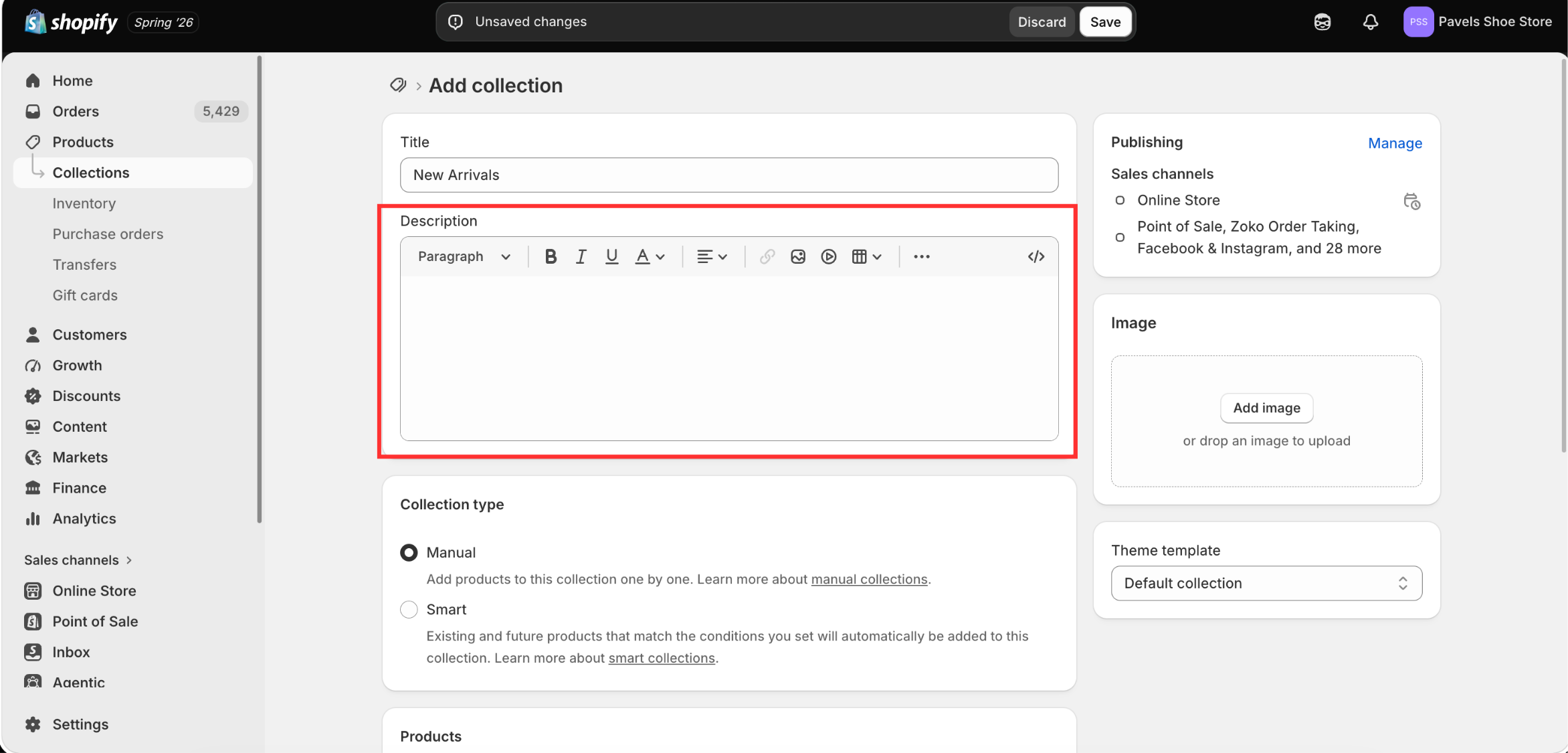
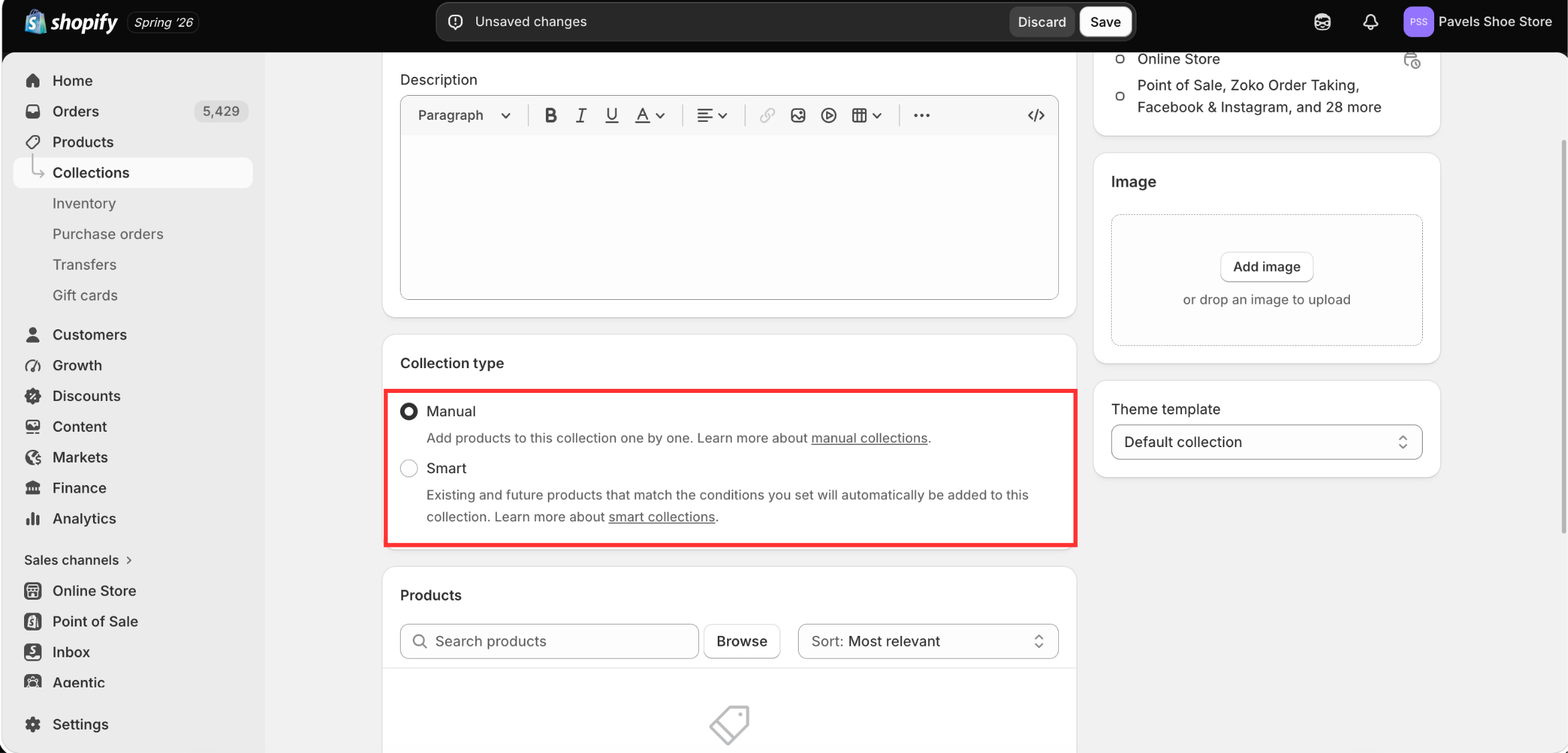
5. Choose whether you want to create a Manual or Smart collection.
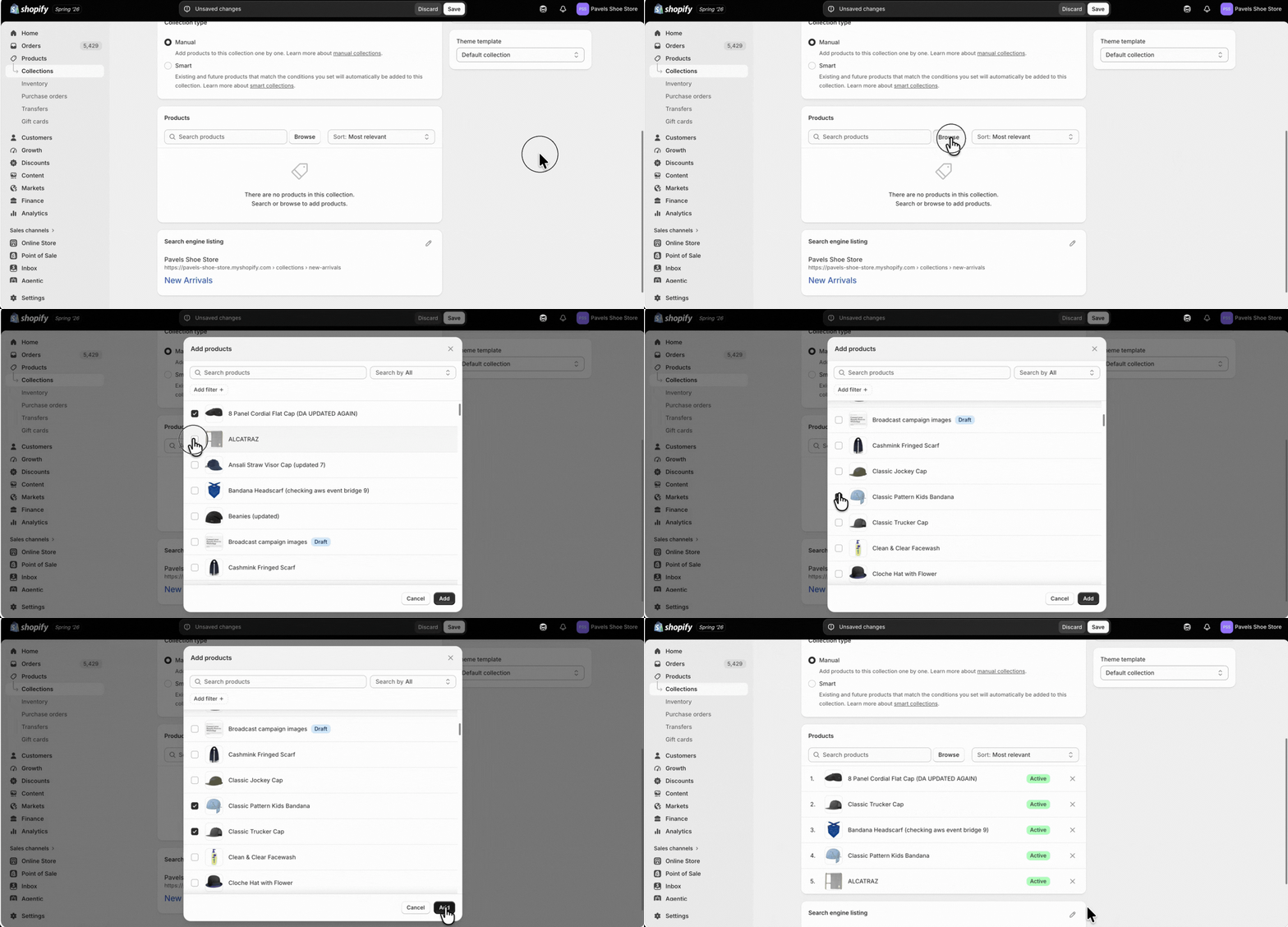
6. Since we selected a Manual collection, click Browse, select the products you want to include, and then click Add.
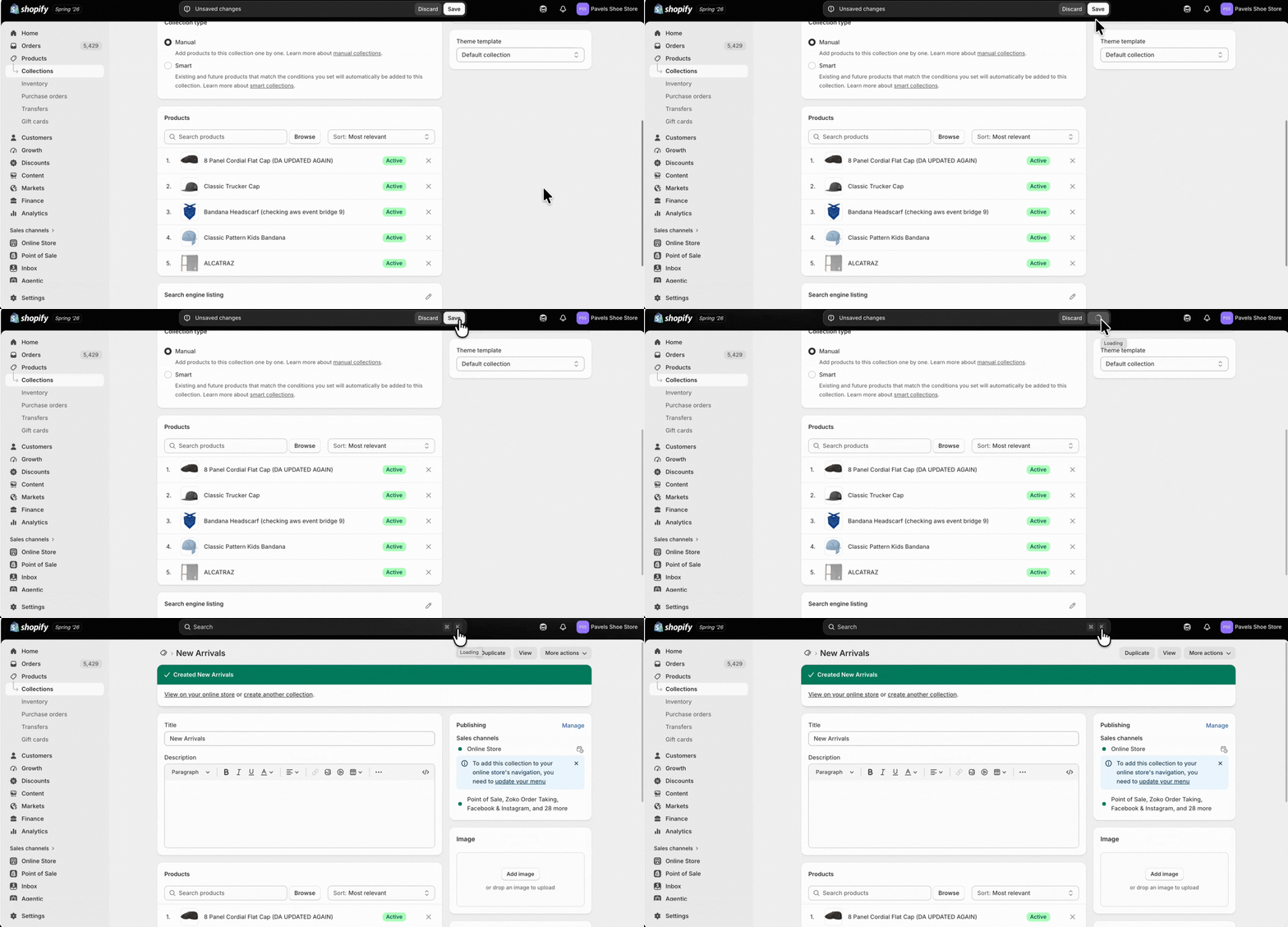
7. Click Save.
Keywords: Shopify collections, Shopify manual collection, Zoko WhatsApp catalog, Shopify product categories
