


How to check the Verification Status of Facebook Business Manager
Learn how to check the verification status.
.png)
Share on WhatsApp
.png)
You can easily track the verification status of your Facebook Business Manager directly from your Business Manager settings.
To do this:
1. Go to the Business Manager Settings page - https://business.facebook.com/latest/settings/business_users
(Make sure you’re logged in with the Facebook account that has admin access)
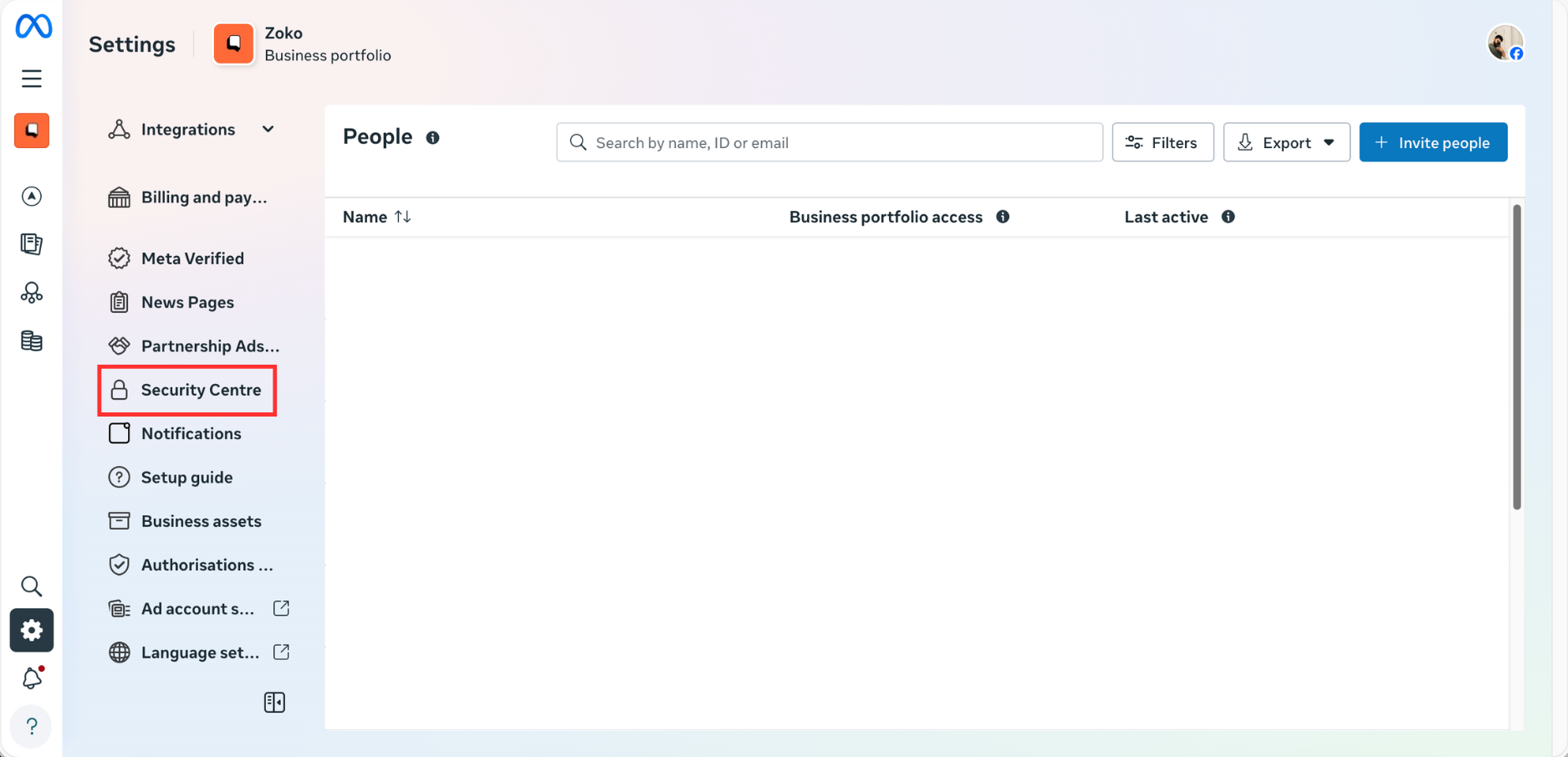
2. From the left menu, scroll down and click on Security Centre.
3. You can see the Business verification status here - Unverified/Verified/Rejected.
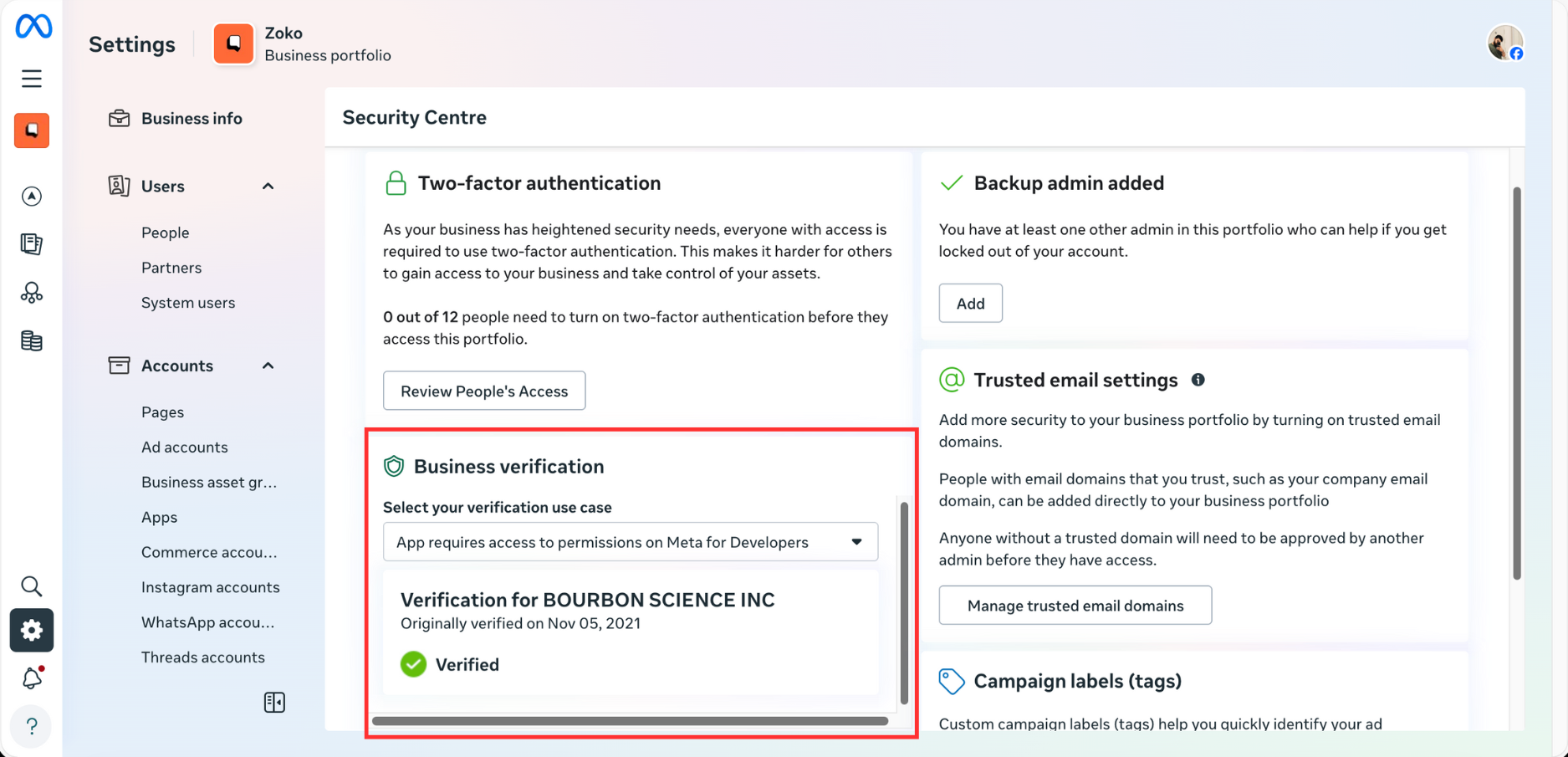
If your business shows as Unverified, it means the verification process has not been completed yet. You will need to submit your documents for review. Refer to this article - How to Apply for Facebook Business Verification
Keywords: Business verification status, Business manager verified, Business manager verification.
