


How to Uninstall a Shopify Private App
.png)
Share on WhatsApp
Thank you! Your submission has been received!
Oops! Something went wrong while submitting the form.
.png)
Private apps are now called custom apps in Shopify. These apps are built specifically for a single store and aren't listed on the Shopify App Store. When you uninstall a private app, it is deactivated in your store, and Zoko can no longer access your Shopify data or sync information.
To do this:
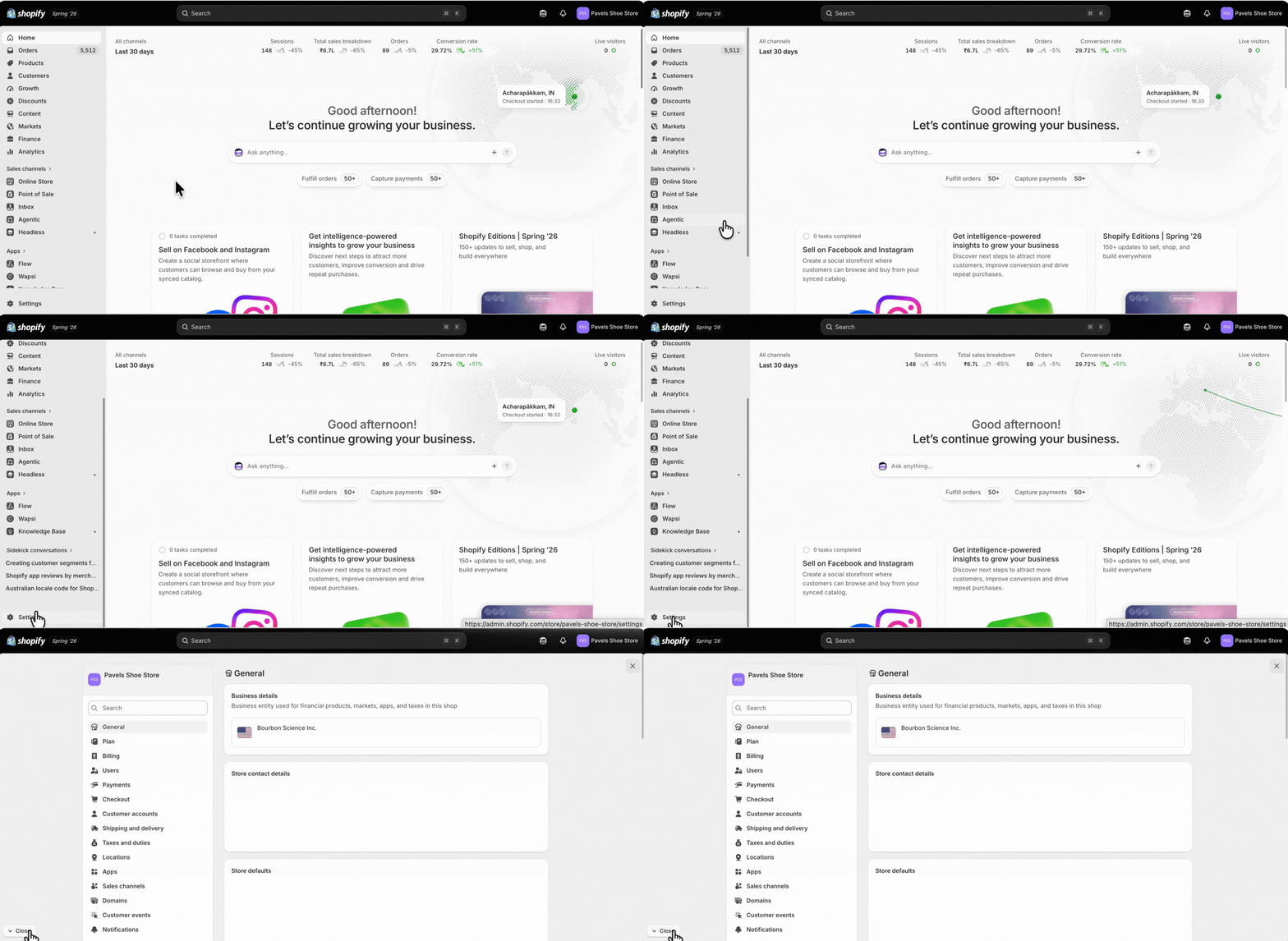
1. Log in to your Shopify admin, then go to Settings.
2. Click on Apps.

3. Click on Develop apps.

4. Choose the private app that you want to uninstall and click on it.

5. Click on Uninstall.

6. In the confirmation pop-up, click Uninstall again to confirm.

That's it! You've successfully uninstalled the private app.
Keywords: Shopify private app, Shopify custom app, Remove app from Shopify, Uninstall Shopify private app, Delete Shopify private app
