







E-commerce WhatsApp Integration: Top High-Impact Benefits & Strategies

E-commerce WhatsApp Integration: Top High-Impact Benefits & Strategies
Running a Shopify store gets harder when buyers expect quick answers before they place an order. Product questions, payment concerns, COD checks, and delivery updates often span disconnected channels. That delay can cost you several high-intent buyers. That's why for Shopify merchants like you, fast, familiar communication becomes a sales need, not just a support task.
E-commerce WhatsApp integration connects your store with the channel customers already use for product questions, order help, and follow-ups. Instead of handling product questions, order help, and follow-ups separately, you can manage key buying moments through WhatsApp.
This guide explains the proven benefits and practical, actionable strategies of e-commerce WhatsApp integration. You will see how to use WhatsApp for catalog browsing, abandoned checkout recovery, COD updates, and repeat sales.
Quick Snapshot
E-commerce WhatsApp integration helps you connect WhatsApp to store actions, so customer chats can support sales, updates, and support, and drive repeat purchases.
- Key benefits include faster customer replies, clearer order communication, better cart recovery, lower support workload, and stronger repeat engagement.
- Use WhatsApp early in the journey for initial feedback on new products, early access, Click-to-WhatsApp ads, status updates, QR codes, and catalog-based discovery.
- Use WhatsApp later in the journey for checkout support, quick replies, delivery coordination, reorder prompts, and personalized repeat purchase messages.
- The WhatsApp Business API for e-commerce works for stores that need automation, approved templates, chatbots, and system-triggered workflows.
What E-Commerce WhatsApp Integration Means
E-commerce WhatsApp integration means connecting your online store with WhatsApp so chats, orders, payments, and delivery updates can work together.
This helps you manage important customer touchpoints from one channel, such as:
- Customer questions and support chats
- Orders and order status
- Payment confirmations
- Shipping and delivery updates
- Cart follow-ups
E-commerce WhatsApp Integration Benefits That Directly Impact Sales and Support
For Shopify merchants, e-commerce WhatsApp integration works best when it removes friction from the buying journey. That matters because buyers often need reassurance before they complete a purchase.
Here are the key benefits that matter most for growing e-commerce stores:
1. Faster Answers Before Customers Drop Off
Many shoppers leave when they cannot get simple answers fast. A customer may want to confirm size, COD availability, delivery time, or return terms before buying. With WhatsApp integration, you can answer these questions in the same place where customers already chat. This builds confidence and reduces the chance of losing high-intent buyers before checkout.
Example: A skincare store can answer “Is this suitable for oily skin?” on WhatsApp and instantly share the correct product link.
2. Better Recovery From Abandoned Carts
Abandoned carts are not always lost sales. Sometimes buyers get distracted, compare prices, or wait for a final push. E-commerce WhatsApp integration helps you send timely reminders, product follow-ups, back-in-stock alerts, and personalized offers.
Key insight: The goal is not to spam shoppers. It is to help interested buyers finish what they already started.
3. Clearer Post-Purchase Updates
After placing an order, customers want to know what happens next. Delayed or unclear updates can increase support tickets and reduce trust.
WhatsApp can send:
- Order confirmations
- Payment and address confirmation prompts
- Tracking details
- Delivery reschedule options and confirmations
- Return or exchange updates
4. Lower Pressure on Support Teams
Support teams often answer the same questions every day:
- “Is COD available?”
- “When will my order ship?”
Automation, chatbots, and structured workflows can handle these recurring questions more quickly. This makes support more cost-effective without depending on large support teams or making the customer experience feel cold.
5. Stronger Repeat Sales After Delivery
The customer journey should not end after delivery. WhatsApp can help you collect reviews, send reorder reminders, share care tips, and run opt-in segmented broadcasts. For instance, a supplements store can remind customers to reorder after 25 days. This keeps communication helpful, timely, and tied to real customer intent.
Also Read: How Does WhatsApp Integration With a Website Help Shopify Stores Convert Visitors Into Customers?
10 Must-Know E-commerce WhatsApp Integration Strategies To Apply
A strong e-commerce WhatsApp integration strategy should follow your customer journey, not serve as random message blasts. Your goal is to make every WhatsApp interaction useful, timely, and tied to a real buying moment.
| Strategy | How You Can Apply It |
|---|---|
| Customer Feedback | Ask previous loyal customers to review new product ideas, colors, bundles, or packaging before launch. |
| Early Access | Give opt-in loyal customers first access to new products, restocks, and limited-time sales. |
| Click-To-WhatsApp Ads | Start direct conversations from Instagram, Facebook, or other Meta placements. |
| Status, Contests, And QR Codes | Use Status updates, contests, and QR codes to create interest and bring shoppers into WhatsApp chats. |
| Store Information | Share store hours, directions, pickup options, and service details with nearby customers. |
| WhatsApp Catalog | Let customers browse products, view details, and ask questions inside WhatsApp. |
| Chat Widgets | Add WhatsApp entry points to the product, cart, checkout, tracking, and support pages, as well as to ads. |
| List Messages And Quick Replies | Let customers tap options for warranty, returns, order tracking, or troubleshooting help. |
| Live Location Sharing | Help customers and delivery teams coordinate addresses and reduce failed delivery attempts. |
| CRM-Based Messages | Send relevant product recommendations, refill reminders, and care tips based on customer data. |
1. Test Product Ideas With Loyal Customers
Before a full launch, ask loyal customers for feedback on new product ideas. You can share images, color options, bundles, or packaging ideas on WhatsApp. This works well if you sell fashion, beauty, food, or home decor products. Your customers feel involved, and you get early reactions before spending on the full inventory.
2. Offer Early Access To Loyal Customers
Give your best customers early access to new products, restocks, or limited-time sales through opt-in WhatsApp broadcasts or groups. This makes loyal buyers feel valued and gives them a reason to stay connected with your brand. It also encourages regular buyers to buy more to qualify for the VIP treatment.
3. Use Click-To-WhatsApp Ads For High-Intent Conversations
Use Click-to-WhatsApp ads when you want interested shoppers to start a direct conversation from Instagram, Facebook, or other Meta placements. Instead of sending them only to a website page, you can bring them into a WhatsApp chat where they can ask questions instantly.
This works best for products that need guidance before purchase, such as skincare, fashion, electronics, furniture, or premium gifting.
Pro tip: Match each ad to a clear chat goal, for instance, product recommendations, festive offers, or abandoned checkout recovery.
4. Use WhatsApp Status, Contests, And QR Codes For Demand Generation
WhatsApp can also support light-touch, urgency-backed campaigns. You can:
- Use Status for flash updates, limited stock alerts, or launch reminders.
- Run simple contests that ask customers to share product photos or feedback.
- Use QR codes to further connect offline touchpoints with WhatsApp chats by adding them to packaging, store counters, flyers, or event stalls.
5. Help Local Customers Find Your Store
If you also run a physical store, WhatsApp can support local discovery and store visits. You can share store hours, directions, contact details, pickup options, or service information with nearby customers. This works well for Shopify merchants that sell online but also offer in-store pickup, local delivery, or offline consultations.
6. Use WhatsApp Catalog To Guide Product Discovery
Start by making product discovery easier for your customers. With WhatsApp Catalog, you can let shoppers view products, check details, and ask questions without leaving the chat.
For Shopify merchants, this works best when your catalog stays connected to your store. With Zoko’s Shopify catalog sync, you can help customers browse products on WhatsApp while keeping the buying journey tied to your Shopify store.
Example: If you run a home decor store, you can share a WhatsApp catalog of lamps, cushions, or wall art when a customer asks for living room ideas.
7. Add WhatsApp Chat At High-Intent Points
Do not place WhatsApp on your homepage alone. Add it where customers are most likely to need help before buying.
Good entry points include:
- Product pages
- Cart pages
- Checkout pages
- Order tracking pages
- Return and support pages
- Instagram or Facebook ads
Pro tip: Use different entry points for different questions. A product page chat can start with sizing or availability, while an order tracking page can start with delivery help.
8. Solve Support Issues With List Messages And Quick Replies
Use list messages and quick replies when customers need simple support choices. Instead of asking them to type long messages, you can let them tap options like warranty details, return request, order tracking, or troubleshooting help. This makes support faster and more structured.
9. Share Live Location For Smoother Deliveries
Delivery issues often happen because addresses are unclear or customers are unavailable. WhatsApp location sharing can help customers and delivery teams coordinate better, especially in busy Indian cities. You can use it for high-value orders, urgent deliveries, or cases where the delivery partner needs exact location help.
10. Personalize Repeat Purchases With CRM-Based Messages
Connect customer data with WhatsApp, so your messages feel relevant. You can send recommendations, such as:
- Sports socks for someone who bought running shoes.
- Phone cases for someone who recently bought a phone.
This keeps your message useful rather than overly promotional.
Also read: 10+ WhatsApp Business API Benefits Shopify Merchants Must Know in 2026
How To Integrate WhatsApp With Your E-Commerce Store Without Breaking The Buying Journey
For many e-commerce store owners, a genuine question is how to connect WhatsApp to their e-commerce store in a way that stays stable, compliant, and easy to manage as orders grow. There are three common ways to do so:
1. Plugin-Based Integration
Plugin-based integration is usually the fastest way to add WhatsApp to your e-commerce store. It can work if you only need a basic chat button or a simple contact option. But plugins can become limiting as your store grows. They may break during website updates, slow down during high traffic, or fail to connect properly with orders, payments, and delivery updates.
2. API-Based Integration
API-based integration connects your e-commerce store (Shopify) with the WhatsApp Business API. This gives you a more stable and compliant setup for automated messages, approved templates, order updates, and system-triggered workflows.
3. Third-Party Integration Platforms
Third-party platforms like Zoko can help reduce the technical work needed for API-based integration. They can support API onboarding, automation workflows, chatbot setup, broadcasts, and several e-commerce use cases without starting from scratch.
Common Mistakes To Avoid
Avoid these mistakes when choosing or setting up your WhatsApp integration:
- Using personal WhatsApp numbers for business communication.
- Choosing disconnected plugins that do not sync with the e-commerce data.
- Using unofficial tools which can risk number bans or service shutdowns.
- Ignoring WhatsApp template approval rules.
- Choosing tools without India-focused support.
- Treating delivery and COD communication as an afterthought.
Also Read: Step-by-Step Guide to Integrating WhatsApp with Shopify
How Zoko Turns WhatsApp Integration Into A Shopify Sales Channel
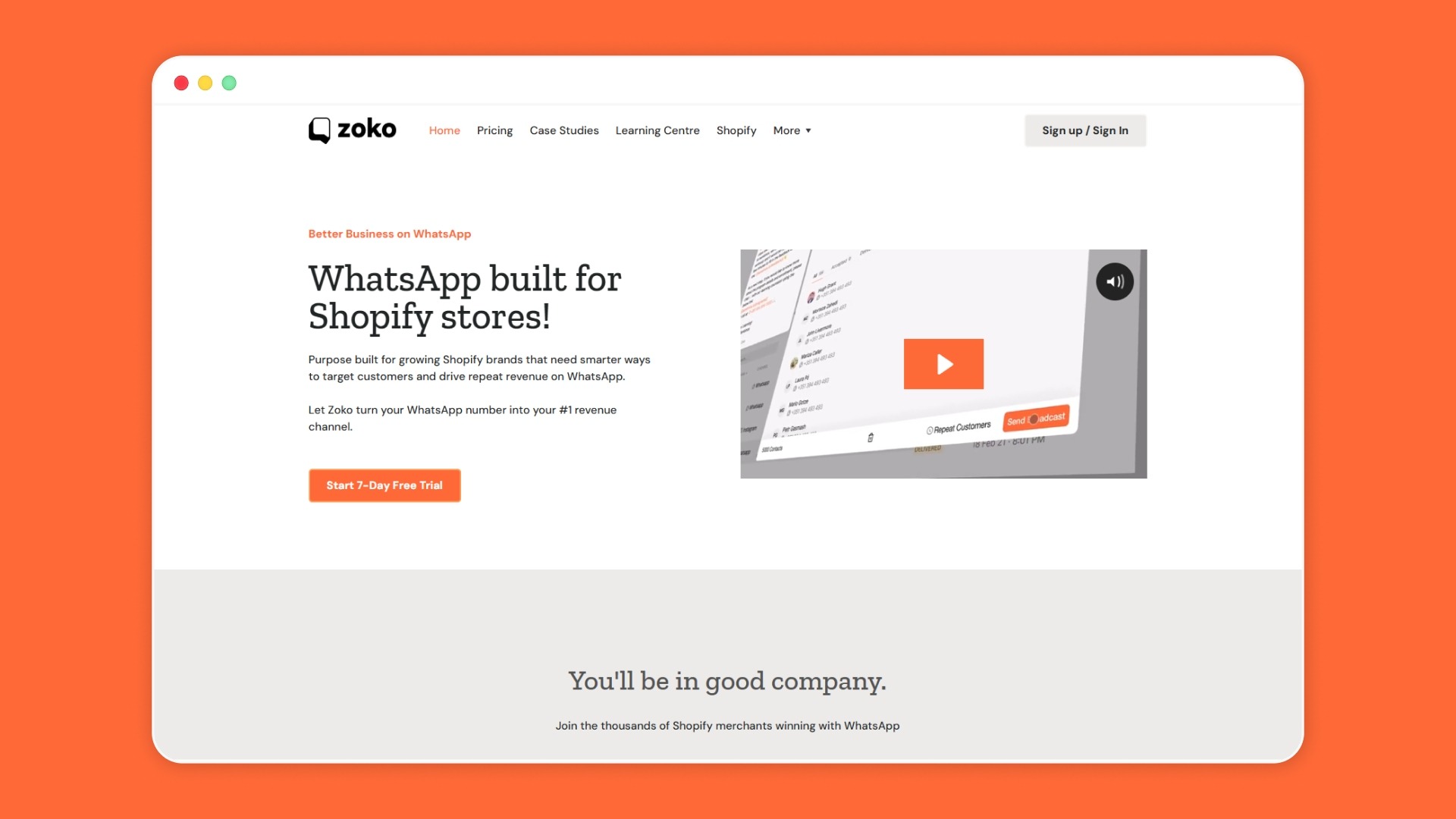
For many Shopify merchants, WhatsApp integration starts with a simple goal: answer customers faster. But as your store grows, WhatsApp can become a connected sales channel where customers discover products, ask questions, receive updates, and return for repeat purchases.
Zoko helps you connect WhatsApp with your store workflows, so customer conversations stay tied to real buying actions. The goal is to make WhatsApp part of how your store sells, supports, and keeps customers engaged.
Here is how Zoko supports that flow:
- Shopify WhatsApp Integration: Connect Shopify with WhatsApp so customers can ask product questions, receive order updates, and continue their buying journey from chat.
- WhatsApp Catalog Sync: Show Shopify products in WhatsApp so customers can browse, compare, and ask questions without switching between channels.
- Zoko Flows / FlowHippo Flows: Set up repeat workflows for abandoned checkout reminders, COD confirmations, shipping updates, reorder prompts, FAQ replies, and review requests.
- Shiprocket Integration: For COD-heavy Indian stores, connect WhatsApp updates to shipping and delivery workflows so customers receive clearer order communication.
- WhatsApp AI Chatbots: Answer common questions about products, orders, returns, and delivery faster, while your team handles more complex conversations.
- WhatsApp Broadcasts: Send opt-in product updates, restock alerts, offers, and retention messages to relevant customer groups.
To see how Zoko makes this work in real ecommerce scenarios, check out the following case studies:
- How Dr. Ortho initiated 30K Customer Conversations on WhatsApp Using Zoko Click to Chat?
- How Fabus Frames used Click to WhatsApp Ads & WhatsApp Flows to automate lead qualification and generate chat sales of ₹ 487,706 in 60 days?
Final Thoughts
Every missed reply, delayed COD check, or unclear delivery update can slow a customer’s buying decision. E-commerce WhatsApp integration helps you close these gaps by connecting WhatsApp with the moments that matter most. With the right strategy, WhatsApp becomes a practical way to guide customers, reduce confusion, and keep the buying journey moving.
Zoko builds on that idea for Shopify merchants by connecting WhatsApp with store workflows. It lets you sync catalogs, automate follow-ups with Flows, send relevant broadcasts, answer common questions with AI, and support COD updates through Shiprocket. Book a demo to see how WhatsApp can fit into your store’s sales and customer communication flow.
Also read: WhatsApp Integration with Dynamics CRM: A Guide for Shopify Merchants
Also read: WhatsApp Marketing Customer Engagement Solutions for Shopify Growth
FAQs
1. What makes WhatsApp Business API for e-commerce different from a normal support inbox?
A normal inbox helps you reply to customers. The WhatsApp Business API for e-commerce helps you connect messages with store actions, such as orders, payment updates, delivery alerts, and customer support flows. It also supports programmatic access, rich messaging, quick-reply buttons, and integration with a broader tech stack.
2. How can you measure if WhatsApp integration is helping your store?
Track practical outcomes, not just message volume. For example, you can monitor abandoned checkout recovery, response time, support load, delivery-related questions, repeat purchases, and campaign replies. These numbers show whether WhatsApp is improving sales conversations and customer experience.
3. Can the WhatsApp API for e-commerce connect with tools beyond Shopify?
Yes. API-based WhatsApp setups can connect with systems such as CRM tools, customer support platforms, and marketing systems.
4. Is the WhatsApp Business API for e-commerce useful for stores selling across countries?
Yes, especially if you sell in regions where customers prefer chat-based buying and support. For Shopify merchants selling in India, Brazil, South America, the Middle East, or Western Europe, WhatsApp can help keep product questions, order updates, and support conversations closer to the customer.
Interested to know more?
.svg)
Case Studies




















Featured Posts


Continue reading

The E-Commerce Divide: How the Top 10% of Brands Use AI to Grow 5X Faster (And Why It’s Not for Everyone)
Drive Sales with WhatsApp Catalog Integration: Here's How