

Your customer is not abandoning a Shopify cart because they suddenly dislike your product. Most times, they leave because one question about delivery, COD, sizing, or returns stays unanswered. That gap matters more in India, where online shoppers are projected to grow from 280–300 million in 2025 to 420–440 million by 2030. So your real challenge is keeping high-intent shoppers engaged when they need quick, clear, and useful answers.
WhatsApp marketing customer engagement solutions solve this gap by turning customer conversations into timely buying support. This fits how customers already prefer to communicate, with Meta’s business messaging report finding that 73.3% of consumers prefer messaging businesses across 22 global markets.
In this article, you will see how WhatsApp customer engagement solutions work, which workflows matter most, and how they reduce sales friction.
WhatsApp marketing customer engagement solutions help you send timely messages, answer buyer questions, automate updates, and guide customers toward purchase inside WhatsApp. For Shopify merchants, this means WhatsApp becomes more than a support channel.
This is different from basic WhatsApp Business messaging. With the basic app, your team usually replies manually, handles chats one at a time, and tracks follow-ups separately. A structured WhatsApp engagement system adds granular control.
Example: Say you run a Shopify skincare store in India. A shopper asks if a face serum suits oily skin, adds it to the cart, but leaves before paying. A properly set up WhatsApp engagement workflow can answer the product question, send a cart reminder, confirm COD preference, and share delivery updates after purchase.
You need WhatsApp engagement because purchase decisions often depend on quick, trusted conversations. When customers ask about COD, delivery, sizing, returns, or product fit, slow replies can break buying intent. A structured WhatsApp system helps merchants answer faster, follow up on time, recover carts, and reduce the pressure on manual support.
Your customer does not want a long sales pitch on WhatsApp. They want quick answers that help them decide with confidence. Even a short delay can weaken buying intent, especially when shoppers are comparing similar products across stores. That said, clarity matters just as much. A fast reply with confusing details can still push buyers away.
Common pre-purchase questions include:
Many Shopify merchants manage chats, orders, customer history, and support across separate tools. This creates missed follow-ups, repeated questions, delayed cart reminders, and inconsistent messaging.
When WhatsApp messages lack clear timing, tone, or segments, customers may feel confused or spammed. Since WhatsApp is trust-driven, pushy communication can lead to being muted or blocked.
Example: Your support team may answer a WhatsApp query, but your sales team may not know that the same customer abandoned checkout. The result feels messy to the customer, even if every team is trying to help.
Manual replies slow teams down as orders grow. Leads go cold, staff dependency increases, inactive customers miss follow-ups, and support quality declines when a team member is unavailable.
Also Read: Best Live Chat Replacements for Customer Support
You get the best results on WhatsApp when every message aligns with your shopper's stage in the buying journey. Instead of sending random promotions, use WhatsApp to answer doubts, recover high-intent carts, confirm COD orders, and bring customers back after delivery.
Your shoppers may like a product but still hesitate before buying. They may need help with size, shade, material, use case, delivery time, or return rules. WhatsApp helps you guide them with:
Example: You run a Shopify fashion store, and a shopper asks for “cotton kurtas under ₹2,000.” You can share a WhatsApp Catalog link, answer sizing questions, and help them pick a product inside the same chat.
A cart recovery message should not feel like a generic reminder. Your shopper already showed interest, so your message should remove the reason they paused. A strong WhatsApp cart recovery flow can include:
After purchase, your customer wants reassurance. If they do not receive clear updates, they may message your team repeatedly. Use WhatsApp to send:
If you sell in India, COD can be a major part of your order flow. But COD orders also require additional confirmation because the customer has not paid in advance. WhatsApp can help you confirm:
Your customer journey should not end when the order is delivered. WhatsApp can help you bring buyers back when the message feels timely and useful.
You can send:
Example: If you sell skincare products, you can send a face wash reorder reminder after 25–30 days. The message feels helpful because it matches the customer’s usage cycle, not a random promotion.
Also Read: How WhatsApp and AI Drive Higher Customer Engagement
WhatsApp engagement becomes hard to scale when every reply, reminder, and follow-up depends on memory. A good WhatsApp customer engagement system turns these repeat moments into clear workflows. Here's a complete roadmap to follow:
Before adding automation, identify where your team spends the most time on WhatsApp. The goal is to identify recurring tasks that do not require a fresh human response each time.
Look for patterns such as:
Do not send the same WhatsApp message to every customer. A new shopper, a repeat buyer, a COD customer, and an inactive customer need different follow-ups.
Useful Shopify segments include:
Pro tip: Before you message them, build your contact list through clear opt-ins. Use website pop-ups, checkout consent, QR codes, and campaign forms so customers know they are signing up for WhatsApp updates.
Your WhatsApp templates should be brief, helpful, and action-focused. Customers should understand the message in a few seconds. Use this simple structure:
Begin with conversations your team repeats every day. These are the easiest to automate and the fastest to improve.
Start with: product FAQs, order status questions, delivery updates, abandoned checkout reminders, return and exchange instructions, and review collection.
Example in action: How Genrage resolved 1079 repeated customer queries using Zoko's AI-FAQ bot Guru?
WhatsApp broadcasts can work well for launches, restocks, seasonal offers, loyalty campaigns, and back-in-stock alerts. But they should feel relevant, not noisy.
Send broadcasts when you have a clear reason, such as:
Pro tip: Segment every broadcast before sending. A skincare reorder reminder should go to past skincare buyers, not your full customer list.
Also Read: Enhancing Customer Engagement: 7 WhatsApp Strategies for E-commerce
Measuring WhatsApp engagement is not about tracking every number available. You need to track the metrics that show whether conversations are helping customers act faster, buy with confidence, and return after delivery.
Example: If a cart reminder gets clicks but few purchases, the message may be working, but the checkout offer, product page, or payment step may need to be fixed.
Do not judge every WhatsApp workflow with the same metric. A broadcast, cart recovery flow, and support chat serve different goals.
Your first WhatsApp flow does not need to be perfect. Treat each campaign as customer feedback.
Test one thing at a time:
By this point, one thing is clear: WhatsApp customer engagement is not just about sending faster replies. For Shopify merchants, real impact comes when every chat connects to a clear next step. That is where generic WhatsApp marketing advice often falls short. It tells you what to send, but not how to connect those messages with your Shopify sales journey.
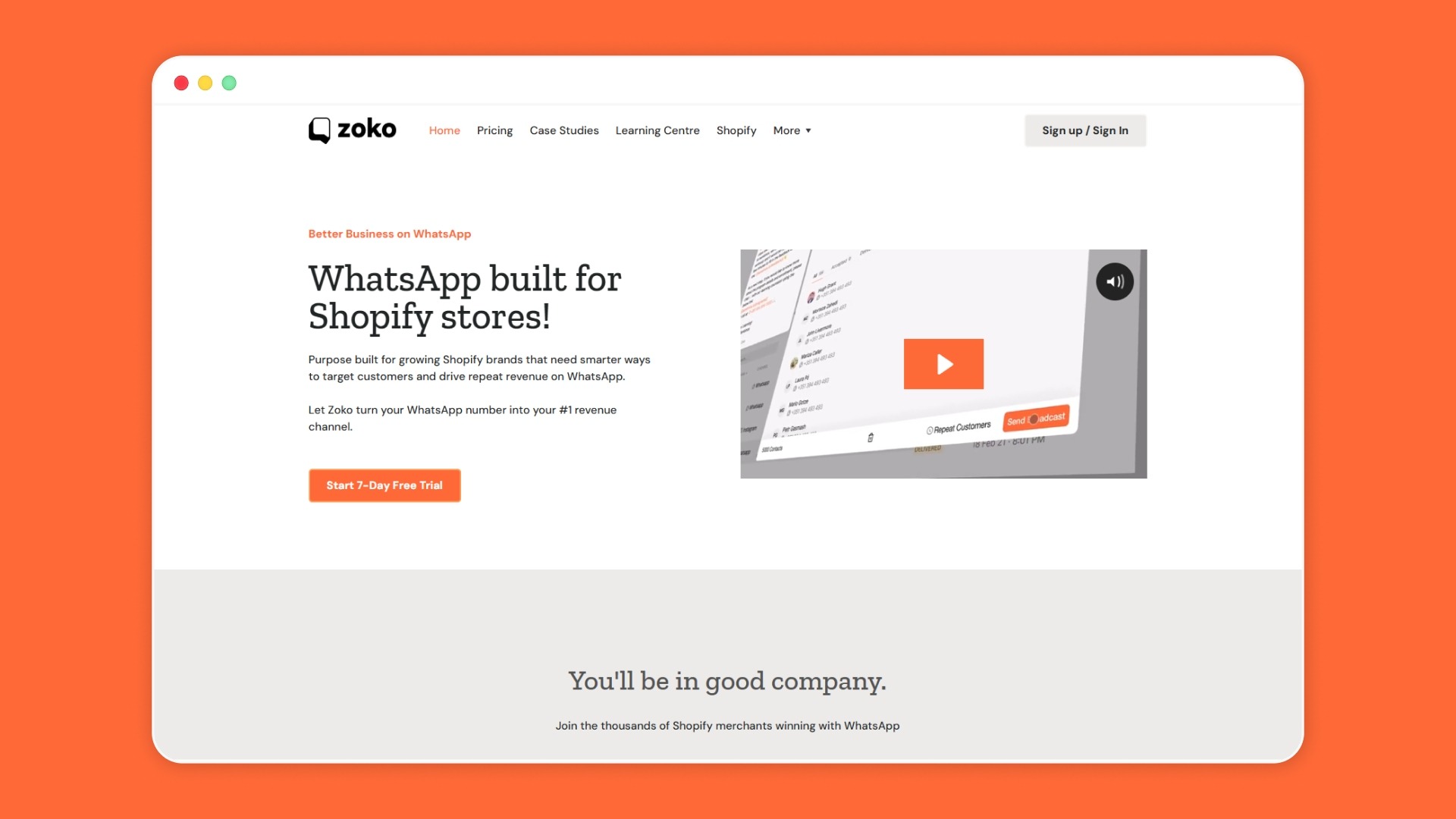
As an Official Meta Business Partner, Zoko helps you make that connection. It brings WhatsApp, Shopify workflows, automation, broadcasts, catalogs, and support conversations into a WhatsApp-first system built for e-commerce. It lets you turn common buyer moments into repeatable sales and engagement flows. Here's how:
Book a Zoko demo to explore how WhatsApp can help with faster replies, better engagement, cart recovery, and repeat sales.
Send messages based on customer behavior, not just your campaign calendar. A cart reminder should go to cart abandoners, a reorder reminder to past buyers, and a restock alert to customers who have shown interest.
Yes. Discounts are not the only reason customers respond. For example, a Shopify skincare brand can send a product routine tip after delivery. A fashion store can send size guidance before checkout. These messages build trust without training customers to wait for offers.
Not completely. WhatsApp works best for fast, conversational, and action-based communication. Email can still work well for long-form content, newsletters, receipts, and brand stories.
Shopify data helps you send messages based on real customer actions. These actions may include product views, cart abandonment, order placement, delivery status, or past purchases. Without that context, WhatsApp messages can feel random.



.svg)


