



You know the frustration: a shopper asks about size, delivery date, or returns on WhatsApp, then disappears before paying. For Shopify merchants, especially small teams managing support, COD checks, and order updates manually, that lost intent feels personal.
In fact, Baymard’s research puts the average documented online cart abandonment rate at 70.22%. That shows how often customer interest fails to translate into an order, leading to revenue slips. That is where the WhatsApp Business API benefits become useful for e-commerce stores. In this blog, you'll learn about its key benefits across practical e-commerce use cases, along with compliance checks you should keep in mind before getting started.
WhatsApp Business API benefits help Shopify merchants improve customer support, recover carts, send order updates, and manage buyer conversations at scale.
The WhatsApp Business API is an official messaging interface from Meta that helps businesses send, receive, and automate customer messages at scale. It is built for companies that need more than manual replies through the free WhatsApp Business App.
Businesses usually access the WhatsApp Business API through an official WhatsApp Business Solution Provider (BSP). This setup helps teams manage high message volumes, automate replies, and connect customer conversations with their daily workflows.
For e-commerce businesses, it works as a backend solution that connects WhatsApp messaging with existing systems, such as:
Also Read: WhatsApp Business API Features & Setup Guide
For Shopify merchants, the real value of WhatsApp Business API is not just “sending messages.” It helps you manage customer conversations, support queries, order alerts, COD checks, and repeat sales from a channel shoppers already use every day.
Below are the key reasons to consider before choosing the WhatsApp Business API for your store.
Customer support becomes harder when buyers ask the same questions every day. For instance:
If your team replies manually, delays can pile up quickly. WhatsApp Business API helps you handle these queries faster through:
As orders grow, manual replies become slow and risky. Missed messages can lead to missed sales, delivery confusion, and poor customer experience.
WhatsApp Business API supports high-volume communication, making it useful for growing e-commerce teams. This becomes more important when your Shopify store runs sale campaigns, processes COD orders, or sees sudden spikes in support after dispatch delays.
Text alone often fails to answer a buyer’s question. E-commerce shoppers want product photos, videos, invoices, return labels, size charts, payment links, and order details. WhatsApp Business API supports richer message formats, making customer conversations more useful.
You can send:
Example: A beauty Shopify store can share a short video showing how to use a product instead of a long explanation.
Pro tip: Use rich media when it helps the customer take the next step. Do not send heavy files or too many messages without a clear purpose.
Many e-commerce conversations follow the same pattern. Customers ask about order status, delivery dates, payment confirmation, return rules, and discounts. Your team should not spend hours answering the same questions manually.
WhatsApp Business API supports automated workflows using approved message templates and connected business systems. That reduces reliance on extensive support teams. For Shopify stores, these workflows can connect to customer actions, including checkout drop-offs, order placement, shipping updates, and post-delivery follow-ups.
Common workflows include:
Many customers do not abandon carts because they dislike the product. They may have a size doubt, delivery concern, payment issue, or trust question. WhatsApp gives you a direct channel to answer those concerns while the purchase intent is still fresh.
WhatsApp Business API can support Shopify sales through:
Customers respond better when messages match their needs. A generic sale message may get ignored, but a relevant reminder or product suggestion can feel helpful. The WhatsApp Business API can connect to customer data from business systems to send more dynamic, context-aware messages.
Personalization can include the customer's name, past purchases, region, cart behavior, loyalty stage, product preferences, and birthday wishes.
Example: A footwear Shopify store can send a restock alert to customers who previously bought a specific shoe model and size.
Why it matters: Relevant messages improve engagement and reduce the chance of customers ignoring or blocking business communication.
Trust matters in e-commerce, especially when customers share phone numbers, addresses, order details, and payment-related information. WhatsApp Business API can support secure business conversations and help prevent fraud, phishing, and identity theft through WhatsApp’s privacy features and account security controls.
It can help strengthen customer trust through:
Pro tip: Keep your WhatsApp business profile updated with your store name, website, support hours, and contact details. It helps customers know they are speaking with a genuine brand.
Also Read: WhatsApp Business API Security Checklist (5 Common Mistakes and How to Avoid Them)
Manual communication becomes messy when customer data is scattered across different systems. One team checks Shopify orders, another checks support tickets, and someone else replies on WhatsApp. This can create delays and repeated questions, irritating the customer in the process.
The WhatsApp Business API can integrate with business tools, allowing teams to manage conversations with more context. For Shopify merchants, possible integrations include:
Phone calls and repeated tickets can overload support teams. WhatsApp Business API helps shift many conversations from calls to chat, where agents can handle more than one customer at a time. This supports better load management across the team.
Example: During a festive sale, a store may receive numerous “Where is my order?” queries. Automated WhatsApp replies can answer standard tracking questions, while agents handle only complex cases, hence saving them from burnout.
Apart from India, WhatsApp is used across 180+ countries, including Brazil, the Middle East, and Western Europe. That makes the API useful for merchants selling across regions.
Unlike international SMS or phone calls, WhatsApp helps you manage cross-border conversations through one familiar messaging channel. You can reply in the customer’s local language, send updates at suitable times during their time zones, and create a more local buying experience.
WhatsApp Business API providers can offer reports that help teams understand what is working. This gives you a clearer view of campaign and support performance.
Analytics may include:
Fast replies, useful updates, secure communication, and personal messages all support a better customer experience. When shoppers feel heard and informed, they are more likely to buy again. For Shopify merchants like you, retention often depends on what happens after checkout, not just before purchase.
Example: After delivery, a store can send a review request, suggest care tips, and later share a reorder reminder. This keeps the customer relationship active after the first sale.
Why it matters: Retention matters as much as acquisition. A better WhatsApp experience can improve customer satisfaction and help turn first-time buyers into repeat customers.
Before choosing the WhatsApp Business API, check whether your store is ready for it. Use this quick checklist before considering it:
Also Read: Future Improvements in WhatsApp API in 2026: What Businesses Should Prepare For
Seeing the WhatsApp Business API as a support or messaging tool is useful, but it misses the bigger e-commerce opportunity. For Shopify merchants, WhatsApp can support the full sales journey, from product discovery to repeat purchase.
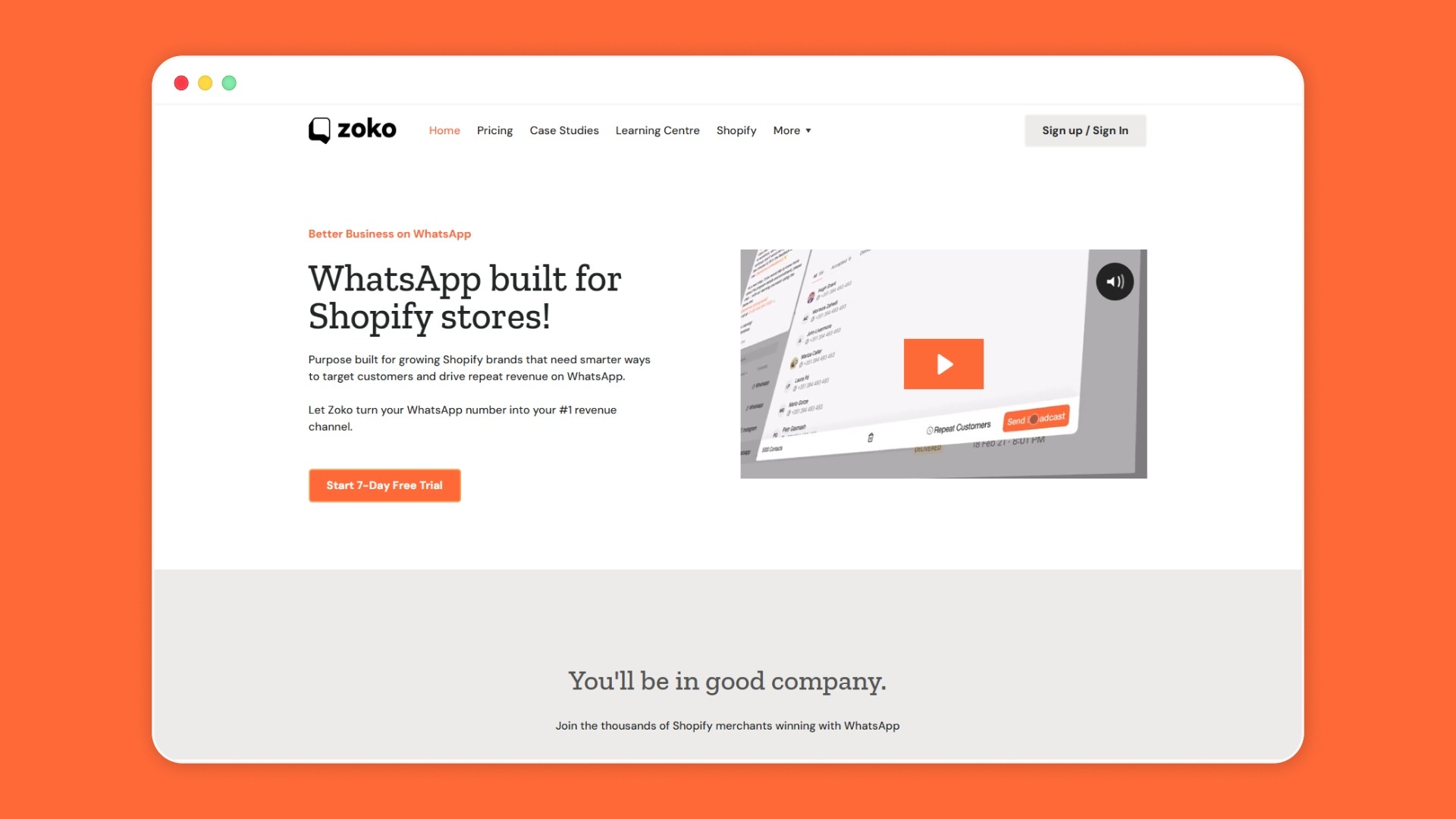
That's where Zoko’s value lies. As an Official Meta Business Partner, you get a trusted way to build WhatsApp-led sales and support workflows. Instead of treating WhatsApp as a standalone inbox, it lets you bring sales, support, automation, and order communication into one WhatsApp-first flow.
Key Zoko features that support this journey include:
Book a Zoko demo to see how your Shopify store can turn WhatsApp Business API benefits into faster replies, smoother COD updates, better cart recovery, and more sales-ready customer conversations.
Not always. Meta allows you to access the platform directly, but a direct setup requires technical work, such as API calls and webhooks. If you do not have an in-house developer, you can work with a Business Solution Provider or a Shopify-focused tool that connects WhatsApp with your store workflows.
It does not need to replace them completely. For Shopify merchants, WhatsApp is best for high-intent, time-sensitive conversations such as cart recovery, delivery updates, COD checks, and customer support. Email can still support newsletters, long-form updates, and account-related communication.
It can be useful when a small store starts seeing repeated support questions, missed cart opportunities, or growing needs for order updates. The API becomes more useful when automation, multiple agents, and Shopify-connected messaging become important.
WhatsApp Business API pricing can vary based on message type, customer country, and provider setup. You should review the latest pricing before committing, especially if you plan to send large-scale campaigns, order updates, or high-volume customer messages.



.svg)


