






Chatbot Integration with WhatsApp Business: A Complete Process Guide

Chatbot Integration with WhatsApp Business: A Complete Process Guide
You know how quickly a WhatsApp chat can turn into a missed sale. A shopper asks about size, COD, delivery time, or returns, then waits while your team handles other orders. By the time someone replies, the buyer may lose interest or choose to shop elsewhere. The harder part is that most questions repeat daily, but each late reply still feels personal to the customer.
Chatbot integration with WhatsApp helps you answer these common questions faster, without making every conversation manual. In fact, a Kantar study commissioned by Meta found that 67.7% of surveyed consumers agree that an AI chatbot response is helpful. This guide explains how a WhatsApp API based chatbot works. You'll learn how it connects with Shopify sales journeys and how to set it up properly to reduce friction across the purchase journey.
At a Glance
Chatbot integration with WhatsApp helps you connect AI or rule-based automation with WhatsApp Business to answer questions, support orders, and reduce buying friction.
- Start by choosing one high-volume use case, then prepare WhatsApp Business API access by verifying your business setup, approving your phone number, and completing the required templates.
- Map real customer questions into intents, such as product queries, COD confirmation, order tracking, returns, refunds, and abandoned checkout recovery.
- Connect WhatsApp with Shopify data so the chatbot can answer using product, order, customer, and checkout information.
- Build short conversation flows with greetings, buttons, quick replies, fallback replies, and human handoff for complex issues.
- Test real purchase journeys before launch, then start with one workflow and improve it using chat data and drop-off points.
- A chatbot WhatsApp API setup works best when it combines AI replies, structured flows, rich WhatsApp messages, privacy rules, and clear consent.
What Does Chatbot Integration with WhatsApp Mean for Shopify Stores?
Chatbot integration with WhatsApp indicates connecting an AI or rule-based chatbot to WhatsApp Business. This allows customers to ask questions, get product help, receive order updates, and complete simple service tasks inside WhatsApp.
For Shopify merchants like you, this matters because customers often prefer to ask questions in chat rather than on a website or in an app. A shopper may ask, “Is this kurta available in XXL?” The chatbot can check product information, availability, or related options without making the customer wait for a team member.”
That said, a basic WhatsApp Business App is useful for manual replies and small teams. However, a WhatsApp chatbot API setup is better for e-commerce stores because it supports automation, multiple agents, templates, and system integrations.
A WhatsApp-ready chatbot can:
- Follow scripted flows for FAQs, order tracking, and returns.
- Use AI to understand natural language and casual customer messages.
- Remember past chats, preferences, and repeat purchases.
- Identify what a customer wants, even when the message is informal.
- Sense frustration or urgency and route complex chats to a human representative.
- Suggest likely next steps based on customer behavior.
How to Integrate an AI Chatbot with WhatsApp Business: 9 Simple Steps
Start with one clear business problem, not every possible automation idea. Your chatbot should address a high-volume issue first, such as FAQs, order tracking, abandoned cart recovery, COD confirmation, or return requests. For example, if your support team answers, “Where is my order?” 50 times a day, start there before adding product recommendations or advanced AI replies.
Step 1: Define the First Chatbot Use Case
Choose one objective that your team can track clearly. Analyze customer touchpoints and repetitive pain points. Common goals include:
- Reducing repeated support questions
- Helping shoppers find products faster
- Recovering abandoned checkouts
- Confirming COD orders
- Sharing order and shipping updates
- Collecting reviews or feedback
Step 2: Prepare WhatsApp Business API Access
To run a chatbot at scale, you need WhatsApp Business Platform or API access. You can apply directly through Meta or work with an Official Meta Business Partner, such as Zoko, if you need support with setup and tools.
You will usually need:
| Requirement | Why It Matters |
|---|---|
| Verified business setup and Facebook Business Manager | Confirms your business identity and domain |
| Approved phone number | Connects your chatbot to a WhatsApp Business profile |
| API access and webhook infrastructure | Allows automation, templates, and system connections |
| Message templates | Supports approved outbound messages where required |
Outbound messages also need proper consent and approved templates where required.
Step 3: Map Customer Questions and Intents
List the questions shoppers already ask on WhatsApp. Then group them by intent, such as product inquiry, delivery update, return request, payment issue, or checkout help.
For a Shopify store, these questions may include:
- “Is this available in medium?”
- “Do you offer COD?”
- “Can I return this item?”
- “Can you suggest something under ₹1,500?”
Step 4: Connect Shopify and WhatsApp
A chatbot becomes more useful when it connects with your store data. Shopify integration helps the bot answer questions using product, order, customer, and checkout information.
Example: When a customer asks about product availability, the chatbot can guide them using the catalog or product data.
Step 5: Build Short Conversation Flows
Design flows that feel natural on mobile chat screens and guide users toward resolution. Keep the path short, clear, and action-focused.
Include:
- Greeting messages
- Menu options
- Buttons and quick replies
- Product or order follow-up questions
- Fallback replies when the bot does not understand
For no-code workflows, such as COD confirmations, shipping updates, abandoned checkout recovery, reorder reminders, and review collection, Zoko's FlowHippo Flows can be helpful.
Step 6: Add Human Handoff for Sensitive Chats
Automation should not block customers from real support. Some chats need a team member, especially when the customer is upset or the issue affects payment, delivery, or trust.
Send these cases to an agent:
- Damaged product complaints
- Payment disputes
- Custom order requests
- Refund problems
- High-value customer queries
- Angry or urgent messages
Also Read: Beyond the Bot: Unpacking the Human Element in Zoko's ChatGPT inside WhatsApp
Step 7: Test with Real Purchase Journeys
Before launch, test the chatbot as a real shopper would. Check whether the bot understands common questions and gives useful next steps.
Test journeys such as:
- Product discovery
- Checkout support
- Order tracking
- COD confirmation
- Return request
- Review collection
Pro tip: Request real users or internal stakeholders to use the bot in the beta version. Gather feedback on message clarity, speed, and logical flow, and make the necessary refinements.
Step 8: Launch One Workflow, Then Improve
Start with a soft launch for one use case, such as FAQs or order tracking. Watch how customers respond, where they drop off, and when they ask for human help.
Track simple metrics first:
| Metric | What it shows |
|---|---|
| Response rate | Whether customers reply to the chatbot |
| Resolution rate | What share of issues the bot solve |
| Drop-off points (from conversation analytics) | Where customers stop the flow |
| Average handling time | How fast issues move toward resolution |
| Assisted conversions or recovered carts | Whether chats support purchases |
| Customer Satisfaction Score | Effectiveness of the bot's resolution |
Once the first workflow works well, add more use cases. You can train the chatbot regularly on real customer messages, add regional language support to reach broader markets, and update flows for seasonal offers or new product launches.
Step 9: Promote the Chatbot Where Shoppers Need Help
After launch, make the WhatsApp chatbot easy to find. Add entry points across product pages, checkout, order confirmation messages, and customer service pages. That's because a chatbot works best when shoppers find it at the exact moment they have a question.
Also Read: How to Create a WhatsApp AI Chatbot for Real-Time Interaction
Also read: E-commerce WhatsApp Integration: Top High-Impact Benefits & Strategies
Essential Features and Integrations for a WhatsApp-Ready Chatbot
A WhatsApp-ready chatbot needs more than automated replies. It should understand customer messages, support rich WhatsApp formats, connect with business tools, and help shoppers complete actions effortlessly.
You need to keep an eye on the following features and integrations before connecting a bot with your WhatsApp.
Conversational AI and Natural Language Understanding
A strong WhatsApp chatbot should understand how customers actually type in chat. People may use short phrases, spelling mistakes, emojis, local words, or mixed-language messages.
Key capabilities include:
- Multi-intent recognition: Understands when one message has more than one request.
Example: “Where is my order, and can I change the delivery address?” - Context preservation: Remembers the conversation across multiple messages, preventing customers from repeating themselves.
- Entity extraction: Identifies details such as product names, dates, locations, and order numbers.
- Language and tone handling: Understands casual language, abbreviations, and regional expressions where supported.
- Ambiguity handling: Asks a clear follow-up question when the customer’s intent is unclear.
Rich WhatsApp Message Support
WhatsApp is not limited to plain text. A chatbot should use interactive formats to make conversations faster and easier. Important message types include:
- Interactive buttons for quick replies, FAQs, and menu choices
- List messages for product options, service choices, or support categories
- Media messages for product images, instructions, and videos
- Document sharing for invoices, brochures, or order-related files
- Location sharing for store lookup or delivery-related support
For a Shopify store, this can turn a long support chat into a shorter flow. Instead of asking customers to type out every detail, the chatbot can show buttons such as “Track Order,” “Start Return,” or “Talk to Support.”
CRM Integration
CRM integration helps the chatbot personalize conversations using customer history and past interactions. When connected with tools such as Salesforce, HubSpot, or Zoho CRM, the chatbot can:
- Greet customers by name
- Retrieve order history
- Suggest relevant products
- Update lead status after a chat
- Use the previous support context during repeat conversations
This helps customers feel recognized instead of treated like a new query every time.
E-Commerce and Order Management Integration
For e-commerce brands, this is one of the most important integrations. When connected with Shopify or an order management system, the chatbot can answer store-related questions using real-time data.
It can help customers:
- Check order status instantly
- Get stock or product details
- Request returns or refunds
- Ask about product availability
- Receive shipping or delivery updates
Check out how Zoko helps translate this in real-life business scenarios: How MotherSparsh is using Zoko’s AI assistant to save INR 50K/month by automating order status updates on WhatsApp.
Payment Gateway Integration
Payment integration can help customers complete purchases or confirm payment-related actions inside WhatsApp. This helps reduce friction between product interest and payment completion.
When connected with payment tools such as Razorpay, Paytm, or UPI-based options, the chatbot can support:
- In-chat purchase completion
- Payment reminders
- COD confirmation
- Reduced drop-offs from switching between channels
Marketing Automation Integration
Marketing automation tools help you send relevant follow-ups after customers opt in. When connected with platforms such as Mailchimp, the chatbot can support:
- Behavior-based customer segments
- WhatsApp broadcast messages with opt-in
- Promotional reminders
- Feedback requests
- Re-engagement messages
This is useful for abandoned cart recovery, repeat-purchase campaigns, and post-delivery review requests.
How Zoko Helps You Turn WhatsApp Chatbot Integration Into a Shopify Sales Flow
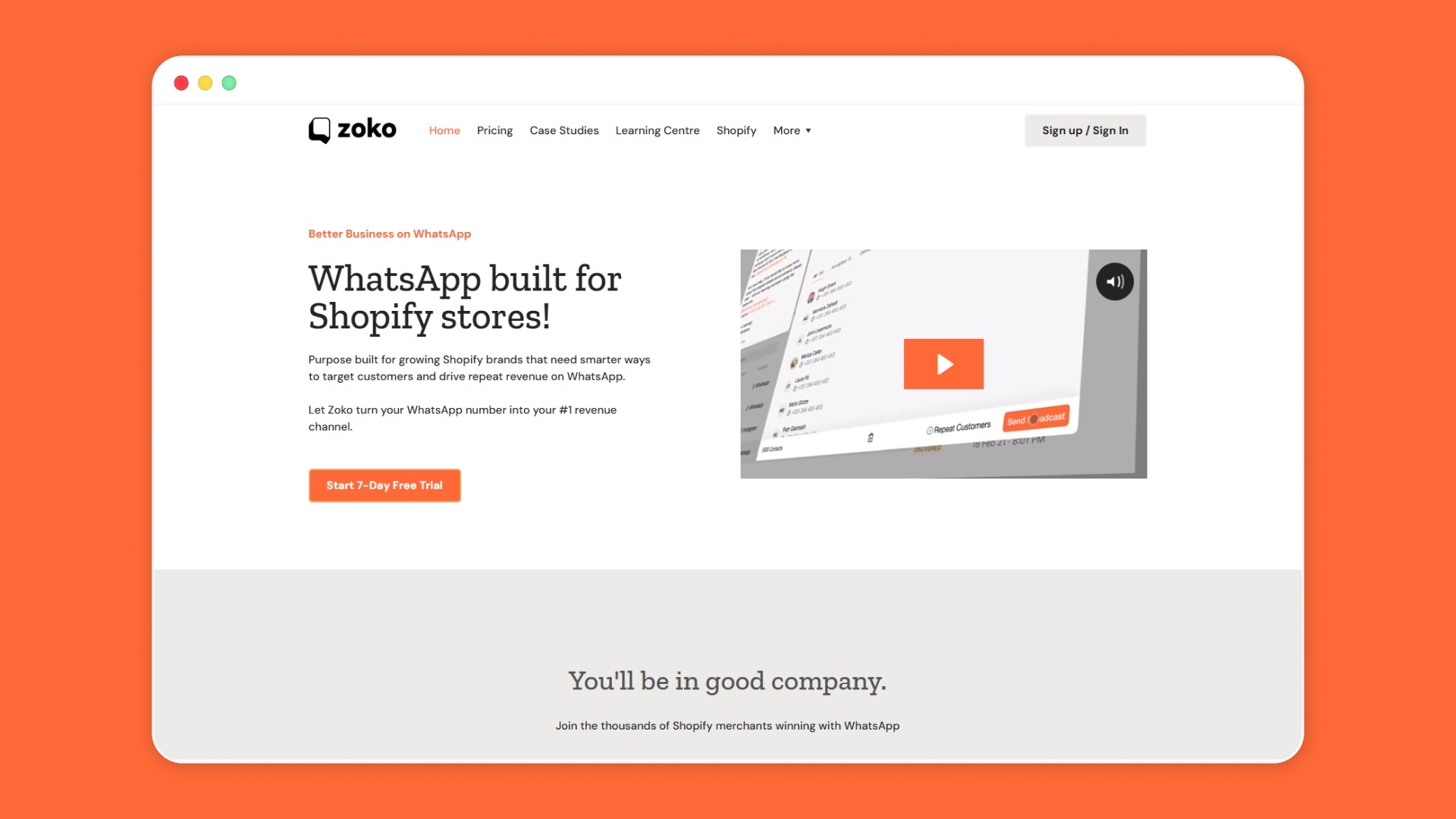
Most WhatsApp chatbots focus only on customer support. That is useful, but it does not go far enough for Shopify merchants like you. Your chatbot should not just answer questions after a problem appears. It should help shoppers move from product interest to purchase, order updates, repeat buying, and reviews inside WhatsApp.
Zoko’s WhatsApp AI chatbot fits this use case by helping merchants automate real-time customer conversations inside WhatsApp. This makes WhatsApp more than a support channel. It becomes a practical sales-and-service touchpoint for Shopify stores.
Connect Chatbot Replies to Product Browsing
A shopper may message, “Show me cotton kurtas under ₹1,000” or “Do you have this in blue color?” With Zoko’s WhatsApp Catalog support, you can connect Shopify catalog data with WhatsApp so that customers can browse products inside the chat.
This reduces the need to send customers back to your website for every product question. The chatbot can guide discovery, answer basic product queries, and move interested shoppers closer to checkout.
Pair AI Replies with Structured Automation
AI works best on open-ended questions, while structured flows manage repeatable journeys. With Zoko Flows or FlowHippo Flows, you can automate common customer actions without making every reply manual. This keeps customer conversations fast, clear, and tied to store actions.
Final Thoughts
Chatbot integration with WhatsApp helps you turn repeated customer questions into faster, clearer conversations. Instead of handling every size query, COD doubt, delivery question, or return request manually, you can connect a chatbot that supports shoppers at key buying moments over WhatsApp. The right setup lets you connect WhatsApp Business API access, customer intents, Shopify data, automation flows, and human handoffs into a single practical system.
Zoko goes a step further. It helps bring AI chatbot support, Shopify-connected WhatsApp conversations, catalog browsing, and structured Flows into the sales journey. This can reduce missed replies, support better engagement, and make WhatsApp easier to manage as order volume grows.
So, if you want to explore how AI bot-based WhatsApp support and selling can fit your store, book a demo. See which chatbot workflows make sense for your customers first.
Also read: How to Set Up WhatsApp Interactive Buttons for Free: Step-by-Step Guide for 2026
Also read: WhatsApp Business API for Financial Services: Use Cases, Compliance, and Setup
FAQs
1. What are the best e-commerce use cases for a chatbot WhatsApp API?
The best use cases are those that reduce repetitive manual work and support buying decisions. For Shopify merchants, this includes product discovery, order tracking, COD confirmation, payment reminders, returns, refunds, and post-purchase feedback.
2. Can WhatsApp chatbots help with lead generation and nurturing?
Yes. You can use click-to-WhatsApp ads, interactive questions, and CRM connections to qualify leads through chat. The chatbot can ask what the customer needs, collect basic details, and pass warm leads to your sales or support team.
3. What compliance rules should we follow when using WhatsApp chatbots?
You should get customer consent before sending messages, be clear when a bot is responding, collect only necessary data, and offer human support when needed. You must also adhere to Meta's 24-hour customer service window. In India, you should also follow the Digital Personal Data Protection Act, 2023, which covers consent, notice, data fiduciary duties, and personal data rights.
4. Should we choose a rule-based or AI WhatsApp chatbot?
Choose a rule-based chatbot for fixed journeys like order tracking, COD confirmation, return requests, and feedback collection. Choose an AI chatbot when customers ask open-ended questions in casual language, such as “Suggest something for oily skin” or “Can this arrive before Friday?” Many Shopify stores work best with a hybrid setup.
5. What data should we prepare before setting up a WhatsApp chatbot?
Start with the information your customers ask for most often. This may include product details, size charts, shipping timelines, return rules, COD terms, payment steps, and order status fields. A WhatsApp API-based chatbot becomes more useful when it can connect these details to real customer conversations.
Interested to know more?
.svg)
Case Studies




















Featured Posts


Continue reading

The E-Commerce Divide: How the Top 10% of Brands Use AI to Grow 5X Faster (And Why It’s Not for Everyone)
Drive Sales with WhatsApp Catalog Integration: Here's How