





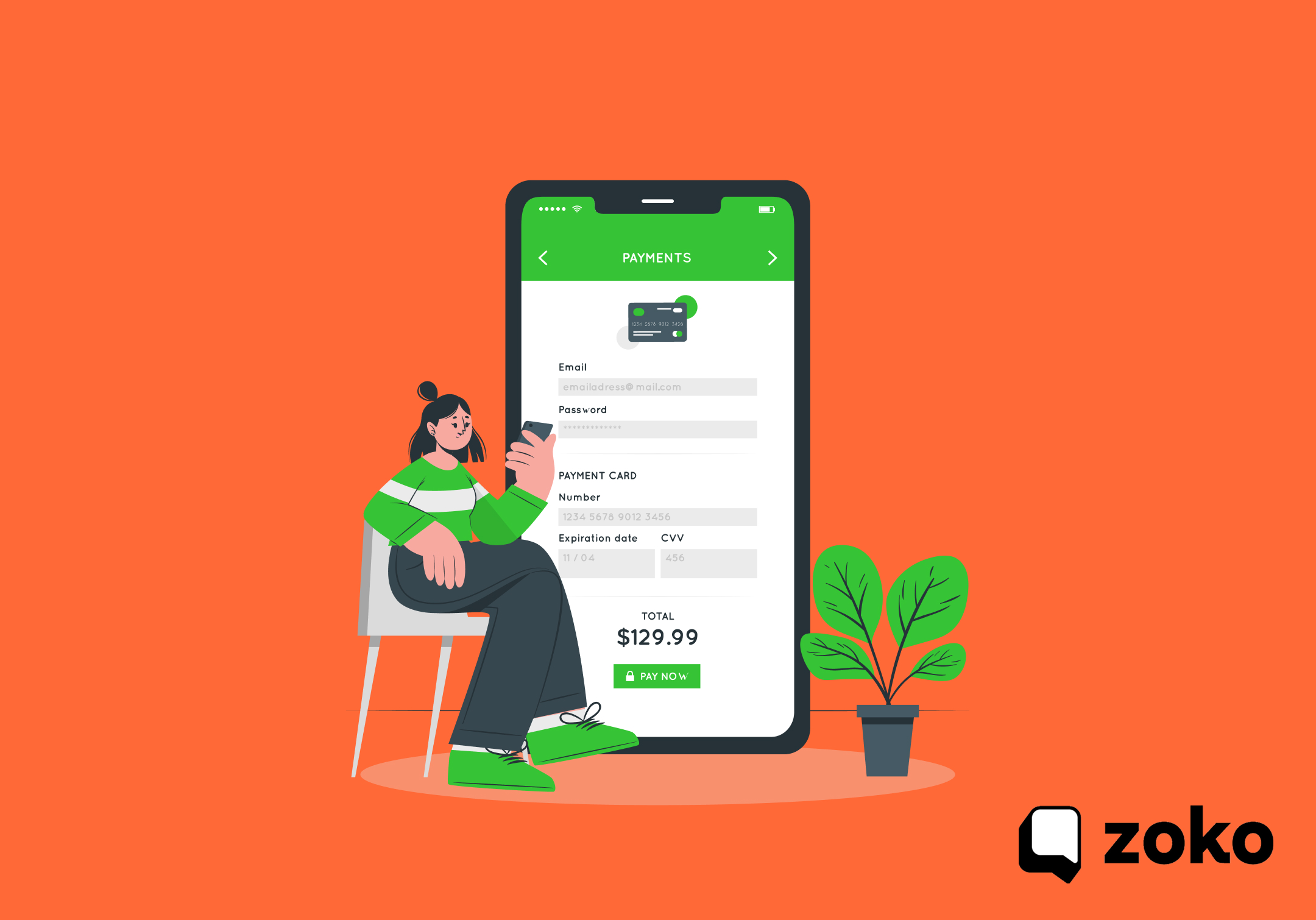

What Is Shopify WhatsApp Checkout? How It Works and Use Cases in 2026

What Is Shopify WhatsApp Checkout? How It Works and Use Cases in 2026
Online shoppers often pause right before checkout. They compare options, check delivery details, or ask about variants. Many leave the page without finishing the purchase. Why does this happen even after a customer adds products to the cart? Often, they still need quick answers before paying.
Messaging helps solve that hesitation. WhatsApp messages achieve about 98% open rates, far higher than typical email engagement. With over 3 billion monthly users globally in 2025, WhatsApp is already where many customers prefer to communicate.
Shopify WhatsApp checkout refers to ways merchants move parts of the checkout journey into WhatsApp conversations. Customers can ask questions, receive payment links, or complete purchases through chat. In practice, it may include chat-assisted checkout, in-chat payments, or automated checkout recovery messages.
In this blog, we will explain how Shopify WhatsApp checkout works, where it fits in the buying journey, and how merchants can set it up effectively.
Key Takeaways:
- Shopify WhatsApp checkout extends the buying journey into chat. Customers can ask questions, receive payment links, or confirm orders directly in WhatsApp conversations.
- Checkout support can happen at multiple stages of the purchase journey. Merchants use WhatsApp for pre-checkout assistance, in-chat payments, and automated checkout recovery.
- The setup works by connecting Shopify store data with the WhatsApp Business API. Messaging platforms manage automation, order triggers, and conversation workflows.
- WhatsApp checkout helps resolve common purchase hesitations quickly. Customers can clarify variants, confirm shipping details, or review product recommendations before paying.
- The strongest setups combine automation, order updates, and conversational selling. This keeps customers informed while guiding them smoothly from product interest to payment.
What Shopify WhatsApp Checkout Means for Online Stores (2026)
Shopify WhatsApp checkout is not a single checkout button or tool. It refers to several ways you can move buying conversations into WhatsApp. Instead of forcing customers to resolve doubts alone on a product page, you guide them through chat. This section clarifies what the term covers before discussing setups and tools.
To understand the scope clearly, Shopify WhatsApp checkout typically appears in three forms:
- Pre-Checkout Assistance: Customers reach out on WhatsApp before completing payment. You answer product questions, confirm shipping timelines, or clarify variants so the customer proceeds to checkout with confidence.
- In-Chat Payment Checkout: Customers receive product details and payment links directly in WhatsApp. After reviewing options, they complete the purchase through the link without returning to the storefront.
- Checkout Recovery And Order Automation: WhatsApp messages trigger when store events occur. Customers receive reminders for abandoned carts, confirmations for placed orders, and updates when shipments move through delivery.
How Shopify WhatsApp Checkout Works in Practice for Business Owners
A working Shopify WhatsApp checkout setup depends on multiple systems connected together. Platforms like Zoko simplify this by connecting Shopify, WhatsApp, and automation in one place. Your store data must communicate with WhatsApp messaging tools so product information and checkout actions appear in chat.A typical setup combines three main systems:
- Shopify Store Data: Your store provides product information, cart data, and order events. These data points trigger conversations, product sharing, and automated checkout messaging inside WhatsApp.
- WhatsApp Business API: This official connection allows businesses to send structured messages and automated responses. It enables order confirmations, checkout reminders, and shipping notifications to reach customers inside chat.
- Messaging Or Automation Software: A platform connects Shopify with the WhatsApp API. This software manages conversations, workflows, customer replies, and checkout-related communication from a central dashboard.
Core Components Required for Shopify WhatsApp Checkout
Shopify WhatsApp checkout requires a few key components working together. Each piece ensures conversations, products, and orders remain synchronized between Shopify and WhatsApp.
Key components include:
- Shopify Store Integration: Connects your store catalog, cart details, and order events with WhatsApp messaging workflows so customer conversations reflect accurate store data.
- WhatsApp Business API Connection: Lets you send automated messages to customers and structured templates required for order notifications and checkout reminders.
- Approved Message Templates: Allows automated messages such as abandoned cart reminders, shipping notifications, and order confirmations to reach customers reliably.
- Payment Gateway Connection: Sends secure payment links inside chat so customers can complete purchases directly from WhatsApp.
- Automation Triggers Based On Store Events: Detects actions like checkout abandonment or order placement and sends the correct message automatically.
- Dynamic Order Data: Inserts live order details such as order numbers, payment amounts, and tracking links into WhatsApp messages.
Also Read: How To Build High-Converting WhatsApp Funnels For Shopify Stores
Three Models of Shopify WhatsApp Checkout Merchants Use in 2026
Shopify WhatsApp checkout does not follow a universal structure. Merchants implement it in different ways depending on how customers prefer to buy. Some stores support checkout through conversation before payment, while others complete the purchase directly in chat.
The three models below represent the most common implementations used by Shopify merchants:
| Model | Purpose | Example Outcome |
|---|---|---|
| Cart assistance | Customer conversations before payment | Doubts resolved before checkout |
| Direct chat payments | Purchase completed in WhatsApp | Payment link shared in chat |
| Automation and recovery | Messaging tied to checkout events | Cart recovery or order updates |
1. Shopify WhatsApp Checkout Through Cart Assistance
Some merchants use WhatsApp before checkout to resolve customer questions. Instead of leaving customers alone during the decision stage, you allow them to contact your store through chat.
Common scenarios include:
- Variant Clarification: Customers confirm the correct size, model, or configuration before purchasing.
- Shipping Questions: Buyers check delivery availability, shipping cost, or delivery timelines for their location.
- Product Compatibility Checks: Shoppers confirm whether an item works with accessories or other products they own.
- Bulk Pricing or Customization Requests: Customers request bulk discounts or personalized order options before completing checkout.
2. Shopify WhatsApp Checkout Through Direct Chat Payments
Some Shopify merchants complete the entire purchase inside WhatsApp. In this setup, product discovery, guidance, and payment all occur within a conversation.
Key elements of this model include:
- Catalog Synced With WhatsApp: Products from your Shopify store appear in chat so you can share them quickly with customers.
- Payment Links Inside Chat: Customers receive secure checkout links that allow them to pay without returning to the storefront.
- Conversational Product Selection: Customers discuss product options and confirm preferences before paying.
- Guided Purchase Assistance: Your team or automated workflows help customers move from product discussion to payment smoothly.
3. Shopify WhatsApp Checkout Through Automation and Recovery
Many merchants use WhatsApp automation to support checkout and order communication. Tools like Zoko help manage these workflows by bringing conversations, automation, and order data into one dashboard. Instead of replacing checkout, this approach improves completion rates through automated messaging.
Common automated flows include:
- Abandoned Checkout Reminders: Customers who leave checkout receive a message encouraging them to return and finish the purchase.
- Prepaid Order Confirmations: Customers receive confirmation messages immediately after successful payment.
- COD Confirmation Messages: Buyers confirm cash-on-delivery orders through WhatsApp before shipping begins. This is especially important for Indian e-commerce businesses where COD orders are common.
- Shipping Updates: Customers receive dispatch alerts and tracking information directly in WhatsApp.
- Cancellation Notifications: Stores notify customers quickly when an order is cancelled or modified.
For example, fashion brand FabUs used Zoko’s WhatsApp automation to recover abandoned carts, generating $57K in recovered revenue within 90 days while improving checkout completion rates.
Also read: The Rise of Social Commerce Payments in 2026
Key Use Cases of Shopify WhatsApp Checkout for Merchants
Shopify WhatsApp checkout can support several stages of your customer journey. It helps you address hesitation that often appears right before payment. By moving conversations into WhatsApp, you guide shoppers through decisions and keep the buying process active.
The table below shows where Shopify WhatsApp checkout fits across the purchase journey.
| Stage Of Purchase | WhatsApp Role | Result |
|---|---|---|
| Product consideration | Customer questions answered in chat | Purchase confidence increases |
| Checkout stage | Payment link or guidance shared | Faster checkout completion |
| Post-purchase | Order updates sent through WhatsApp | Customer trust improves |
To understand the impact clearly, the most common merchant use cases are outlined below.
High-Impact Shopify WhatsApp Checkout Use Cases
Customers often pause right before payment because they need quick clarification. Shopify WhatsApp checkout helps you resolve these doubts directly in chat. This keeps customers engaged and reduces the chance of checkout abandonment.
Key use cases include:
- Answering Last-Minute Purchase Questions: Customers confirm delivery timelines, product compatibility, or return policies inside chat. Quick responses help customers move forward with the purchase.
- Variant And Size Selection Guidance: You assist customers with choosing the right variant, size, or bundle. Clear guidance reduces hesitation and helps customers finalize their order.
- COD Order Confirmation: Customers confirm cash-on-delivery orders through WhatsApp before shipping. This improves order accuracy and reduces failed deliveries.
- Abandoned Checkout Recovery: Automated WhatsApp reminders encourage customers to return and complete their purchase after leaving checkout.
- Mobile-First Conversational Sales: Customers browse products and ask questions through WhatsApp. Conversations help move them smoothly from interest to payment.
- Product Recommendations Inside Chat: You suggest related products or bundles based on customer questions. This increases order value while helping customers choose faster.
Also Read: Step-by-Step Guide to Integrating WhatsApp with Shopify
What to Look for in a Shopify WhatsApp Checkout Setup
Before choosing a Shopify WhatsApp checkout solution, you should evaluate several capabilities carefully. The right setup depends on the type of products you sell, the size of your support team, and the buying behavior of your customers. It should also match your payment model and the regions you serve.
The table below highlights the main evaluation factors.
| Evaluation Factor | What It Influences |
|---|---|
| Support bandwidth | Whether conversations can be handled manually or require automation |
| Order volume | The level of automation needed for checkout and order updates |
| Payment model | Whether chat payments or checkout links are required |
| Target markets | Whether features like COD support are necessary |
Once these factors are clear, you can review specific capabilities that strengthen Shopify WhatsApp checkout systems. To go deeper, review how Zoko combines WhatsApp integration and Shiprocket workflows to improve checkout, order tracking, and COD management.
Features That Strengthen Shopify WhatsApp Checkout Performance
Certain capabilities make WhatsApp checkout systems more reliable and scalable. These features help you manage conversations, payments, and order communication without adding complexity.
Key features to look for include:
- Shopify Catalog Sync: Allows you to share product details instantly from your store catalog inside WhatsApp conversations.
- Automatic Order Syncing: Keeps order records consistent between Shopify and the messaging platform.
- Checkout Recovery Automation: Sends reminders to customers who leave checkout before completing payment.
- Payment Gateway Support: Enables secure payment links or in-chat payments through WhatsApp conversations.
- COD Workflow Support: Helps manage confirmation messages and order verification for cash-on-delivery purchases.
- Dynamic Message Personalization: Inserts customer names, order totals, and tracking links into WhatsApp messages automatically.
- Analytics And Reporting: Helps you track response times, checkout recovery performance, and conversation-driven sales.
How Zoko Supports Shopify WhatsApp Checkout for Shopify Merchants
If you want to run Shopify WhatsApp checkout at scale, you need a system that connects store data, conversations, and order workflows. Zoko is designed specifically for Shopify merchants who want to sell through WhatsApp while keeping operations organized.
Zoko connects your Shopify store with WhatsApp messaging so conversations, payments, and order updates remain synchronized. This allows you to manage customer communication and checkout support from one workspace.
Key capabilities that support Shopify WhatsApp checkout include:
- Deep Shopify Integration: Product catalogs, cart information, and order events connect directly with WhatsApp conversations.
- WhatsApp-Based Product Conversations: Customers can ask product questions and receive recommendations through chat before purchasing.
- Checkout Recovery Messaging: Automated WhatsApp reminders encourage customers to complete abandoned checkouts.
- Order Update Automation: Customers receive order confirmations, shipping notifications, and delivery updates through WhatsApp.
- AI-Supported Customer Interaction: Automated responses help handle routine questions and guide customers toward payment.
- Shiprocket Integration For COD Workflows: Integration with Shiprocket helps manage COD confirmations and delivery updates.
- WhatsApp Payments: Customers receive secure payment links inside chat to complete their purchase.
Merchants who want to manage conversations, orders, and automation from one WhatsApp workspace can explore how Zoko connects Shopify with WhatsApp.
Conclusion
Shopify WhatsApp checkout helps you recover lost sales by guiding customers at the moment they hesitate before payment.
You can answer questions, share payment options, and move decisions forward inside chat. This approach supports the full journey through assistance, in-chat payments, and automated recovery. As mobile-first shopping continues to grow, chat-based checkout will play a larger role in how customers complete purchases.
Zoko brings these capabilities together by connecting your Shopify store with WhatsApp. You can manage product conversations, automate order updates, handle COD workflows, and support payments from one place. This keeps your sales process organized while helping you respond to customers faster and close more orders.
Sign up with Zoko today and see how you can turn WhatsApp conversations into completed orders
Also read: WhatsApp Widgets for Businesses: Use Cases and Best Practices (2026)
FAQs
Q: Can Shopify WhatsApp checkout support upselling during conversations?
A: Yes. You can recommend complementary products directly in chat while discussing a customer’s purchase. This approach increases order value because suggestions appear during an active buying conversation.
Q: How can Shopify WhatsApp checkout help confirm high-value orders before fulfillment?
A: You can send order verification messages through WhatsApp before processing large purchases. This step helps confirm customer intent and reduces costly order reversals.
Q: Can Shopify WhatsApp checkout support multilingual customer communication?
A: Yes. Messaging workflows can deliver replies in different languages based on customer preferences or location. This improves clarity for global customers and reduces support friction.
Q: How can Shopify WhatsApp checkout support repeat purchase campaigns?
A: You can send targeted messages reminding customers about refills, product upgrades, or related items. Timely reminders often encourage customers to place another order quickly.
Interested to know more?
.svg)
Case Studies





















Featured Posts


Continue reading

The E-Commerce Divide: How the Top 10% of Brands Use AI to Grow 5X Faster (And Why It’s Not for Everyone)
Drive Sales with WhatsApp Catalog Integration: Here's How