.jpg "blogs-main-image")

You have a great product idea. You've been thinking about launching an online business for months. But every time you sit down to start, the technical setup, payment gateways, GST registrations, and shipping logistics stop you in your tracks. Sound familiar?
Most aspiring entrepreneurs in India never get past the planning stage, not because their ideas are bad, but because starting an ecommerce store feels overwhelming. Between choosing the right platform, figuring out legal compliance, and setting up payments, it's easy to get stuck before you ever make a sale.
The good news? It doesn't have to be that complicated. Shopify has made it remarkably simple for Indian entrepreneurs to build, launch, and grow an online store, even with zero technical experience.
And the timing couldn't be better. According to the India Brand Equity Foundation (IBEF), India's e-commerce market is expected to grow by over 18% annually, reaching Rs. 14.5 lakh crore (US$ 170 billion) by 2030. This guide will walk you through every step to launch your Shopify store in India, from signing up to your first sale.
Before diving into the how, let's address the why. India has no shortage of ecommerce platforms, such as WooCommerce, Wix, and Magento, so why choose Shopify? Here's what sets Shopify apart for Indian merchants:
Also Read: How to Connect your Shopify Store to Zoko?
Before you set up your Shopify store, you need a clear operational base. This is not just about launching a website; it is about building a business that can handle payments, taxes, and competition from day one.
The most successful Shopify stores in India focus on a specific niche rather than trying to sell everything. Think handmade jewelry, organic skincare, regional food products, or sustainable fashion. A well-defined niche helps you attract the right audience and compete effectively against giant marketplaces like Amazon and Flipkart.
Pro tip: Research Amazon India's Movers & Shakers list and trending categories on Meesho to identify high-demand products with manageable competition.
To operate legally in India, you need to register your business. The most common structures are:
If your annual turnover exceeds ₹40 lakhs (₹20 lakhs for service businesses), GST registration is mandatory. Even if you're below the threshold, registering voluntarily adds credibility to your store and allows you to claim input tax credits. You'll need your GSTIN to set up tax collection correctly inside Shopify.
Open a dedicated current account in your business name; it keeps your finances organized and is required by most payment gateways. Popular payment gateways for Shopify India include Razorpay, PayU, CCAvenue, and Instamojo.
Also Read: Seamless Payment Processing: Transforming Transactions with Zoko's Secure Payment Gateway
Here are the essential steps to launch your Shopify store in India, from signing up and selecting a plan to customizing your store, adding products, and setting up payments. Follow these steps to create a seamless, fully operational online store and start selling.
Head to shopify.com/in and click "Start Free Trial." Shopify offers a 3-day free trial, after which you can subscribe to one of the following plans:
If you're just starting, the Basic plan is more than enough. You can always upgrade as your revenue grows.
Once you're in your Shopify dashboard, the first thing you'll want to do is make your store look the part. Navigate to Online Store > Themes. Shopify's free Dawn theme is a solid starting point; it's fast, mobile-responsive, and fully customizable.
If you want something more branded, the Shopify Theme Store offers premium themes. Use the theme editor to customize colors, fonts, and layout to match your brand identity. Keep it clean and mobile-first, as in India, over 75% of e-commerce traffic comes from smartphones.
Go to Products > Add Product in your Shopify admin. For each product, make sure you fill in:
Navigate to Settings ->Payments. Shopify Payments isn't available in India yet, so you'll need a third-party payment gateway. Razorpay and PayU are the most popular choices for Indian merchants; both support UPI, net banking, credit/debit cards, and EMIs.
Important: Enabling a third-party payment gateway does incur a transaction fee. Consider this when pricing your products.
Go to Settings > Shipping and Delivery to set up your shipping zones. For India, popular courier integrations include Shiprocket, Delhivery, BlueDart, and FedEx. Shiprocket, in particular, aggregates multiple carriers and offers discounted rates, highly recommended for new stores.
For taxes, navigate to Settings > Taxes and Duties, select India, and Shopify will automatically apply GST rates based on your product categories. If certain products have different GST rates, use tax overrides to set the correct GST rates for each product.
Before you go live, create these must-have pages under Online Store > Pages:
Then, connect a custom domain (e.g., yourstore.com) through Settings > Domains. You can buy one directly through Shopify or via registrars like GoDaddy or Namecheap. A custom domain costs roughly ₹1,500–₹2,500 per year and is essential for building brand credibility.
Once everything looks good, go to Online Store > Preferences, remove the password protection, and your store is live. Congratulations! You're officially an online merchant!
Well, your store is live, but your customers are on WhatsApp, what do you do? Did you know, top Shopify brands in the country use WhatsApp as their #1 sales and support channel. This is where Zoko comes in.
Zoko is a WhatsApp commerce platform built specifically for Shopify stores. Once you connect it to your store, Zoko automatically syncs your product catalog to WhatsApp, so customers can browse and buy without ever leaving the chat. Book a Free Demo to get started!
Getting your store live is step one. Getting customers to it is where the real work begins. Here are the most effective marketing channels for Indian Shopify merchants:
Also Read: Using WhatsApp for Your Ecommerce Business: Basics and Strategies
To succeed in India’s e-commerce market, optimize your store for mobile, manage COD efficiently, and automate abandoned carts. Focus on reviews and plan for festive sales.
Once your Shopify store is live and generating traffic, the next frontier is retaining customers and driving repeat revenue. In India, that conversation happens on WhatsApp.
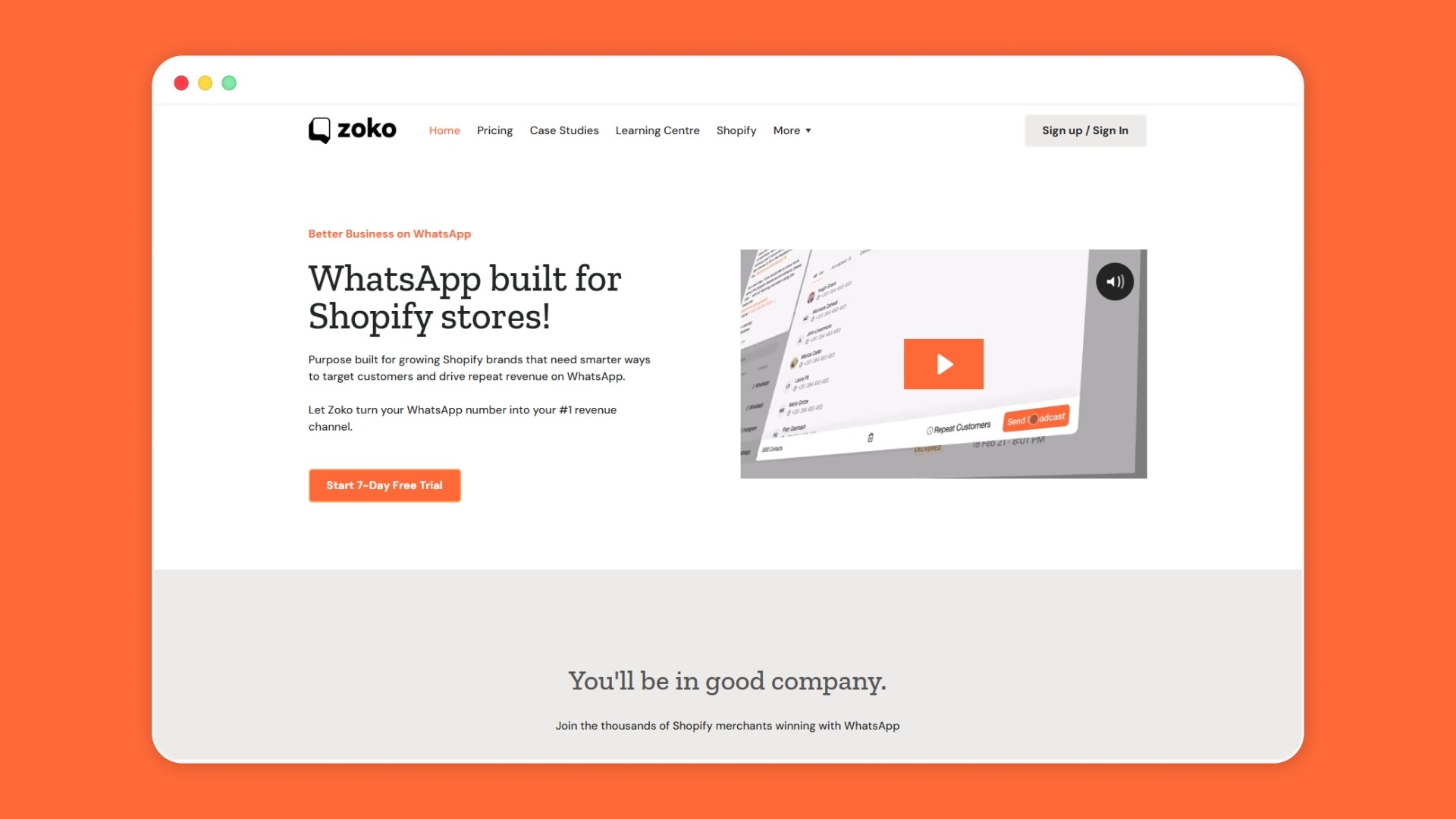
Zoko is the leading WhatsApp commerce platform purpose-built for Shopify brands. As an official Meta Business Partner, Zoko gives you the tools to turn WhatsApp from a support channel into your #1 revenue driver.
Thousands of Shopify merchants, from emerging D2C startups to established brands like MOTHER SPARSH and Purplle, trust Zoko to run their WhatsApp commerce operations.
Here's what Zoko brings to your Shopify store:
Ready to make WhatsApp your most profitable sales channel? Start your 7-day free trial with Zoko today.
Popular categories on Shopify include fashion, beauty products, health supplements, home decor, and tech accessories. These products tend to have high demand and repeat buyers.
Yes, if you're registered under GST in India, you can claim GST on purchases made through Shopify, including transaction fees and shipping costs, by filing returns.
Etsy is ideal for handmade or vintage items with an existing customer base, while Shopify offers more flexibility for creating a custom e-commerce store with full control.
Shopify itself is low-risk for entrepreneurs; however, risks can arise from managing your store's inventory, marketing, and competition. Proper business planning can mitigate risks.
Shopify charges a monthly subscription fee starting at ₹5000 (for the Basic plan) for hosting your online store, offering e-commerce tools, and supporting transactions on the platform.



.svg)


