





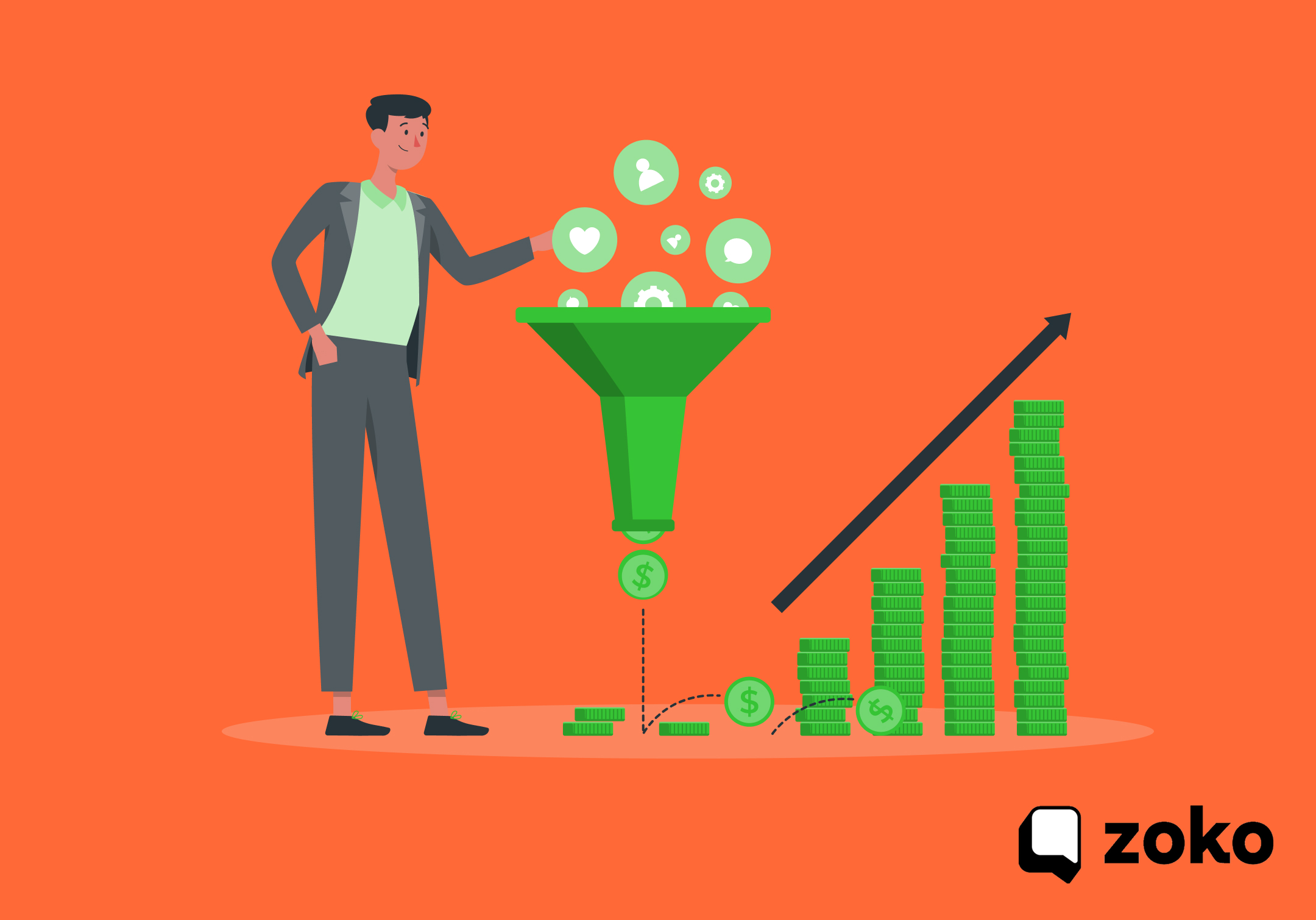

20+ Proven Strategies to Increase Sales on Shopify: An Actionable Guide for Merchants

20+ Proven Strategies to Increase Sales on Shopify: An Actionable Guide for Merchants
You built a Shopify store, added your products, and started driving traffic. But the sales are not where you want them to be. Sound familiar?
You are not alone. Shopify notes that global ecommerce conversion rates tend to sit around 1.56% and 3%, which means most store visits still end without a purchase.
The good news is that many of those missed sales are recoverable. With the right mix of store optimization, trust-building, follow-up flows, and stronger sales channels, you can turn more browsers into buyers and grow your Shopify revenue more systematically.
This guide breaks down what to fix, what to add, and what to do differently to increase sales on Shopify in a way that lasts.
Key Takeaways
- Fix the store before adding more traffic. Better product copy, clearer visuals, stronger CTAs, simpler checkout, mobile-first UX, and sharper price framing improve conversion from existing visitors.
- Build trust where buying decisions happen. Reviews, honest demand signals like bestseller or scarcity labels, and a clear returns policy reduce hesitation for first-time buyers.
- Recover revenue with structured follow-up. Abandoned cart reminders, post-purchase cross-sells, and timely reorder prompts help turn missed or one-time purchases into repeat revenue.
- Use WhatsApp as a sales channel, not just support. Catalog sync, COD confirmation, shipping updates, broadcasts, and AI-led replies help move buyers from inquiry to order faster.
- Improve traffic quality and retention together. Retargeting, lookalike audiences, buyer-focused content, loyalty programs, and referrals help lower acquisition waste and strengthen lifetime value.
Why Most Shopify Stores Struggle to Grow Sales?
Before jumping into strategies, it helps to understand what's actually holding your store back. Most Shopify merchants run into one or more of these common growth blockers:
- Low-quality traffic: Visitors who have no real intent to buy
- Poor product presentation: Weak images, thin descriptions, or no social proof
- Friction at checkout: Too many steps, limited payment options, or slow load times
- No follow-up strategy: Lost cart abandoners and one-time buyers you never re-engage with.
- Channels you're not using: Most merchants rely only on email, missing platforms where customers actually spend time
How to Increase Sales in Shopify Without Wasting More Traffic
The fastest gains usually come from 5 places: stronger product pages, less checkout friction, clearer trust signals, faster recovery of lost carts, and better follow-up after purchase. Once those basics are in place, WhatsApp becomes much more valuable because it helps you answer buyer questions and drive repeat purchases in the same channel.
Section 1: Fix Your Store to Convert the Traffic You Already Have
Sending more traffic to a store that does not convert wastes budget. Fix the basics first so more visitors become buyers.
Strategy 1: Rewrite Product Descriptions Around Outcomes, Not Features
Use product copy to answer the questions that usually block purchase, such as fit, results, compatibility, delivery expectations, or return concerns. This improves product-page conversion and reduces the number of basic pre-purchase questions.
How to apply this:
- Lead with the main benefit, not the product type
- Address the biggest hesitation early, such as size, durability, compatibility, or results
- Use customer language pulled from reviews and messages
- End with a clear CTA like “Add to Cart” or “Buy Now.”
Strategy 2: Upgrade Product Photography to Reduce Pre-Purchase Doubt
Shoppers decide faster when product images answer the questions that usually block a purchase. Clear visuals reduce hesitation, improve product understanding, and lower the volume of basic pre-purchase queries.
How to apply this:
- Show the product clearly from multiple angles
- Add one real-use image so buyers understand context
- Include size or scale where it affects decision-making
- Use a short demo video for products that need explanation
Strategy 3: Place the Add to Cart Button Where Buyers Can Act Immediately
If the main CTA is not visible when purchase intent is highest, you create avoidable drop-off. The goal is to make the next action obvious the moment a buyer is ready.
How to apply this:
- Keep the title, price, main image, and Add to Cart button visible without scrolling
- Use a CTA style that stands out from surrounding elements
- Keep CTA copy direct and action-led
- Remove competing links or visual distractions near the CTA
Strategy 4: Simplify Checkout to Protect Purchase Intent
Checkout should complete the sale, not reopen doubt. Every extra field, surprise charge, or missing payment option increases abandonment.
How to apply this:
- Enable guest checkout
- Remove non-essential fields
- Show shipping cost and delivery timing before the final step
- Offer payment methods that match your market, including UPI, wallets, cards, and buy now pay later, where relevant
Strategy 5: Optimize for Mobile First, Not Mobile Later
For most Shopify merchants, mobile traffic is the default. If the mobile experience is slow, cramped, or hard to use, conversion suffers before the product gets a fair chance.
How to apply this:
- Make buttons, selectors, and tap areas easy to use
- Compress images and reduce page weight
- Keep navigation short and easy to scan
- Test product, cart, and checkout pages on real mobile devices
Strategy 6: Use Price Anchoring to Improve Perceived Value
Buyers rarely judge price on its own. They judge it against what they believe the alternative cost is. A good price presentation makes the offer easier to justify.
How to apply this:
- Show the original price next to the current selling price
- Use bundle pricing to show savings versus buying separately
- Make promotional savings visible during campaigns
- Show subscription savings against one-time purchase pricing.
Section 2: Build the Trust That Turns Visitors into Buyers
First-time buyers need proof that your store is reliable before they place an order. These strategies reduce doubt and make purchase decisions easier.
Strategy 7: Display Customer Reviews on Every Product Page
Reviews help buyers validate the product and the store before they commit. They work best when they are easy to find and clearly tied to the product being viewed.
How to apply this:
- Show star ratings near the product title and price
- Display the total review count clearly
- Keep a mix of positive and critical reviews to maintain credibility
- Respond to negative reviews so buyers can see how issues are handled
Strategy 8: Show Bestseller, Trending, and Scarcity Labels Carefully
Buyers are more likely to act when they see proof that other shoppers are choosing the same product. These labels work when they reflect real demand, not inflated urgency.
How to apply this:
- Add “Bestseller” labels to proven top-performing products
- Use “Trending” only when recent demand supports it
- Show scarcity labels only when stock is genuinely low
- Add related product prompts like “Others also bought” where relevant
Strategy 9: Create a Returns Policy That Removes Buying Risk
A clear returns policy lowers the fear of making the wrong purchase. Buyers are more likely to order when they know what happens if the product does not work out.
How to apply this:
- Show the returns policy on product pages and checkout
- Use simple language with no legal phrasing
- State the return window, process, and shipping responsibility clearly
Section 3: Recover Lost Sales with Smarter Follow-Up Sequences
A missed purchase is not always a lost customer. These follow-up strategies help Shopify merchants recover revenue from buyers who showed intent but did not complete the next step.
Strategy 10: Set Up Automated Abandoned Cart Recovery
Cart abandonment usually means the customer was interested but did not complete the order. Timely follow-up helps bring that intent back before it fades.
How to apply this:
- Send the first cart reminder within 1 hour
- Follow up again at 24 hours and 72 hours if there is no purchase
- Include the product image, name, and a direct link back to the cart
Strategy 11: Launch Post-Purchase Upsell and Cross-Sell Sequences
The best time to increase order value is after a customer has already bought. Relevant follow-up offers can lift revenue without increasing acquisition cost.
How to apply this:
- Send a follow-up recommendation a few days after delivery
- Suggest higher-value alternatives when customers return to browse
- Bundle related products to encourage multi-item orders
Strategy 12: Trigger Reorder Reminders at the Right Time
For repeat-purchase products, timing matters more than persuasion. A reminder works best when it arrives before the customer starts looking elsewhere.
How to apply this:
- Estimate the typical reorder cycle for each product
- Send the reminder before the product is likely to run out
- Link directly back to the product for faster repeat purchase
Section 4: Sell on WhatsApp as a Revenue Channel, Not Just a Support Channel
For many Shopify merchants, WhatsApp is where pre-purchase questions, order updates, and repeat purchase opportunities already happen. These strategies help you use that channel to reduce friction, recover revenue, and move buyers from inquiry to order faster.
Strategy 13: Sync Your Shopify Product Catalog to WhatsApp
If buyers ask about a product in chat, sending them back to your store increases the risk of drop-off. A synced catalog helps you keep the conversation and the product discovery flow in one place.
How to apply this:
- Sync your Shopify catalog so product details stay current in WhatsApp
- Share product cards directly inside the conversation
- Let buyers browse relevant products without leaving chat
Strategy 14: Confirm COD Orders and Reduce Return Rates
For COD-heavy stores, the sale is not secure until the customer confirms intent. WhatsApp works well for this because it lets buyers verify the order quickly before fulfillment starts.
How to apply this:
- Trigger a COD confirmation message as soon as the order is placed
- Let customers confirm, edit, or cancel inside the chat
- Hold fulfillment until the order is confirmed
Strategy 15: Send Real-Time Shipping Updates Through WhatsApp
Order-status questions consume support time and usually signal poor post-purchase visibility. Proactive updates reduce uncertainty and improve the delivery experience.
How to apply this:
- Send updates at confirmation, dispatch, out-for-delivery, and delivery
- Include tracking links in each message
- Use delivery confirmation to request a review or suggest a related product
Strategy 16: Run WhatsApp Broadcast Campaigns for Revenue
Broadcasts work when they are segmented and tied to a clear commercial action. The goal is not to send more messages. It is to send the right offer to the right buyer group.
How to apply this:
- Use broadcasts for launches, restocks, seasonal offers, and win-back campaigns
- Segment by purchase history, category interest, or location
- Keep the message short with a clear CTA
- Schedule campaigns around high-intent sales periods
Strategy 17: Use a WhatsApp AI Chatbot to Handle High-Volume Buyer Queries
Many pre-purchase and post-purchase questions are repetitive. Automating them improves response speed without increasing support workload.
How to apply this:
- Automate common questions like availability, delivery timelines, returns, and payment options
- Route complex or high-intent conversations to a human agent
- Use the chatbot to qualify buyer needs before handoff
Section 5: Bring In Higher-Intent Traffic That Is More Likely to Convert
Traffic helps only when it brings buyers with real intent. For Shopify merchants, the goal is not more visits. It is better-quality traffic that converts and costs less to recover.
Strategy 18: Prioritize Retargeting Before Scaling Cold Traffic
Retargeting is usually the fastest way to improve paid acquisition efficiency because it focuses on people who have already shown interest.
How to apply this:
- Build retargeting audiences for product viewers, cart abandoners, and checkout starters
- Launch ads within 24 to 48 hours while interest is still fresh
- Use product-specific creative instead of generic brand ads
Strategy 19: Build Lookalike Audiences from Your Best Customers
Once you have enough purchase data, use it to find similar buyers instead of guessing through broad interest targeting.
How to apply this:
- Create lookalike audiences from recent buyers and top customers
- Start with a tighter audience range before expanding
- Separate audiences by customer quality, not just customer volume
Strategy 20: Publish Content That Answers Buyer Questions
Content should support revenue, not just rankings. The best topics solve pre-purchase questions and move readers toward the right product or category.
How to apply this:
- Identify the questions buyers ask before they purchase
- Create content around those questions using a clear product context
- Link each article to relevant product and collection pages
- Refresh high-potential posts instead of only publishing new ones
Section 6: Build Retention That Increases Customer Lifetime Value
Repeat revenue matters because it lowers dependence on constant reacquisition. For Shopify merchants, retention works best when it is simple to understand, easy to use, and tied to the next purchase.
Strategy 21: Launch a Loyalty Program That Rewards Repeat Buying
A loyalty program works when it gives customers a clear reason to come back rather than buy elsewhere. The goal is to increase repeat purchase frequency, not just offer discounts.
How to apply this:
- Reward purchases and other high-value actions like reviews or referrals
- Offer rewards customers actually want, such as discounts, free products, or early access
- Add a VIP tier for higher-value repeat buyers
- Keep redemption simple and easy to understand
Strategy 22: Build a Referral Program That Brings in Higher-Trust Customers
Referral programs work because new buyers come in with existing trust. For merchants, that usually means better conversion quality than cold acquisition.
How to apply this:
- Reward both the existing customer and the referred buyer
- Trigger referral prompts after positive moments like delivery confirmation or a strong review
- Track which customer groups drive the best referral performance
Also read: Top 9 Customer Retention Strategies for E-Commerce in 2026
How Zoko Helps Shopify Merchants Increase Sales Through WhatsApp
Several of the strategies above, such as catalog browsing, cart recovery, COD confirmation, shipping updates, broadcasts, and AI-led support, work best when they run through one connected system. For Shopify merchants, Zoko is built for that.
Zoko is an Official Meta Business Partner that connects Shopify stores directly to WhatsApp. It helps merchants sell, support, and retain customers without adding technical complexity.
- WhatsApp Integration for Shopify: Manage sales and customer conversations from one connected platform
- WhatsApp Catalog: Sync your Shopify catalog so customers can browse and buy inside WhatsApp
- Zoko Flows / FlowHippo Flows: Automate cart recovery, COD confirmations, shipping updates, reorder reminders, and review collection
- WhatsApp Broadcasts: Send personalized promotional messages to opted-in customers at scale
- WhatsApp AI Chatbot: Handle customer queries 24/7 with faster response times and lower support load
- Shiprocket Integration: Simplify COD workflows and logistics tracking through WhatsApp
- WhatsApp Payments and Ads: Capture high-intent buyers with in-chat payments and click-to-WhatsApp ads
For Shopify merchants in markets where WhatsApp drives customer communication, Zoko helps turn conversations into orders and automation into repeatable revenue. Book a free demo to see how it can fit into your sales workflow.
Conclusion
Start with the highest-impact fixes first: product page optimization, checkout simplification, and abandoned cart recovery. Then build your WhatsApp presence, layer in your paid campaigns, and put retention systems in place as your customer base grows.
Each strategy you add makes the whole system more effective. And if you're ready to add WhatsApp as a serious sales channel for your Shopify store, Zoko makes it straightforward to get started. Start a 7-day free trial with the Zoko team to see how it fits your business.
Also read: D2C Brand Marketing: 12 Strategies for Profitable Growth in 2026
Also read: How to Reduce Cart Abandonment Across Stages of the Full Buyer Journey
FAQs
1. Does free shipping actually help increase sales?
Yes, often. High extra costs like shipping are a major checkout blocker, and Shopify notes that a free-shipping threshold can also lift average order value by nudging shoppers to add one more item.
2. Why is selling on Shopify harder than it looks?
Because launching a store is easy, but converting traffic is not. Shopify’s own benchmarks show typical ecommerce conversion rates are low, so most visitors leave unless your offer, trust signals, and checkout are strong.
3. How much commission does Shopify take?
Shopify does not charge a single flat “commission” on every sale. You usually pay your plan fee plus payment processing fees, and if you use a third-party payment provider instead of Shopify Payments, Shopify’s extra transaction fees vary by plan, such as 2% on Basic, 1% on Grow, and 0.6% on Advanced in India.
4. Why does a faster checkout usually increase sales?
Because complexity kills intent. Baymard reports that 18% of shoppers abandon due to a too-long or complicated checkout, so reducing steps, fields, and surprises makes it easier for ready buyers to finish the order.
5. Is Shopify beginner-friendly for someone with no technical background?
Yes, for most people. Shopify’s official help and tutorial pages describe it as beginner-friendly, with setup guides, drag-and-drop tools, and step-by-step onboarding for new store owners.
6. What is the easiest way to get your first few Shopify sales?
Start with a trustworthy product page, a simple offer, and a small pool of warm traffic, such as your existing audience, network, or organic social. Shopify also recommends using those early sales to collect reviews and testimonials, because social proof makes later conversions easier.
7. Why am I getting traffic but no sales on my Shopify store?
Usually, because the traffic is low-intent, or the store creates friction after the click. Weak product pages, unexpected costs, poor mobile UX, and complicated checkout are common reasons visitors browse but do not buy.
Interested to know more?
.svg)
Case Studies




















Featured Posts


Continue reading

The E-Commerce Divide: How the Top 10% of Brands Use AI to Grow 5X Faster (And Why It’s Not for Everyone)
Drive Sales with WhatsApp Catalog Integration: Here's How