





How to Reduce Cart Abandonment Across Stages of the Full Buyer Journey

How to Reduce Cart Abandonment Across Stages of the Full Buyer Journey
Every abandoned cart hurts more when you know the shopper was already interested. They saw the product, checked the price, picked a variant, and still left. For Shopify merchants, that drop-off often points to several small frictions working together. Maybe shipping costs appeared too late. Maybe the COD terms felt unclear. Possibly the buyer had a sizing question, a delivery concern, or a payment issue and found no quick answer.
Baymard Institute’s research puts the average cart abandonment rate at 70.22%, indicating this is a common revenue leak rather than an edge case. That's why we've compiled this guide to help you reduce cart abandonment by understanding what makes shoppers pause before they pay.
You will learn how to reduce shopping cart abandonment across product pages, pricing, delivery details, checkout steps, payment choices, and follow-up messages.
In a Nutshell
To reduce cart abandonment, you must remove buyer doubts before checkout, make payment easier, and recover shoppers through useful follow-ups.
- Cart abandonment reveals where purchase intent breaks down, often due to unclear pricing, delivery concerns, low trust, or checkout friction.
- Before checkout, clearly show shipping fees, taxes, COD availability, discount terms, delivery dates, return rules, and stock status.
- On product pages, answer purchase-blocking questions with size guides, FAQs, reviews, return links, and quick support options.
- During checkout, offer guest checkout, reduce form fields, enable autofill, show order summaries, and support secure payment modes, including UPI, wallets, cards, and COD.
- After abandonment, send timely, personalized cart reminders with the product name, cart link, price, offer terms, and a clear next step.
- WhatsApp-based recovery can help Shopify stores answer questions on sizing, delivery, COD, returns, and payment before intent fades.
What Cart Abandonment Really Means for Your Shopify Store
Cart abandonment happens when a shopper adds products to their online cart but leaves before completing the purchase. It can happen early in checkout, while entering payment details, or even just before placing the order.
For Shopify merchants like you, it shows a gap between purchase intent and checkout completion. The shopper liked the product enough to add it to the cart, but something stopped them from buying.
How to Calculate It:
Use this formula to calculate your cart abandonment rate:
Cart Abandonment Rate = [1 − Completed Purchases ÷ Carts Created] × 100
Example: If your Shopify store created 1,000 carts in a week and received 300 completed purchases, your cart abandonment rate would be:
[1 − (300 ÷ 1,000)] × 100 = 70%
Why Ready-to-Buy Shoppers Leave Before Payment: Common Must-Know Reasons
Shoppers usually abandon carts when something breaks their confidence before payment. Most drop-offs come from a mix of cost, trust, checkout, delivery, and payment friction.
Common reasons include:
- Unexpected costs: Shoppers may rethink the order when shipping fees, taxes, or extra charges appear late in checkout.
- Forced account creation: Many buyers do not want to create an account before ordering. Forter’s Trust Premium Report says 23% of surveyed consumers have abandoned carts because account creation was required.
- Complicated checkout forms: Too many fields slow users down and make the order feel harder.
- Limited payment options: Customers expect payment methods that match their habits (e.g., UPI, digital wallets, cards, or COD).
- Payment issues: A cluttered payment page or a failed payment attempt can stop a ready buyer.
- Lack of trust: Shoppers hesitate when return policies, delivery timelines, payment safety, or brand details feel unclear.
- Technical errors and slow pages: Slow load times, crashes, or cart errors can make shoppers leave immediately and reduce store trust.
- Casual browsing: Some shoppers add products only to compare prices or save items for later.
Also Read: Winning Back Customers: Zoko's Abandoned Cart Recovery Magic
Also read: 20+ Proven Strategies to Increase Sales on Shopify: An Actionable Guide for Merchants
How to Reduce Cart Abandonment Across the Buying Journey
Reducing cart abandonment is not about fixing one checkout button. It involves removing doubts before checkout, reducing friction during checkout, and following up after shoppers leave. For you, each stage matters because buyers can drop off even after showing very clear purchase intent.
Before Checkout: Remove Doubt Before the Shopper Reaches Payment
Before checkout, your goal is to make shoppers feel clear, confident, and ready to buy. Many carts are abandoned because the buyer does not know the final cost, delivery date, return rules, or product details early enough.
Quick Checklist for Shopify Merchants
| Shopper concern | What to fix |
|---|---|
| “What will I actually pay?” | Show shipping fees, taxes, COD charges, and discount terms early. |
| “Will this product work for me?” | Add size guides, product FAQs, reviews, and return policy links. |
| “When will this arrive?” | Display estimated delivery dates before checkout. |
| “Is this still available?” | Show real-time stock updates and low-stock indicators. |
| “Can I shop easily on mobile?” | Use fast pages, readable text, and easy-to-tap CTAs. |
To reduce abandonment before checkout, consider the following:
- Show full costs early: Display delivery charges, taxes, coupon terms, and COD availability before the cart page. Use shipping calculators or flat-rate shipping where possible.
- Answer buying questions on product pages: Add FAQs, return details, delivery estimates, stock availability, reviews, and clear variant information. For example, a Shopify fashion store can place a size guide and exchange policy near “Add to Cart.”
- Keep mobile browsing simple: Use clear menus, short product paths, fast-loading pages, and visible buttons like “Add to Cart” and “Proceed to Checkout.”
- Use product recommendations carefully: Suggest relevant products based on browsing behavior, but avoid showing too many choices.
- Support repeat purchases: For subscription products like pet food or skincare, add quick-reorder options so repeat buyers don't have to start from scratch.
- Add real-time help before shoppers leave: Use AI chatbots or WhatsApp support prompts to answer questions about products, delivery, returns, or payments. A synced WhatsApp Catalog can also help shoppers browse inside WhatsApp.
During Checkout: Make the Final Step Fast, Clear, and Trustworthy
During checkout, shoppers want speed and certainty. They need to confirm what they are buying, how much they will pay, when it will arrive, and whether the payment is safe.
Check out the Friction Checklist for Shopify Merchants
| Checkout concern | What to fix |
|---|---|
| “Why is this taking so long?” | Shorten checkout steps and reduce the number of form fields. Use "autofill" for returning customers. |
| “Why do I need to create an account?” | Offer guest checkout for first-time shoppers. |
| “Can I pay my way?” | Add cards, UPI, wallets, prepaid options, BNPL, and COD where relevant. |
| “Is this payment safe?” | Show SSL cues, secure payment badges, and trusted payment icons. |
| “What exactly am I paying for?” | Show item details, quantity, taxes, shipping, discounts, and final total. |
| “Will my COD order be handled properly?” | Confirm address, COD terms, delivery status, and tracking clearly. |
To reduce shopping cart abandonment during checkout:
- Shorten the checkout flow: Keep checkout between three to five clear steps, or use a single-page checkout where possible. Combine shipping, billing, and payment details without clutter. Add a progress indicator for clarity.
- Offer guest checkout: Many first-time buyers do not want to create an account before ordering. Let them buy first, then invite them to create an account after payment.
- Minimize form fields: Ask only for details needed to complete the order, such as name, address, contact number, and payment information.
- Use autofill for returning customers: Returning shoppers should not re-enter the same address or payment details. Saved information can make repeat buying faster.
- Show a clear order summary: Display product name, quantity, price, discount, shipping fee, taxes, and final total before payment to remove last-minute confusion.
- Offer preferred payment methods: Include secure payment options such as cards, UPI, digital wallets, BNPL, prepaid options, and COD where relevant.
- Build trust before payment: Show secure payment badges, SSL certifications, PCI DSS compliance, recognized payment icons, reviews, ratings, and support contact details near checkout.
- Reduce COD uncertainty: COD-heavy stores should clearly confirm order details, delivery address, and tracking information.
After Exit: Recover Shoppers Without Sounding Pushy
Some shoppers will still leave. They may get distracted, compare prices, wait for payday, or need one more reason to trust the purchase. After their exits, your goal is to bring them back.
Abandoned Cart Recovery Checklist for Shopify Merchants
| Recovery concern | What to fix |
|---|---|
| “The shopper left. What now?” | Send a timely cart reminder through email, SMS, or WhatsApp. |
| “Will a discount bring them back?” | Use offers only when helpful, not as the only recovery tactic. |
| “What should the message include?” | Add product name, cart link, price, offer terms, and a clear CTA. |
| “How do we avoid sounding pushy?” | Keep the sequence short and easy to opt out of. |
| “Can ads bring them back?” | Use retargeting ads for products viewed or abandoned. |
| “What can we learn from exits?” | Review drop-off data, feedback, messages, and A/B test results. |
Use these recovery methods:
- Send timely cart reminders: Follow up on abandoned carts with a clear, personalized reminder. Use email, SMS, WhatsApp, or retargeting based on customers’ preferred and opted-in channels.
- Be specific about the message: Mention the product name, cart link, price, subject line, and any active offer.
- Use WhatsApp for fast recovery: WhatsApp reminders can help when shoppers need quick answers. Include a direct CTA such as “Resume My Order” or “Complete Checkout.”
Did you know? WhatsApp's 2026 State of Business Messaging report found that 73.3% of consumers across 22 markets prefer messaging to communicate with businesses. That supports the use of WhatsApp via platforms like Zoko for abandoned cart reminders, support-led recovery, and quick answers. - Do not rely only on discounts: Some shoppers need answers more than coupons. Offer help with size, delivery, COD, return policy, or payment doubts.
- Use urgency carefully: Limited-time discounts, free shipping windows, or low-stock alerts can encourage action. Keep the message honest and avoid false pressure.
- Run retargeting ads: Retargeting can remind shoppers of products they viewed or abandoned while they browse elsewhere, helping maintain brand recall.
- Use exit-intent offers: If shoppers move to leave, show a simple and easy-to-close last-minute reminder, discount, or support prompt.
- Send post-purchase follow-ups: After purchase, send a thank you note, confirmation details, shipping timelines, tracking information, and support options.
- Study behavior and feedback: Review drop-off points, customer messages, surveys, reviews, and A/B test results. Test checkout layouts, CTA text, button placement, and reminder messages.
Also Read: Step-by-Step Guide to Recovering Abandoned Carts on WhatsApp
How Zoko Helps You Move Cart Recovery Into WhatsApp Without Turning It Into a Hard Sell
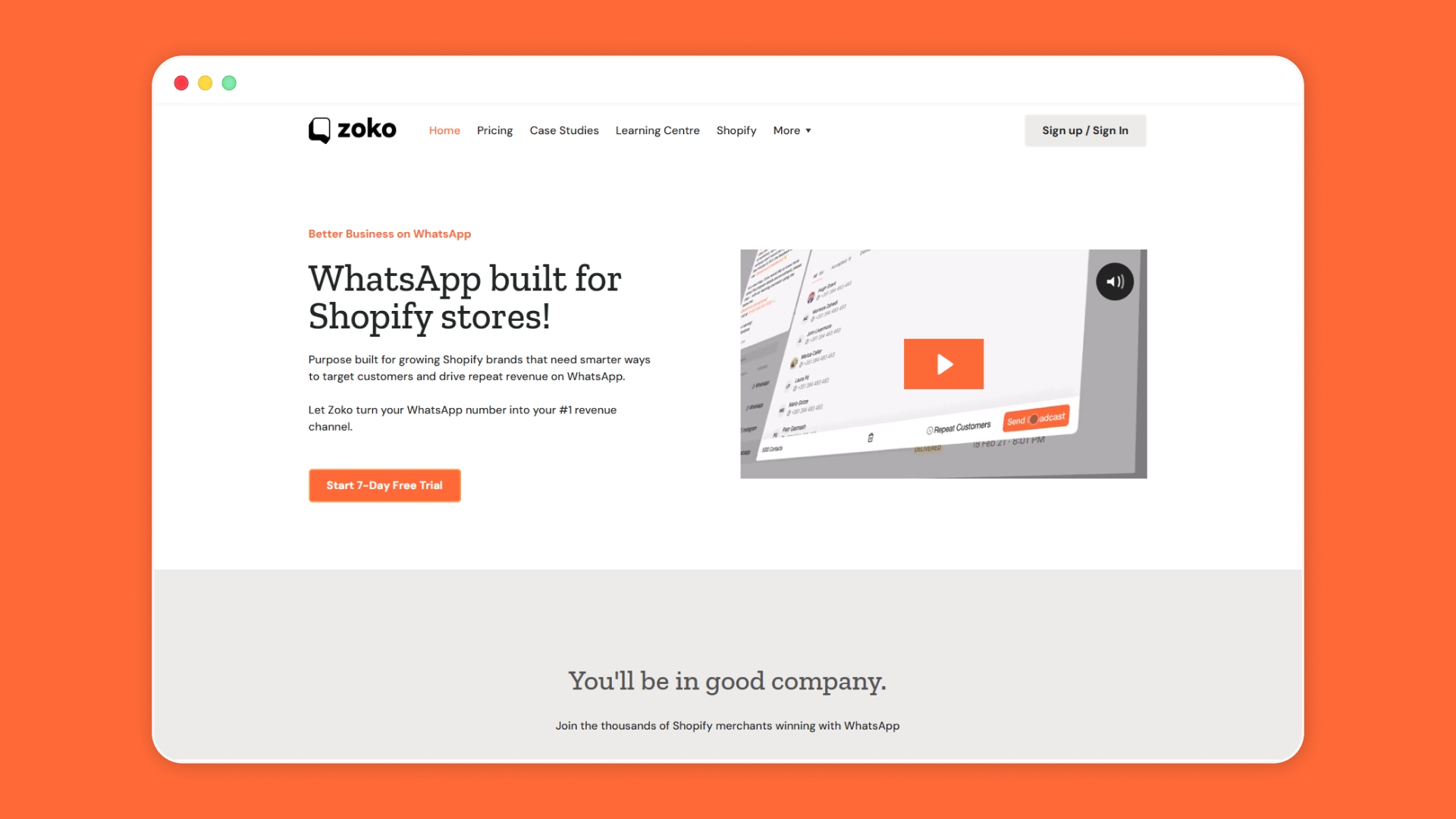
Many shoppers abandon their carts because they still have genuine questions about delivery, payment, COD, sizing, returns, or product fit. For Shopify merchants, WhatsApp can be a practical recovery channel because customers already use it to ask quick buying questions.
Instead of sending only a discount, a WhatsApp-first recovery flow can help shoppers complete the decision they already started.
Where Zoko Fits Into Cart Recovery
Zoko helps you bring cart recovery into WhatsApp, where the conversation can continue naturally after a shopper leaves the store. The goal is not to send more messages. It is to send more useful messages at the right time.
Relevant features include:
- Abandoned checkout recovery with FlowHippo Flows: You can set up automated reminders when shoppers leave items behind. These reminders can include the product, cart link, and a clear next step.
- COD confirmation flows: For COD-heavy stores, Zoko can help confirm orders, addresses, and buyer intent before fulfillment, reducing manual follow-up.
- AI chatbot support: A chatbot can answer common questions about delivery times, size concerns, payment, return rules, and order status.
- WhatsApp Catalog: Useful before abandonment, a synced WhatsApp Catalog lets shoppers browse products, ask questions, and move closer to purchase within WhatsApp.
- Shopify and Shiprocket-connected workflows: Shopify maintains the cart and order context, while Shiprocket support helps with COD and logistics clarity.
And this approach works in real cart recovery scenarios. For instance, Zoko helped 1 Hair Stop recover $57K from 564 abandoned carts in 90 days through WhatsApp-based abandoned cart recovery.
Conclusion
Learning how to reduce cart abandonment starts with seeing each drop-off as a signal, not a lost cause. When shoppers leave, they are usually reacting to unclear costs, slow checkout, limited payment choices, weak trust signals, or unanswered questions. Fixing these points helps you protect paid traffic, improve buyer confidence, and move more interested shoppers toward completed orders.
Once those basics are clearer, the next step is staying available when shoppers still need help. That is where Zoko fits naturally for Shopify merchants. It lets you use WhatsApp to answer questions, send abandoned checkout reminders, showcase products through Catalog, and clarify COD confirmations through Shiprocket-linked workflows.
Book a demo to explore how Zoko helps you realize that in practice and evaluate the recovery workflows that make the most sense for your store.
FAQs
1. What should we check first when cart abandonment suddenly increases?
Start by checking changes in final pricing, shipping charges, payment success, page speed, and checkout errors. A sudden rise often means shoppers are facing a new friction point, not simply losing interest. Also review recent customer messages, failed payment data, and abandoned checkout reports to spot repeated issues faster.
2. Can we reduce cart abandonment without offering discounts?
Yes, discounts are not the only way to recover carts. Many shoppers leave because they need clearer costs, faster answers, preferred payment options, or delivery confidence. If you want to reduce cart abandonment without cutting margins, start with cost clarity, guest checkout, trust signals, and real-time support.
3. How can we know if abandonment is caused by pricing or checkout friction?
Compare where shoppers leave. If many leave after viewing the final total, pricing or delivery costs may be the issue. If they leave after entering checkout, form length, account creation, payment concerns, or technical errors may be stronger causes.
4. Should we treat all abandoned carts the same way?
No. A high-value cart, a repeat-customer cart, and a first-time-visitor cart require different follow-ups. Repeat buyers may need a quick cart link, while first-time shoppers may need return details, delivery clarity, or support. This makes segmentation useful for planning how to reduce cart abandonment without sending generic reminders.
Interested to know more?
.svg)
Case Studies



















Featured Posts


Continue reading

The E-Commerce Divide: How the Top 10% of Brands Use AI to Grow 5X Faster (And Why It’s Not for Everyone)
Drive Sales with WhatsApp Catalog Integration: Here's How