





You close out a sales day. Orders are confirmed, and payments are captured. Then a customer writes, “I never received my invoice.” It happens more often than most teams admit, and each request adds avoidable back-and-forth.
Many Shopify stores still rely on email or manual invoice sending. That approach no longer matches customer behavior. According to Salesforce, 65% of consumers use messaging apps like WhatsApp to engage with businesses, which means important documents are expected in chat, not buried in an inbox.
Automatic invoice generation tied to Shopify order events solves this cleanly. The invoice is generated as soon as the order is confirmed and delivered via WhatsApp, without manual effort. This guide explains how the workflow works, why it reduces support load, and how to set it up to scale.
Key Takeaways
- Automated WhatsApp invoice delivery improves visibility and reduces support tickets. Instant delivery and high open rates cut repetitive invoice requests and reduce disputes.
- The workflow relies on Shopify triggers and the WhatsApp Business API. Invoice generation, approved templates, and real-time delivery must be connected through a native integration.
- A complete invoice message builds clarity and trust. Include business details, order and invoice IDs, itemized breakdown, tax information, payment method, and a PDF link.
- Common mistakes weaken automation. Using the standard app instead of the API, skipping opt-in, or relying on disconnected tools creates compliance and delivery issues.
- An integrated system scales with order volume. Connecting Shopify, invoice generation, and WhatsApp in one workflow removes manual effort and operational friction.
What Is WhatsApp Automatic Invoice Generation?
WhatsApp automatic invoice generation is a workflow in which your Shopify store creates an invoice the moment an order event occurs and sends it directly to the customer via WhatsApp. The trigger can be a payment captured, an order confirmed, fulfilled, or any event that fits your operations.
There is no manual export. No downloading PDFs. No forwarding emails. The process runs in the background and scales with your order volume.
How Does It Differ from Standard Shopify Invoicing?
Shopify’s default flow sends an order confirmation email. It covers the basics, but it is not built for WhatsApp-first markets or high-volume stores that rely on automation. It does not deliver a branded invoice within the customer’s primary messaging channel, and it does not adapt easily to custom triggers such as COD confirmation or partial fulfillment.
WhatsApp invoice automation connects invoice creation to the exact order event you define and delivers it where customers are already active.
Key Benefits of Automating Invoice Delivery on WhatsApp
When invoice delivery runs automatically inside WhatsApp, it reduces support load and improves post-purchase clarity. The benefits are operational and measurable, especially for Shopify stores handling daily order volume and COD flows.
1. Dramatically Higher Visibility
WhatsApp messages see open rates as high as 98%, which means customers are far more likely to view the invoice compared to email. Higher visibility reduces “invoice not received” tickets and shortens back-and-forth with support teams.
2. Zero Manual Effort After Setup
Once the workflow is configured, invoice generation and delivery run without human involvement. The trigger, PDF creation, and message dispatch happen automatically based on Shopify order events.
3. Real-Time Delivery That Builds Trust
Customers receive their invoice within seconds of payment confirmation. That immediate delivery creates clarity around order value, tax breakdown, and purchase details. Faster confirmation improves post-purchase confidence and reduces disputes.
4. Scales with Order Volume
Whether you process 20 orders or 20,000, the automation handles each invoice the same way. There is no queue, no missed sends, and no dependency on manual follow-ups during peak sales periods.
5. Compliance and Structured Documentation
Invoice templates can include required tax details, itemized pricing, business registration numbers, and regional GST or VAT fields. Each invoice is generated consistently from Shopify order data, reducing compliance errors.
How WhatsApp Invoice Automation Works for Shopify: The Technical Flow
WhatsApp invoice automation is built on a structured workflow that connects Shopify order data to WhatsApp messaging in real time. Each step has a defined role, from API access to trigger logic and delivery. When configured correctly, the system runs without manual involvement and scales with your order volume.
Step 1: Access the WhatsApp Business API
The standard WhatsApp Business app doesn't support automation at scale. To send automated, trigger-based messages, you need the WhatsApp Business API. This is accessed through Meta-approved Business Solution Providers (BSPs), who handle your account setup, verification, and message template approvals.
Step 2: Connect Shopify to the WhatsApp API
Once you have API access, you need a middleware layer that listens to Shopify order events and passes that data to your WhatsApp messaging system. This is where platforms like Zoko come in; they act as the bridge between your Shopify store and the WhatsApp Business API, so you don't need to build custom connectors or handle webhooks manually.
Step 3: Define Your Trigger Events
You decide exactly when an invoice is generated and sent. Common triggers include:
- Payment received
- Order confirmed
- Order fulfilled/shipped
- Cash-on-delivery order verified
Step 4: Auto-Generate the Invoice
Once the trigger fires, the system pulls order data, customer name, order ID, line items, taxes, total amount, and populates a pre-designed invoice template. This can be a branded PDF or a structured HTML document that matches your store's visual identity.
Step 5: Deliver via WhatsApp
The finalized invoice is delivered to the customer's WhatsApp number, the one they provided at checkout. The message uses an approved WhatsApp template with dynamic placeholders (customer name, order number, invoice link, or attachment) to deliver at scale.
Also Read: Automate Invoice Sending via WhatsApp Instantly
Also read: Top 10 Best Shopify Apps for Invoices and receipts
Key Components of a WhatsApp Invoice Message
A great WhatsApp invoice isn’t just a PDF fired into a chat. It’s a structured message that gives the customer everything they need at a glance, and nothing they don’t. Here are the essential components every WhatsApp invoice message should include:
- Business Identity: Your store name, logo (in the header or PDF), and contact details should appear prominently. This instantly establishes trust and confirms the message is legitimate.
- Order & Invoice Reference Number: A unique invoice ID and the corresponding Shopify order number allow you and the customer to quickly reference a specific transaction.
- Itemized Product Breakdown: List each product purchased with its name, quantity, and unit price. Customers want to verify what they paid for; this removes any ambiguity and reduces disputes.
- Tax, Discounts & Total Amount: Show subtotal, any applicable taxes (GST/VAT), discounts or coupon codes applied, and the final amount paid.
- Payment Method & Date: Confirm how the customer paid and when. This is important for record-keeping on both sides and reduces confusion for customers who use multiple payment methods.
- Delivery / Shipping Details: Include the shipping address and estimated delivery date if available. This answers the next question most customers have right after receiving their invoice: “When will it arrive?”
- Invoice PDF Link or Attachment: Always include a downloadable PDF version of the invoice for customers who need it for expense claims, business records, or warranty submissions.
- Support Contact or CTA: Close the message with a friendly call to action, whether it’s a support link, a reply prompt, or a returns portal.
Common Mistakes Shopify Merchants Make with WhatsApp Invoicing
Even with the right tools in place, a few missteps can undermine your entire automation setup. Watch out for these:
- Using the WhatsApp Business app instead of the API: The app works for low volumes, but it doesn't support automated, trigger-based messaging at scale. You need API access.
- Skipping opt-in collection: WhatsApp automation only applies to customers who have opted in to receive messages. Always collect consent at checkout to stay compliant.
- Not testing templates before going live: WhatsApp message templates require Meta approval. Make sure your invoice templates are approved and tested before launch.
- Sending invoices without key details: An invoice missing tax breakdowns, business registration details, or itemized pricing isn't just unhelpful; it may be non-compliant in your region.
- Relying on separate tools for each step: Managing a PDF generator, a WhatsApp sender, and a Shopify connector separately creates unnecessary fragmentation and increases failure points.
How Zoko Handles WhatsApp Invoice Automation End-to-End for Shopify
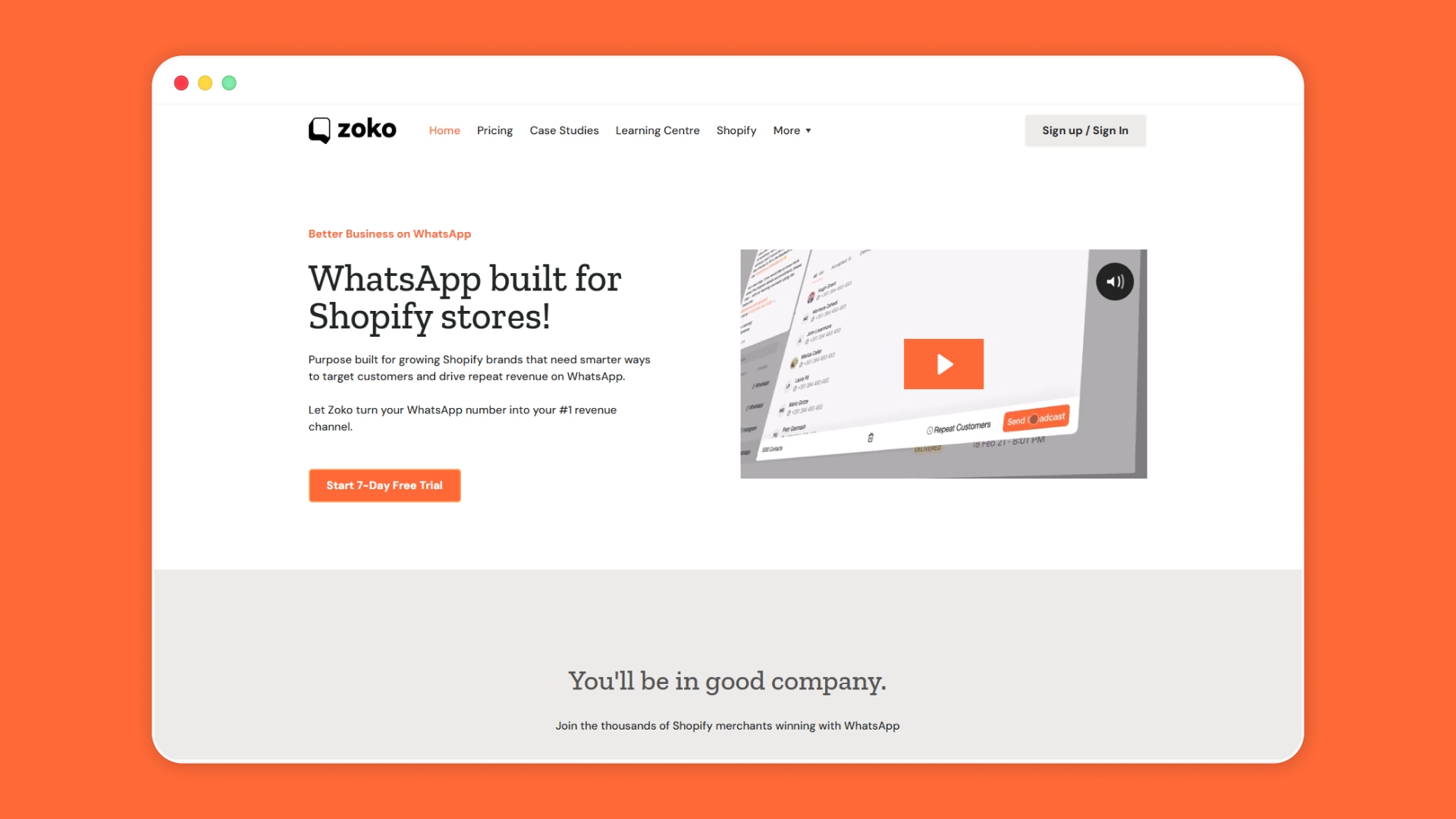
Zoko is a leading WhatsApp Business API platform designed specifically for e-commerce brands on Shopify. It gives you the infrastructure, integrations, and tools to run WhatsApp as a full-scale sales and communication channel.
Instead of stitching together a PDF generator, a WhatsApp API connection, and a Shopify integration separately, Zoko merges the entire workflow into a single dashboard. Once a customer pays, Zoko picks up the trigger, generates the invoice, and delivers it to WhatsApp, without any manual intervention from your side.
Key services Zoko offers Shopify merchants:
- Automatic WhatsApp Invoice Delivery: Triggered by Shopify order events (payment received, order confirmed) with zero manual effort.
- Native Shopify Integration: Syncs customer data, order IDs, and purchase details in real time — no third-party connectors needed.
- WhatsApp Broadcasts: Send targeted marketing messages to dynamic customer segments.
- Abandoned Cart Recovery: Automatically re-engage shoppers who left without completing checkout.
- Order Notifications: Real-time shipping and delivery alerts sent directly to customers' WhatsApp.
- Zoko AI Chatbots: Automate customer FAQs, support conversations, and post-purchase flows with AI-powered bots.
- Multi-Agent Inbox: Let your support team manage all customer WhatsApp conversations from one unified dashboard.
- WhatsApp Message Template Management: Create, submit, and manage approved templates directly within the Zoko platform.
- COD Order Management: Convert and confirm cash-on-delivery orders through WhatsApp automation.
Zoko offers a 7-day free trial — no setup fees, no long-term commitment.
Also read: Top 10 Best Shopify Apps for Packing slips
FAQs
1. How do I generate my invoice?
In Shopify, invoices are generated from order data such as customer details, line items, taxes, and totals. You can use an invoice app or automation workflow to create a branded PDF instantly after payment or fulfillment.
2. What is an auto invoice?
An auto invoice is a system-generated invoice created automatically when a defined trigger occurs, such as payment confirmation. It removes manual data entry and ensures every order receives a consistent, formatted document.
3. Is there an AI invoice generator?
Yes, some platforms use AI to populate invoice templates, extract order details, and reduce formatting errors. AI can also personalize invoice messaging and automate delivery based on customer behavior.
4. Can you automate invoices?
Invoices can be fully automated by linking order events to invoice generation and delivery workflows. Once configured, the system creates and sends invoices without manual involvement.
5. How to quickly generate invoices?
The fastest way is to use a Shopify-compatible invoicing tool that pulls live order data and auto-generates a PDF. Connecting it to an automated messaging channel like WhatsApp further reduces turnaround time.
Interested to know more?
.svg)
Case Studies





















Featured Posts


Continue reading


The E-Commerce Divide: How the Top 10% of Brands Use AI to Grow 5X Faster (And Why It’s Not for Everyone)
Drive Sales with WhatsApp Catalog Integration: Here's How