




Managing Instagram has become essential for business growth, but it also takes serious time. Businesses now spend hours creating content, responding to DMs, engaging comments, and tracking performance, even though Instagram has over 3 billion monthly active users worldwide. That massive audience means real opportunity, but also real workload for teams trying to stay consistent and responsive.
The problem isn’t that Instagram doesn’t work; it’s that manual execution drains energy, slows down strategy, and eats into hours that could be spent on revenue‑driving work. Automation offers a way out, helping brands scale posting, engagement, and analytics without manual effort.
In this guide, you’ll learn how Instagram automation can streamline repetitive tasks, improve consistency, and free up time for strategic work. We’ll walk through the best tools available in 2026 and how they fit into real workflows.
An Instagram automation refers to using approved software tools to handle repetitive tasks automatically, such as scheduling posts in advance, automating responses to common questions, analyzing your performance data, and managing customer conversations at scale.
The key distinction is that good automation works within Instagram's official API and follows Meta's guidelines, while bad automation tries to game the system and almost always gets accounts banned.
Instagram is no longer just a branding channel. It drives product discovery, conversations, and direct purchases. With 70% of shoppers using Instagram to research products weekly, consistency and response speed directly affect revenue, not just engagement.
Also Read: How to Integrate Your Instagram Account to Zoko
These ten Instagram automation tools help businesses reduce manual work across posting, engagement, messaging, and analytics. Each platform offers different strengths, from content scheduling to e-commerce integrations.
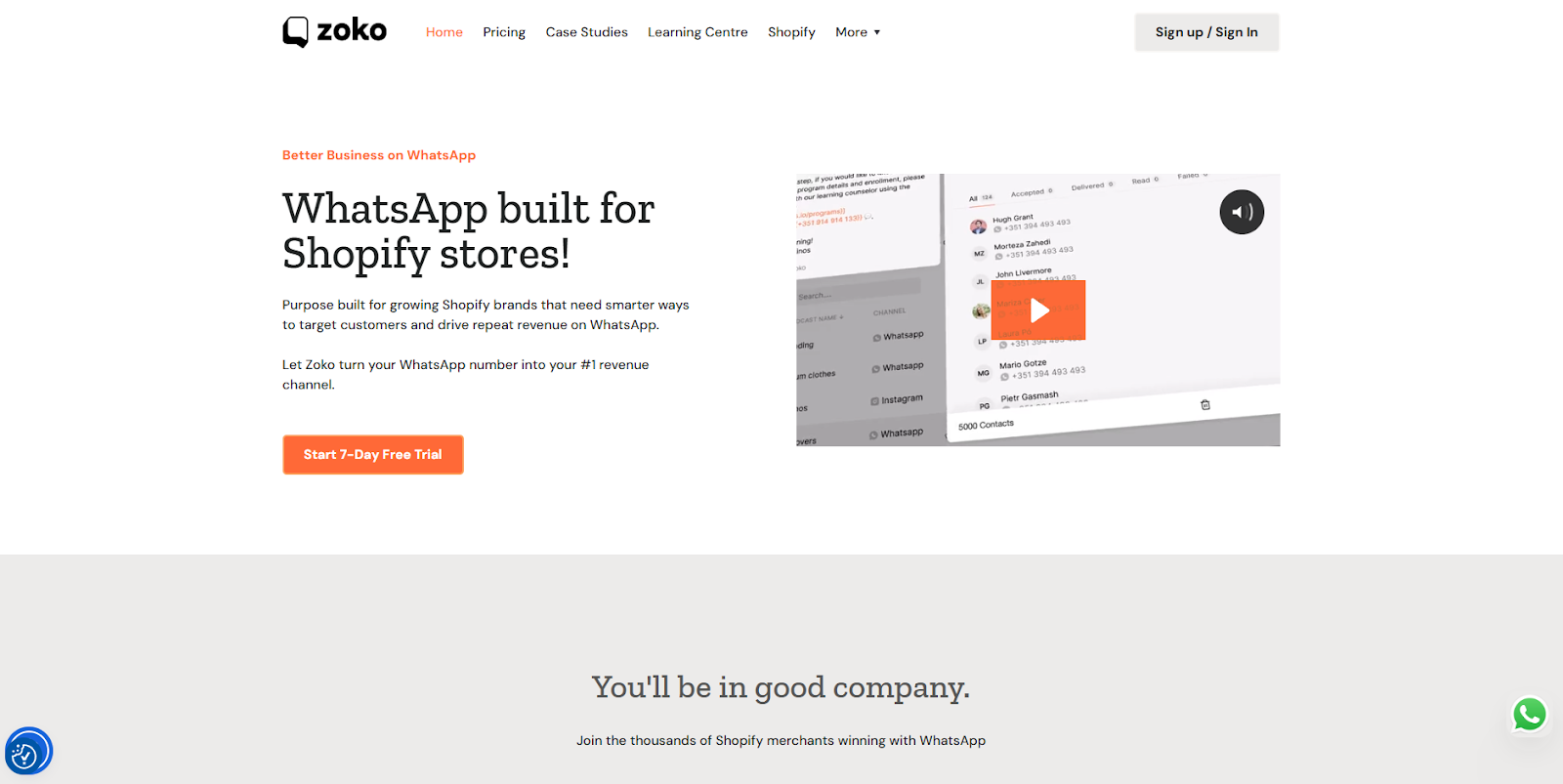
When it comes to powering sales, support, and marketing for e-commerce brands on Instagram and WhatsApp, Zoko stands in a category of its own. While many tools focus on just one aspect of Instagram management, scheduling posts or basic DM automation, Zoko delivers an end-to-end commerce solution built for Shopify merchants and DTC brands.
Key Features:
Best For: Shopify merchants and ecommerce brands serious about using Instagram and WhatsApp for sales, not just brand awareness. Ideal if you're getting product questions in DMs daily, dealing with cart abandonment, running Instagram ads that drive DM conversations, or operating in WhatsApp-first markets like India, UAE, or Brazil.
Book a demo with Zoko and see how Instagram automation can drive real sales.
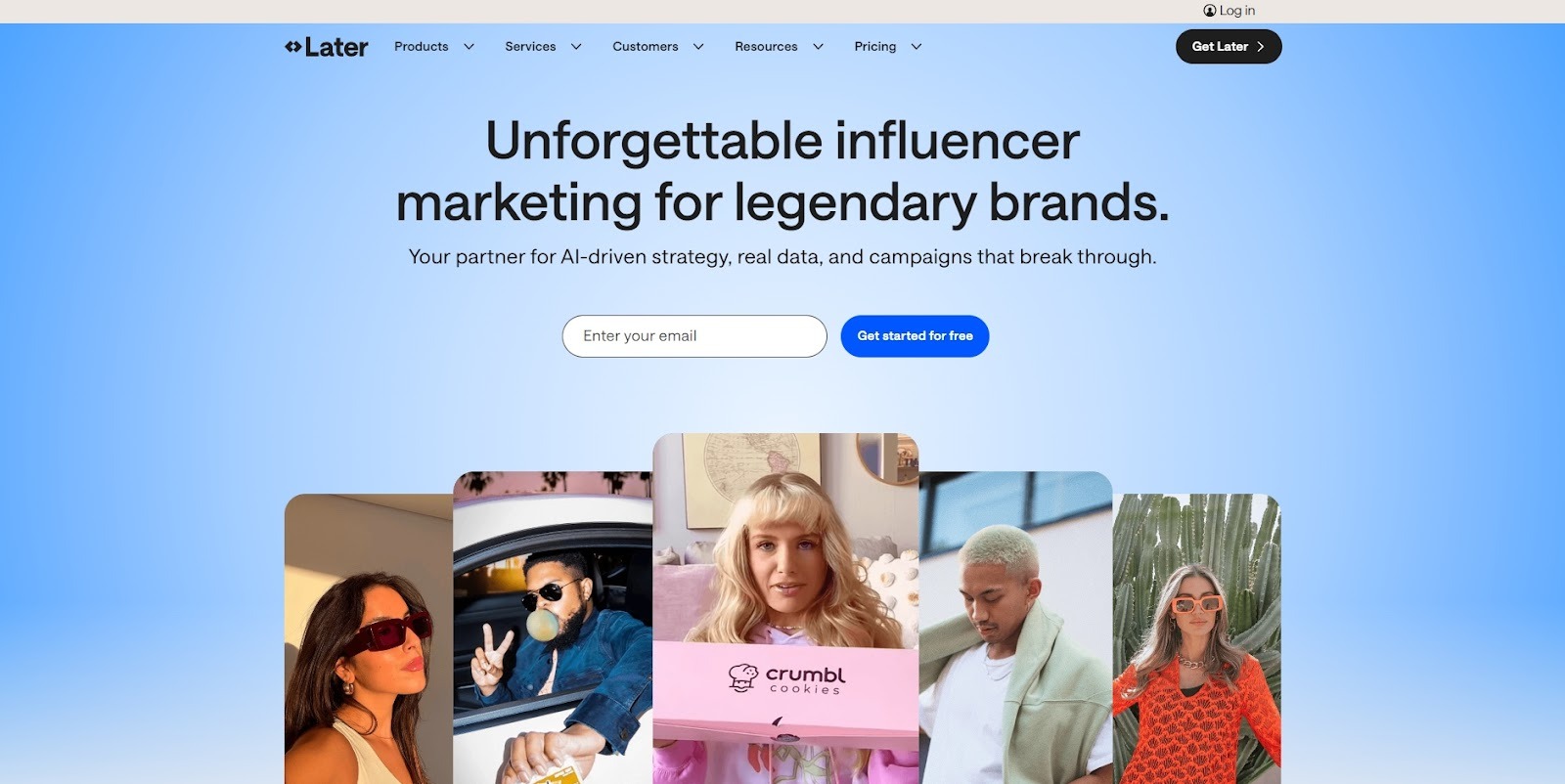
Later has established itself as the visual-first scheduling tool, making it valuable for brands where Instagram aesthetic matters tremendously, think fashion, beauty, home décor, or food brands.
The visual content calendar lets you see exactly how your grid will look before posts go live, providing a cohesive aesthetic.
Key Features:
Best For: Solo creators and small businesses focused primarily on content planning and visual consistency. Perfect for maintaining a cohesive Instagram aesthetic without the complexity of enterprise tools.
Also Read: How to Integrate Your Instagram Account to Zoko
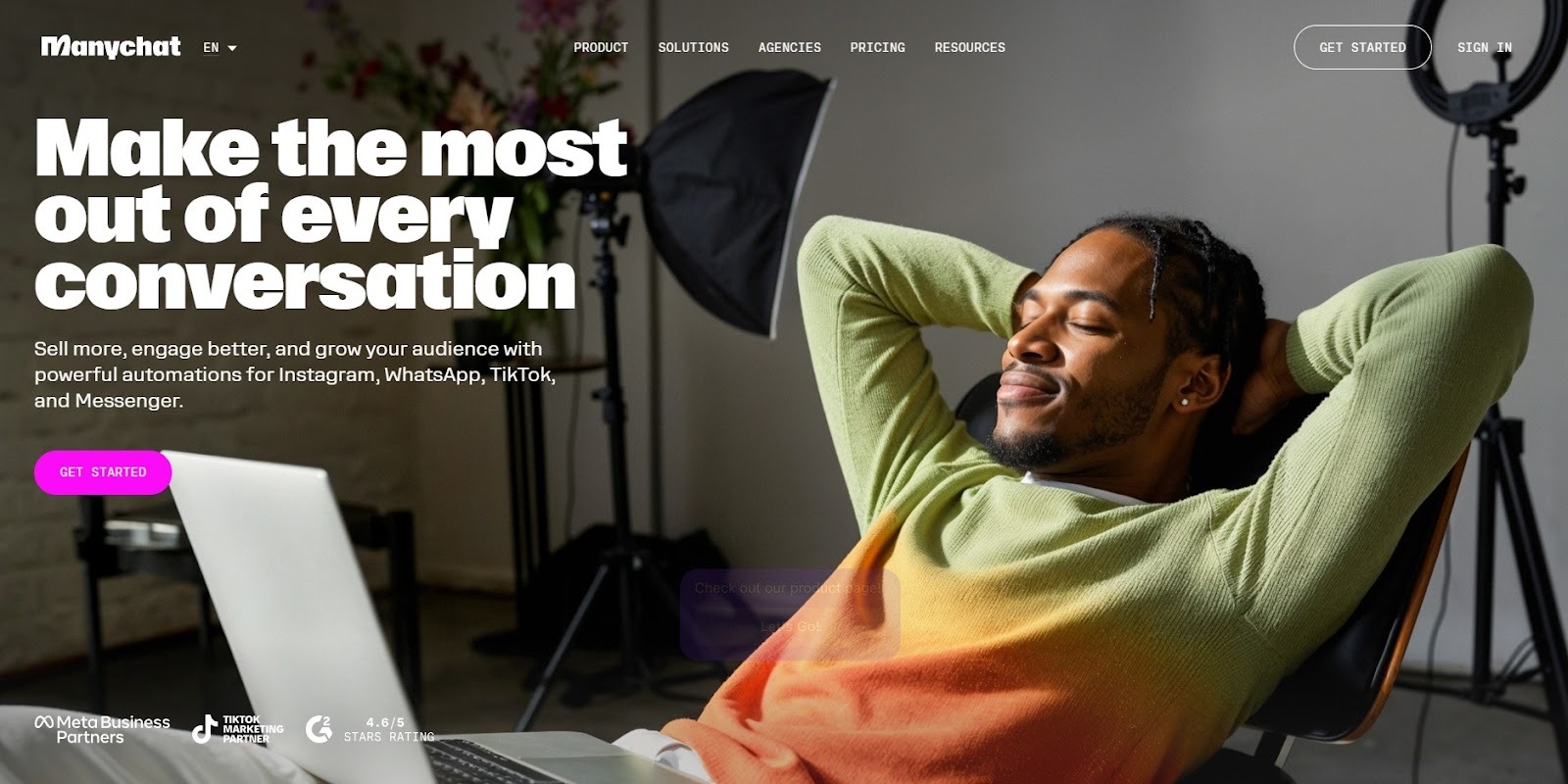
ManyChat has built a strong reputation as a visual flow builder for creating Instagram and Facebook Messenger chatbots. As an official Meta partner, it offers a mature platform for businesses focused on chat marketing automation across multiple channels.
Key Features:
Best For: Businesses running multi-channel campaigns who need Instagram, Facebook, and WhatsApp automation under one roof. Good for lead generation and conversational marketing.
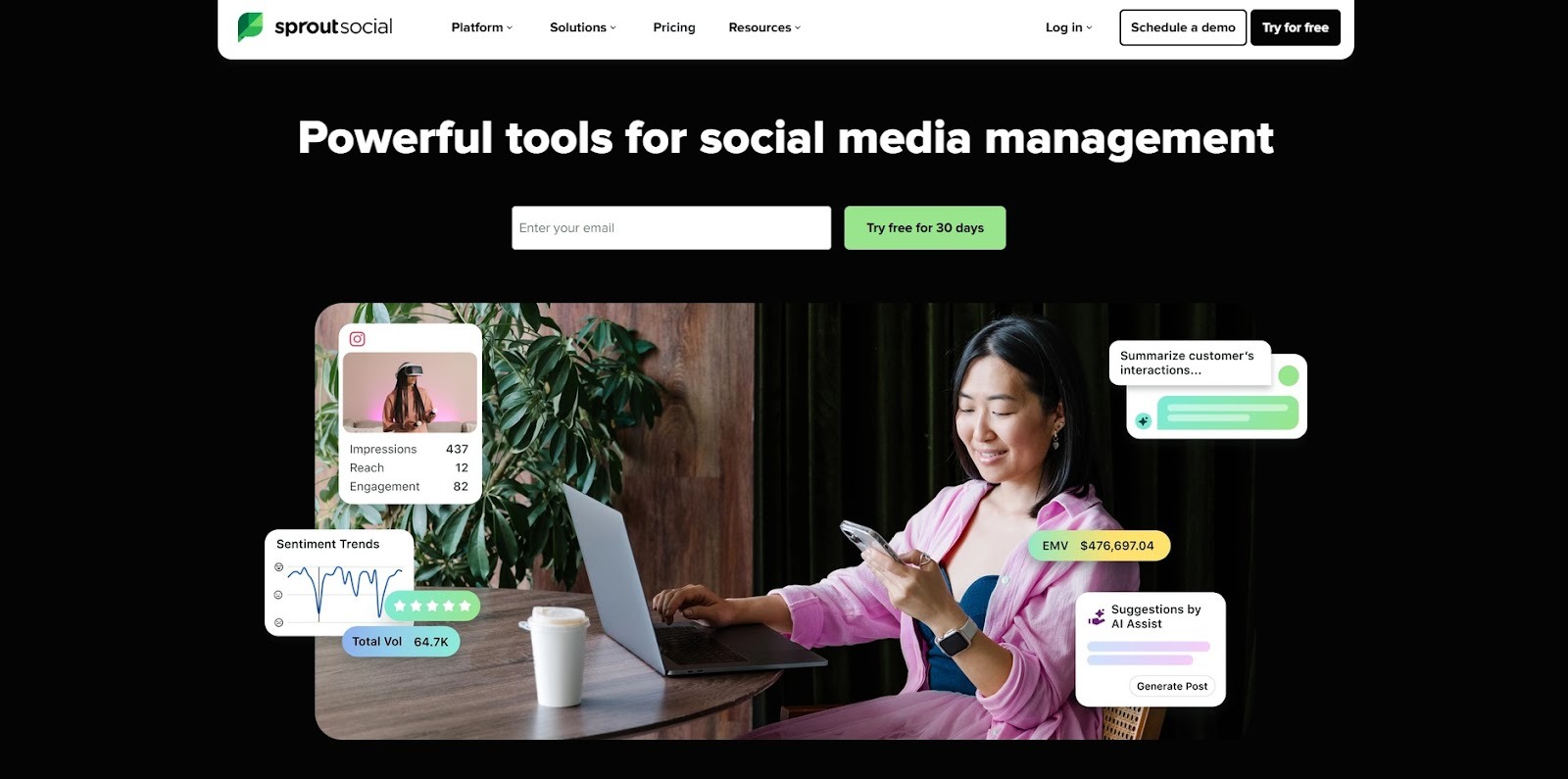
Sprout Social is the comprehensive solution for medium to large businesses and agencies managing multiple social media accounts and requiring sophisticated team collaboration and analytics.
Key Features:
Best For: Enterprise organizations with dedicated social media teams who need robust collaboration features, detailed analytics, and management across multiple platforms. Ideal for brands prioritizing reputation management and social customer service.
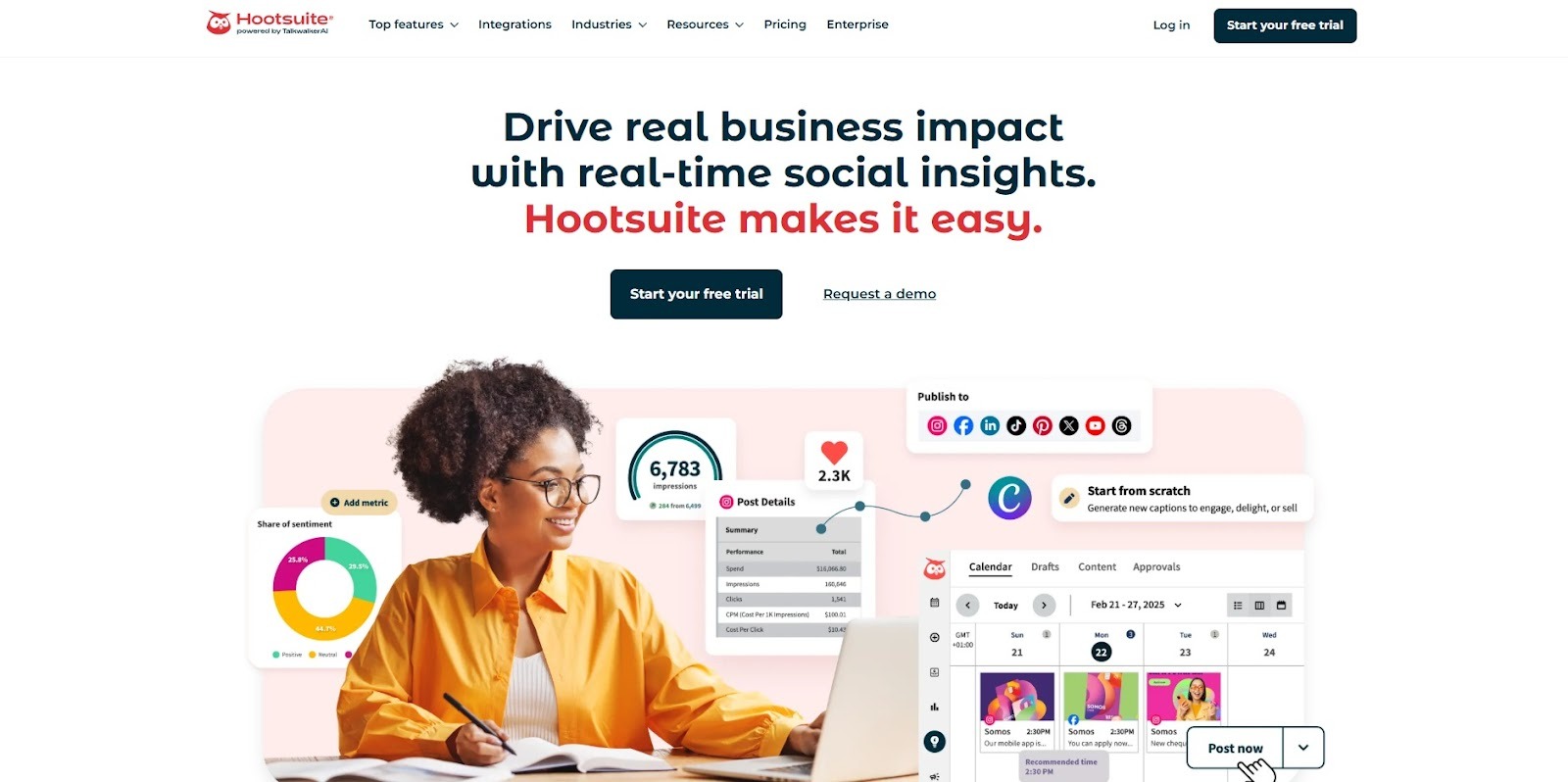
Hootsuite has been around for years and remains a reliable choice for businesses managing multiple social media accounts across different platforms. It's the veteran of social media management tools.
Key Features:
Best For: Businesses needing reliable multi-platform management with established workflows. Good for teams already familiar with the platform, though newer alternatives offer more modern interfaces.
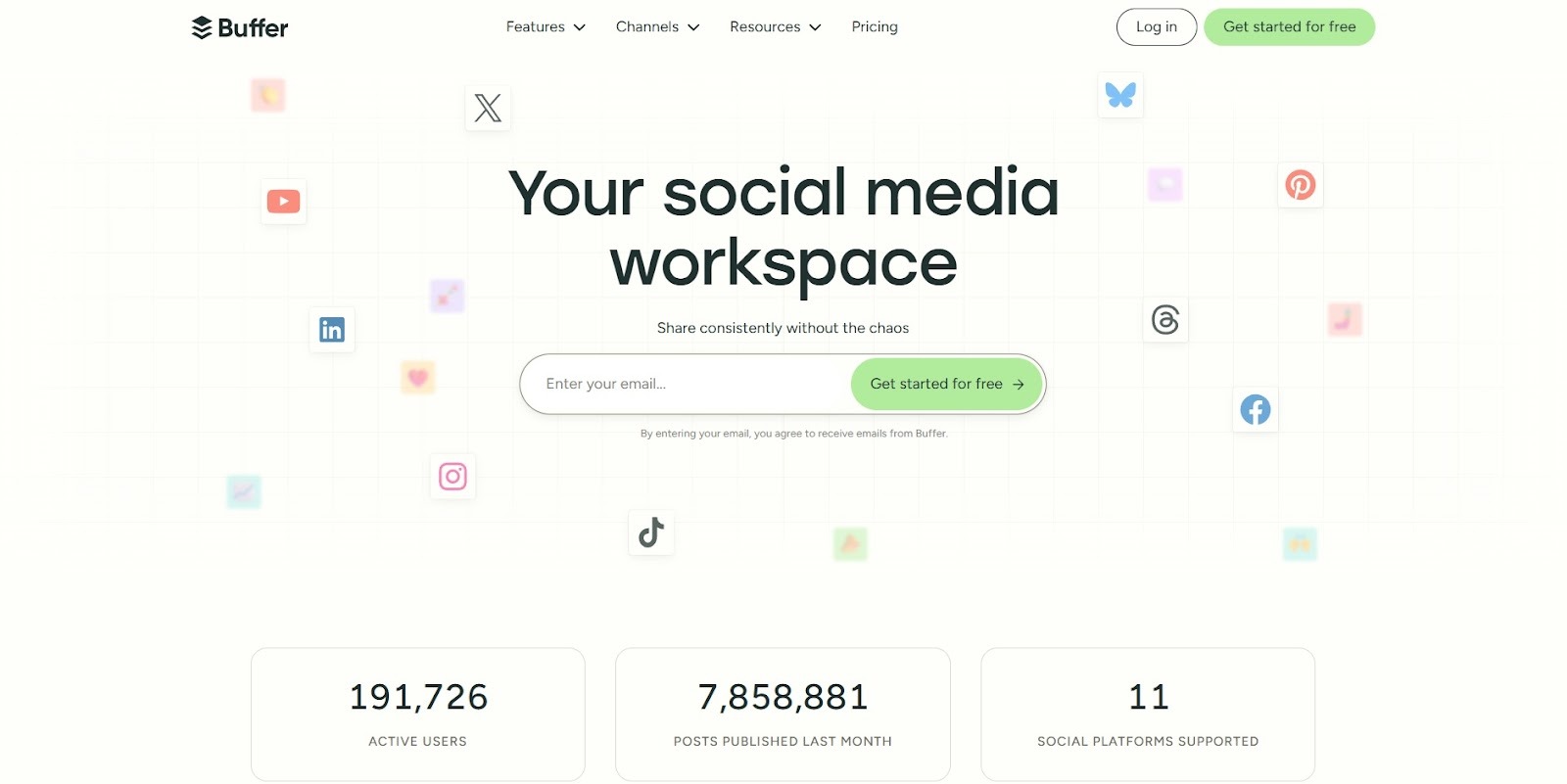
Buffer positions itself as the user-friendly alternative to more complex social media tools. It's deliberately simple, which can be both a strength and a limitation depending on your needs.
Key Features:
Best For: Solopreneurs and small businesses that want scheduling without any bells and whistles. Perfect for those who value simplicity and ease of use over advanced features.
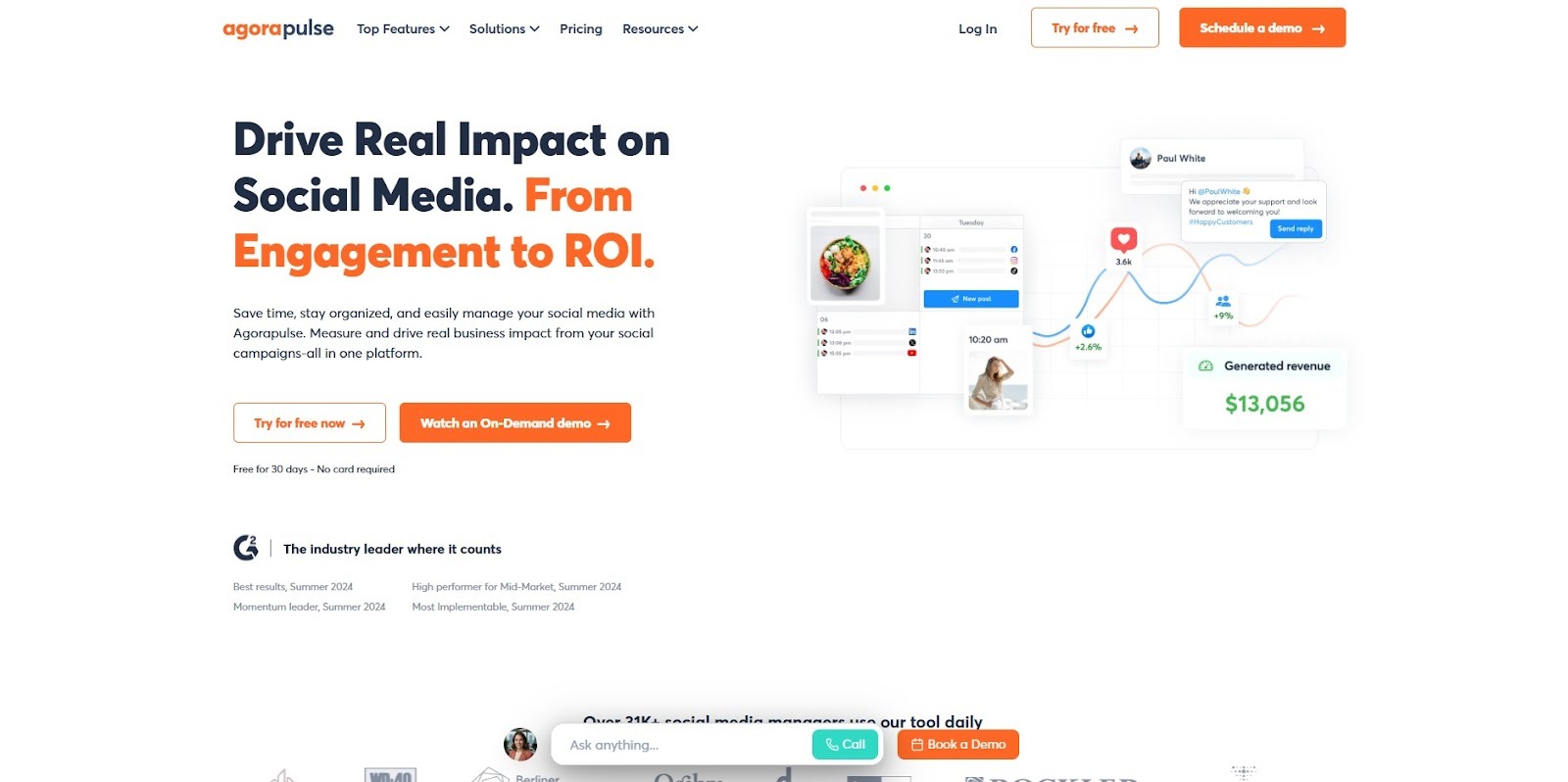
Agorapulse is built for teams and agencies that need more than just posting capabilities. It excels at social listening, community management, and team collaboration features.
Key Features:
Best For: Agencies managing multiple clients, brands with social media teams, and businesses that need detailed reporting for stakeholders. The social listening feature is particularly valuable for tracking what people are saying about your brand.
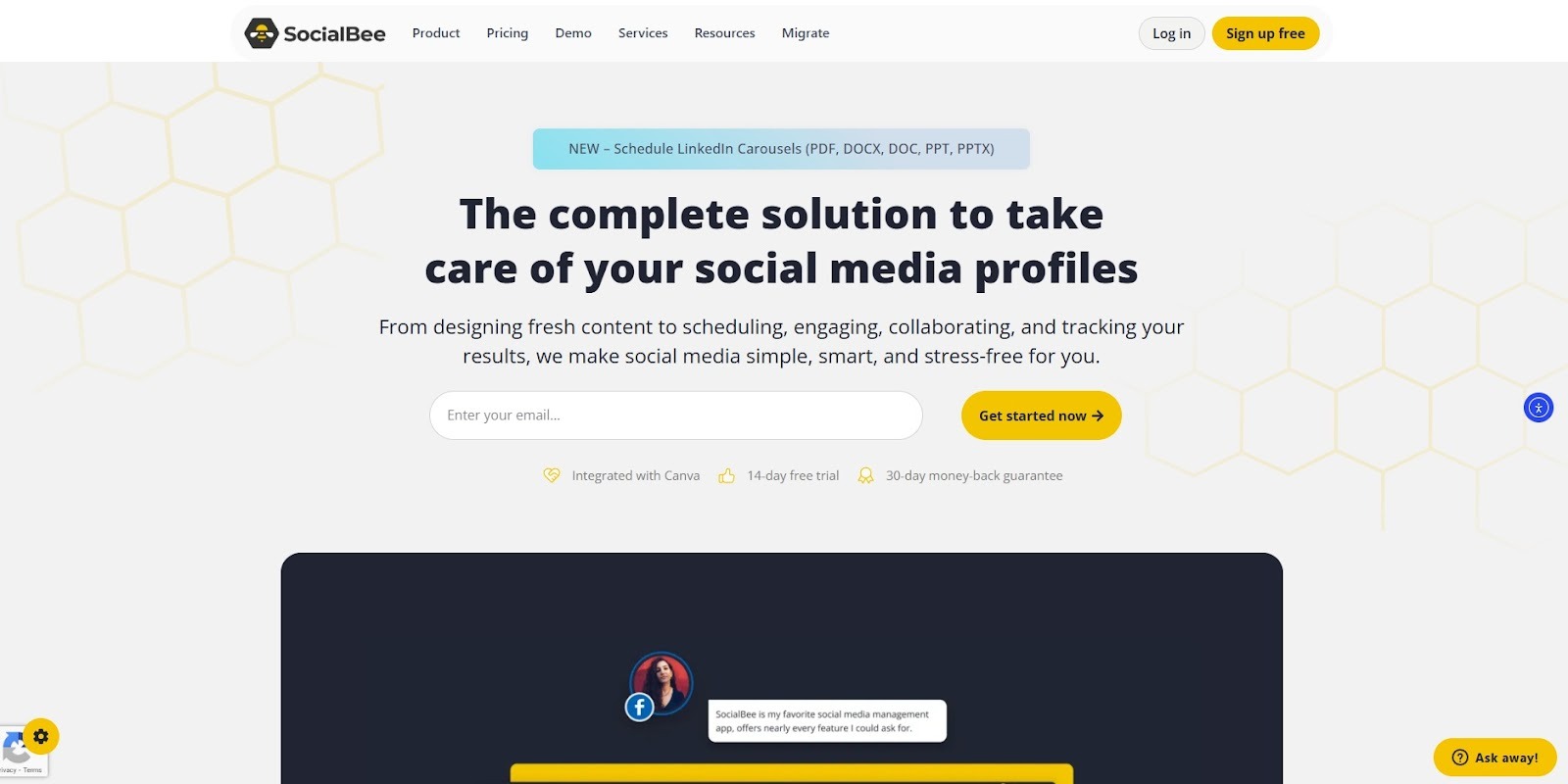
SocialBee is designed to help you organize posts into content categories and automate scheduling with a unique focus on recycling evergreen content. It's perfect for businesses that want to maximize the lifespan of their best content.
Key Features:
Best For: Content creators who want to maintain a consistent posting schedule without constantly creating new content. Businesses with multiple content types (product features, testimonials, tips) benefit from organized rotation.
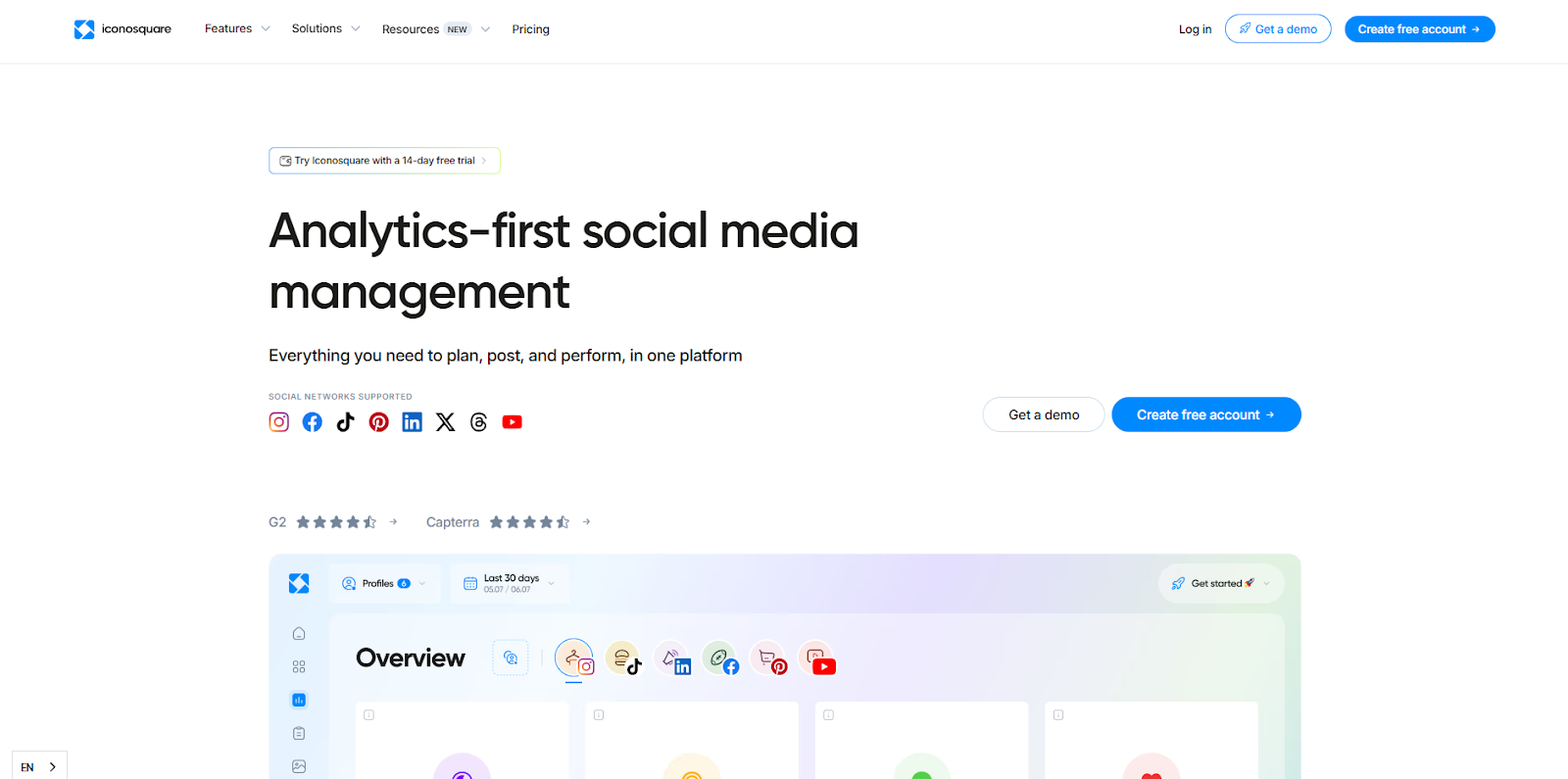
Iconosquare takes an analytics-first approach to Instagram automation. If you love making decisions backed by numbers and need deep insights into your Instagram performance, Iconosquare delivers ridiculously detailed analytics alongside scheduling capabilities.
Key Features:
Best For: Data-driven marketers, brands that need to justify their social media ROI, and agencies creating client reports. Anyone who makes decisions based on metrics rather than gut feeling will appreciate Iconosquare's detailed analytics.
Also Read: Automate WhatsApp Messages with WhatsApp Business API
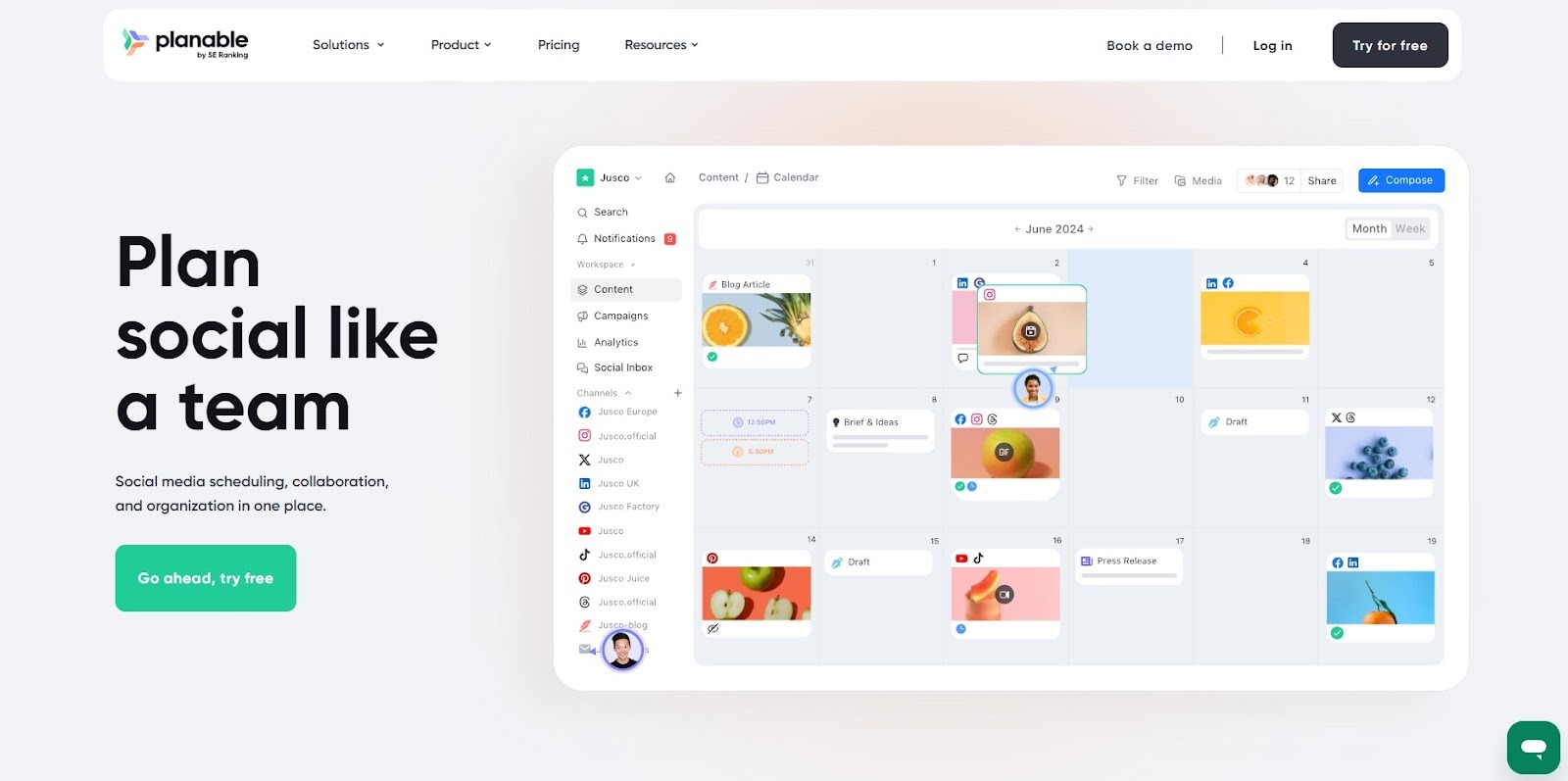
Planable stands out with its exceptional visual planning interface and sophisticated team approval workflows. It strikes the sweet spot between usability and powerful features for teams that need collaborative content planning.
Key Features:
Best For: Teams and agencies that need thorough feedback loops and approval processes before content goes live. Perfect for brands where multiple stakeholders need to review and approve content before publication.
Instagram automation helps businesses reduce manual work across content scheduling, DMs, engagement, and analytics while staying compliant with Meta’s API. This blog explains what automation actually means, what to evaluate before choosing a tool, and how different platforms supporte-commercee, chat marketing, content planning, team workflows, and performance tracking. It highlights solutions built for Shopify brands, agencies, creators, and enterprise teams that want measurable efficiency, not just activity.
If you want to convert Instagram and WhatsApp conversations into real sales, Zoko gives you the tools to do it at scale. Get a 7-day free trial and start driving revenue through automated chat commerce today.
It’s software that automates repetitive tasks like post scheduling, DM replies, and reporting using Instagram’s official API.
An engagement method where you interact with five posts, comment on three, and share one daily to build visibility organically.
Instagram allows post scheduling and basic auto-replies via Meta Business Suite. Advanced automation requires approved third-party tools.
Yes. You can schedule posts, Reels, and Stories in advance using API-compliant tools.
Basic scheduling is simple. More advanced automation, like DM flows or e-commerce integration, needs proper setup.



.svg)


