





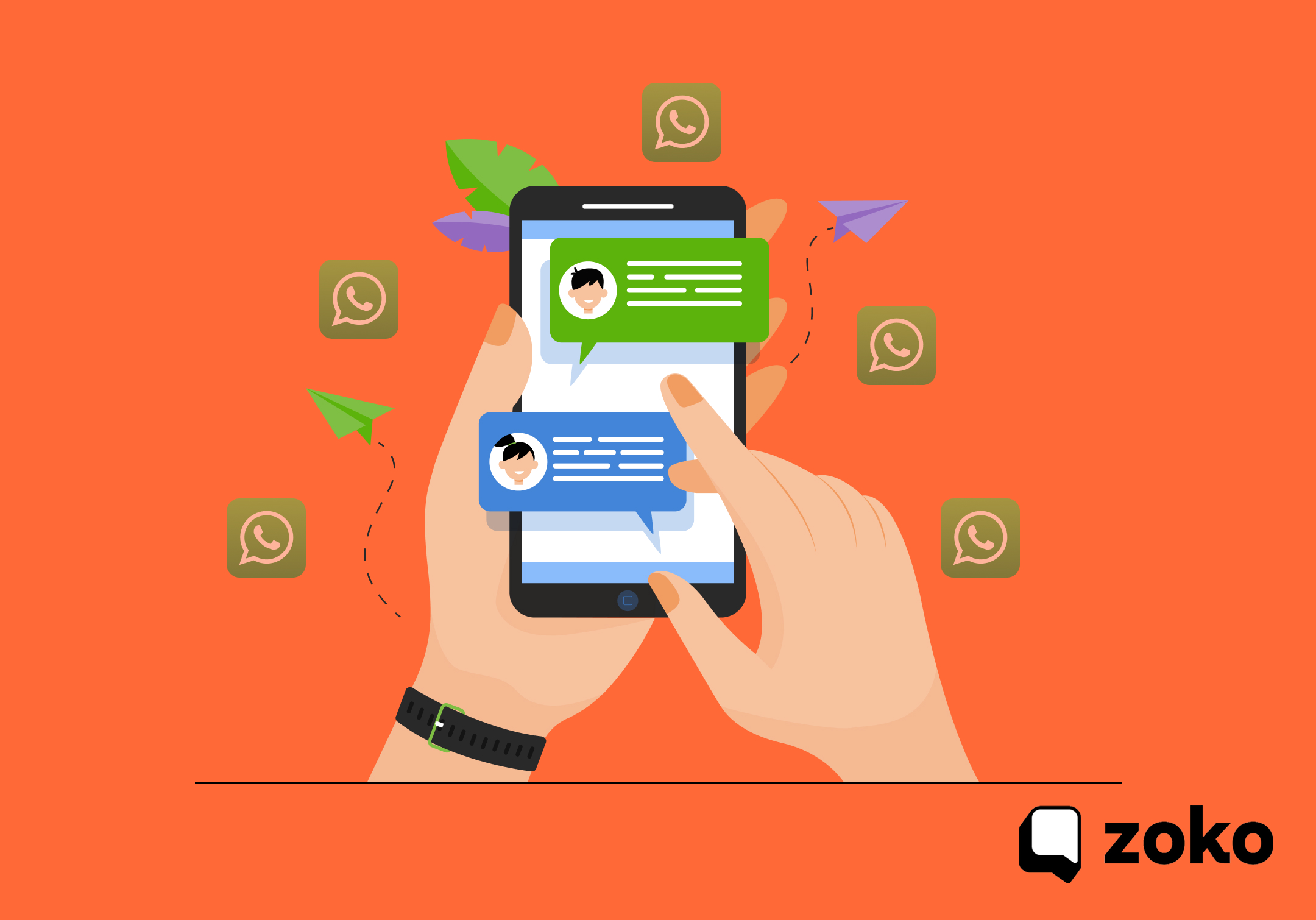
Running a Shopify store means answering the same customer questions repeatedly. Where is my order? Has it shipped? Can I pay on delivery? These conversations quickly pile up across email, support tickets, and social messages.
Yet customers expect instant responses. That expectation matters because WhatsApp has become one of the most powerful communication channels for businesses. Messages on WhatsApp have an average open rate of 98%.
For e-commerce merchants, this creates both an opportunity and a challenge. Customers are already on WhatsApp and ready to engage, but responding manually to every message slows operations and overwhelms support teams as orders grow.
An auto-WhatsApp message sender solves this problem by automating key customer communications. Shopify merchants can automatically send order confirmations, delivery updates, payment reminders, and support replies through WhatsApp.
Key Takeaways
- Automation helps merchants respond faster, reduce manual support work, and engage customers on a platform they already use daily.
- Merchants can automate catalog sharing, product queries, abandoned cart reminders, order confirmations, delivery updates, and review requests.
- Messages such as shipping notifications and COD confirmations keep customers informed and lower the volume of “Where is my order?” support tickets.
- Shopify merchants need a WhatsApp Business account, API access through a BSP, store integration, customer opt-ins, approved message templates, and trigger-based workflows.
- Tools like Zoko connect Shopify with WhatsApp to manage automated messaging, customer conversations, and campaigns from one place.
What Is an Auto WhatsApp Message Sender?
An auto WhatsApp message sender is a tool or platform that automatically sends pre-written WhatsApp messages to customers, without any manual action from your team. It connects to your store, listens for specific triggers, like a new order, an abandoned cart, or a delivered shipment, and fires off the right message the moment that event happens.
It’s like a 24/7 customer communication system running quietly in the background. You set it up once, define your message templates and triggers, and let it run.
Why Shopify Stores Need Automated WhatsApp Messaging?
Running a Shopify store means constantly juggling product management, fulfillment, ads, and customer service. Manual customer communication is usually the first thing to fall through the cracks, and the consequences show up directly in revenue.
- Your Customers Are Already on WhatsApp: WhatsApp is projected to reach 3.14 billion users, which is nearly 40% of the world’s population. For most Shopify stores targeting mobile-first markets or international audiences, your customers already spend significant time on WhatsApp every single day.
- Email Is Losing the Battle for Attention: Email has an average open rate of around 21.33%, while WhatsApp has 98% open rate. When you send a WhatsApp message, it gets read. That one data point changes your entire customer engagement equation.
- Cart Abandonment Is Bleeding Your Revenue: According to Baymard, 70.19% of all online shopping carts are abandoned. For every 100 potential customers who add something to their cart, 70 leave without buying. A well-timed WhatsApp reminder can recover a significant share of those sales at virtually zero effort.
- Customers Expect Fast, Personalized Responses: Research cited in Aurora indicates that 65% of consumers expect a response within 5 minutes when reaching out to a business via WhatsApp. Automation makes that level of responsiveness possible, without hiring a large support team.
Also Read: Automate WhatsApp Messages with WhatsApp Business API
Also read: WhatsApp Automatic Invoice Generation for Shopify: Benefits and How Invoice Automation Works
Key Use Cases: How Auto WhatsApp Messages Power Shopify Stores
For Shopify merchants, automated WhatsApp messaging can support customer communication at every stage of the buying journey. From product discovery to repeat purchases, automation helps stores respond faster and guide customers through the purchase process without manual effort.
1. Pre-Purchase Stage
- Catalog Sharing: Product catalogs can be shared automatically with customers through WhatsApp. Shoppers can browse items, check pricing, view variants, and see product availability without leaving the conversation.
- Targeted Offers and Promotions: Automated messages can deliver offers or discounts to specific customer segments. These messages may be triggered based on browsing behavior, past purchases, or campaign targeting.
- Automated Responses to Product Questions: Many customer questions relate to product details such as sizing, materials, shipping timelines, availability, or return policies. Automated replies can provide quick answers to these common queries.
2. Purchase Stage
- Abandoned Cart Follow Ups: If a customer leaves the checkout process before completing payment, automated WhatsApp reminders can be triggered. These messages usually include cart details and a direct checkout link.
- Cash on Delivery Confirmation: For stores that offer COD, automated messages can confirm the order and encourage customers to switch to prepaid payment where possible.
- Order Confirmation Notifications: After a purchase is completed, automated messages can send order summaries, expected delivery timelines, and support information.
3. Post-Purchase Stage
- Shipping and Delivery Updates: Automated notifications can keep customers updated about shipment dispatch, transit status, and delivery, thereby reducing the number of customers contacting support to ask about order status.
- Automated Review and Feedback Requests: After an order is delivered, customers can receive messages inviting them to leave a review or share feedback.
- Reorder Reminders for Consumable Products: For products that customers regularly replenish, automated reminders can be sent based on expected usage cycles.
- Upsell and Cross-Sell Recommendations: After a purchase, merchants can send personalized product suggestions related to the customer’s previous order.
- Loyalty and VIP Customer Engagement: Automation can also support loyalty programs by sending exclusive offers or special messages to repeat customers.
Also Read: How to Use WhatsApp for Post-Purchase Support: Set-up Tips
How to Set Up an Auto WhatsApp Message Sender for Your Shopify Store
Setting up WhatsApp automation for your Shopify store is more straightforward than most merchants expect, especially when you use a dedicated BSP platform like Zoko. Here’s a step-by-step breakdown of the implementation process, from account setup to your first automated message going live.
Step 1: Set Up a WhatsApp Business Account
Before anything else, you need a verified WhatsApp Business Account. This is different from a personal WhatsApp account and gives you access to business-specific features like business profiles, quick replies, and automated messaging capabilities.
- Download the WhatsApp Business app (available for free on iOS and Android).
- Register with a dedicated business phone number, one that isn’t already linked to a personal WhatsApp account.
- Complete your business profile by adding your store name, logo, description, website URL, and business category.
- Connect your WhatsApp Business Account to a Facebook Business Page via Meta Business Suite.
Step 2: Get Access to the WhatsApp Business API Through an Official Provider
The WhatsApp Business API is what provides automation, bulk messaging, trigger-based workflows, chatbots, and Shopify integration. You cannot access the API directly as an individual merchant. You need to go through a Meta-approved Business Solution Provider (BSP).
- Choose a WhatsApp Business Solution Provider that is officially approved by Meta.
- Submit your business details for verification (legal business name, website, and Meta Business Manager account).
- Get your business phone number verified and activated for API use.
- Receive your API credentials and access your messaging dashboard.
Step 3: Install a WhatsApp Automation App on Your Shopify Store
Once your WhatsApp Business API is active, the next step is connecting it to your Shopify store. Most merchants do this through a dedicated Shopify app or a direct integration offered by their BSP.
- Go to your Shopify Admin and navigate to the Apps section.
- Search for your chosen WhatsApp automation platform and install the app.
- Enter your API credentials or follow the guided OAuth connection flow to link your WhatsApp Business Account to your store.
- Grant the app the necessary permissions to access order data, customer information, and fulfillment events.
Step 4: Collect Customer Opt-Ins
Before you can send automated WhatsApp messages to your customers, you must obtain their explicit consent. This is a hard requirement under WhatsApp’s messaging policies; non-compliance can get your number flagged or banned.
- Add a WhatsApp opt-in checkbox to your Shopify checkout page (most automation apps provide this natively).
- Use pop-ups or banners on your store to invite customers to receive WhatsApp updates.
- For existing customers, send an opt-in campaign via email or SMS before messaging them on WhatsApp.
- Store and manage opt-in records automatically through your BSP’s dashboard.
Step 5: Create and Submit Message Templates for Approval
WhatsApp requires all business-initiated messages to use pre-approved message templates. You cannot send free-form messages to customers unless they have initiated the conversation first in the past 24 hours.
- Log in to your BSP’s dashboard and navigate to the message template section.
- Create templates for each automation scenario: order confirmation, shipping update, abandoned cart reminder, COD confirmation, review request, and so on.
- Follow WhatsApp’s template guidelines: include dynamic variables (like {{customer_name}} and {{order_number}}), keep language clear and non-promotional for transactional messages.
- Submit your templates for Meta’s review. Approval takes a few minutes to 24 hours.
Step 6: Configure Automation Triggers and Workflows
With your templates approved and your Shopify store connected, it’s time to build your automated workflows. This is where the real power of an auto WhatsApp message sender comes to life.
- Go to your automation or workflow section inside your BSP dashboard.
- Select a trigger event: abandoned cart, order created, order shipped, order delivered, COD order placed, etc.
- Map each trigger to the corresponding approved message template.
- Set any time delays where relevant, for example, send an abandoned cart reminder 30 minutes after the customer leaves without checking out.
- Personalize each message using dynamic variables pulled from your Shopify order and customer data.
- Enable or disable specific workflows based on your priorities.
Step 7: Test Every Workflow Before Going Live
Never skip testing. Before any automation goes live and reaches real customers, run your workflows through end-to-end tests using your own phone number or a test account.
- Place a test order on your Shopify store and verify that the order confirmation message fires correctly.
- Simulate a cart abandonment and confirm the reminder message is triggered within the set time window.
- Check that all dynamic variables (customer name, order number, product name) are populating correctly.
- Verify message formatting, image attachments, and CTA buttons render as expected on both Android and iOS.
Step 8: Monitor Performance and Optimize
Once your automations are live, track performance regularly and refine based on data.
- Monitor open rates, click-through rates, and reply rates for each message type.
- Track cart recovery revenue directly attributed to your abandoned cart WhatsApp reminders.
- A/B test different message copies, send times, and discount offers to find what resonates best with your audience.
- Watch your opt-out rate; if customers are unsubscribing frequently, your messages may be too frequent or not relevant enough.
- Use customer replies as a feedback signal: what questions keep coming up? Could another automation address those proactively?
Why Zoko Is the Go-To Auto WhatsApp Message Sender for Shopify Stores
If you’re a Shopify merchant looking for a proven, all-in-one WhatsApp automation platform, Zoko is built exactly for you. Trusted by over 3,000 fast-growing DTC brands across 70+ countries, Zoko brings together everything you need to automate customer communication, recover lost revenue, and scale your business on WhatsApp.
Here’s what Zoko offers Shopify merchants:
- WhatsApp Broadcasts and Campaigns: Reach your entire customer base with targeted promotions, product launches, and seasonal offers.
- WhatsApp Chatbots: Automate responses to common customer queries so your team can focus on complex conversations.
- Multi-Agent Inbox: Manage all incoming WhatsApp conversations across your team from a single shared inbox.
- Upsells and Cross-Sells: Trigger smart upsell messages based on customer purchase history and behavior.
- Customer Segmentation: Group your customers by purchase behavior, location, or tags to send highly relevant messages.
Zoko is an official WhatsApp Business Solution Provider, which means you get access to the full power of the WhatsApp Business API with none of the risk of unofficial tools. Get started by booking a 7-day free trial!
Also read: How to Send Messages Using WhatsApp API for Shopify Stores: Steps and Sample Commands Explained
FAQs
1. What are the risks of WhatsApp automation?
The main risks come from sending messages without customer consent or using unofficial tools. Violating WhatsApp’s messaging policies can lead to account restrictions, so businesses should use approved providers and collect proper opt-ins.
2. What does automatically send messages mean?
It means messages are triggered by specific events instead of being sent manually. For example, a WhatsApp message can be sent automatically when a customer places an order or abandons a cart.
3. What are the benefits of WhatsApp automation?
WhatsApp automation helps businesses respond quickly, reduce repetitive support work, and keep customers updated during the purchase journey. It also improves engagement since WhatsApp messages are opened more frequently than emails.
4. How to do WhatsApp automation for free?
Basic automation can be done with the WhatsApp Business app using greeting messages and quick replies. More advanced automation usually requires the WhatsApp Business API and an approved platform.
5. Can WhatsApp automation increase sales?
Yes. Automated messages such as cart reminders, order updates, and targeted offers help re-engage customers and encourage them to complete purchases.
Interested to know more?
.svg)
Case Studies


















Featured Posts


Continue reading


The E-Commerce Divide: How the Top 10% of Brands Use AI to Grow 5X Faster (And Why It’s Not for Everyone)
Drive Sales with WhatsApp Catalog Integration: Here's How