







You have been running your Shopify store on the WhatsApp Business app for months. Replies are manual, broadcasts are capped, and your catalog lives in a spreadsheet you share in chats.
So you search for a WhatsApp Business API provider, and AiSensy keeps showing up. It looks promising. But before you commit to a platform, you need to know what actually works best for Shopify stores and what does not. With 73.3% of buyers now using messaging as their primary way to reach a business, this decision is more important than ever.
This guide breaks down AiSensy's features, pricing, and Shopify integration. You will also see the evaluation criteria that matter most when choosing a WhatsApp provider for Shopify.
Key Takeaways
- API access is free, platform costs are not: AiSensy offers free WhatsApp Business API, but broadcast scheduling, chatbot builders, and campaign analytics require paid plans or add-ons.
- General-purpose vs. Shopify-specific: AiSensy serves eight-plus industries and connects to Shopify through API and webhooks, not a native Shopify app.
- Chatbot builder costs extra: The drag-and-drop chatbot builder is a paid add-on at approximately ₹2,000–₹2,500/month, not included in the standard subscription.
- Evaluation criteria matter more than pricing tiers: Shopify merchants should prioritize native integration, pre-built e-commerce flows, and total cost of ownership over base plan price.
- Pre-built flows save significant setup time: A Shopify-native WhatsApp platform ships with COD confirmation, cart recovery, and catalog sync from day one.
What Does AiSensy Offer?
AiSensy is an Official WhatsApp Business Solution Provider based in India. The platform serves businesses across industries, including e-commerce, education, healthcare, finance, real estate, and IT services. It is used as a WhatsApp marketing tool for broadcasting, chatbot automation, live chat, and payment collection.
For Shopify merchants specifically, the relevant consideration is how much of their feature set works with Shopify out of the box and how much requires manual setup or paid upgrades.
Key Features
AiSensy's feature set covers the core WhatsApp API use cases most businesses need. Here’s what the platform includes across its plans:
- Broadcast messaging: Send bulk WhatsApp messages with retargeting and CRM-style contact management.
- Click-to-WhatsApp Ads manager: Run Meta ads that open WhatsApp chats, with AI-assisted ad creative.
- Live chat dashboard: Multi-agent support with chat routing by tags, campaigns, and custom attributes.
- WhatsApp Catalog: Display products inside WhatsApp chats for browsing and ordering.
- WhatsApp payments: Collect payments via Razorpay, PayU, and WhatsApp Pay/UPI.
- Chatbot flow builder: Drag-and-drop builder for automated conversation flows (paid add-on, not included in standard plans).
- WhatsApp forms: Collect customer data inside WhatsApp chats without leaving the conversation.
For Shopify-specific workflows like automatic WhatsApp catalog sync, COD order confirmation, or abandoned cart recovery triggered by Shopify events, the picture changes.
Pricing Tiers
AiSensy runs four tiers. The Free Forever plan costs $0/month and includes API access, a live chat dashboard, contact management, up to 10 tags, 5 custom attributes, and $1 in conversation credit. The Basic plan starts at $45/month. The Pro plan costs approximately $99/month. Enterprise pricing is custom.
All plans charge Meta's per-message fees separately. For Indian recipients, marketing messages cost ₹1.09 per message, and utility messages cost ₹0.145 per message. Service conversations (replies within the 24-hour window) are free and unlimited.
Key pricing details that affect Shopify merchants: broadcast scheduling and campaign analytics are only available in the Pro plan. The chatbot builder is a paid add-on at approximately ₹2,000–₹2,500/month. The Basic and Pro plans include one owner plus five free agent logins, with additional agents at ₹750/month each.
Shopify Integration
AiSensy lists Shopify as one of its supported integrations. The connection works through API and webhooks, not through a native Shopify App Store plugin. The Shopify integration page mentions automating notifications for abandoned carts, order confirmations, and order status updates.
Also Read: How to Use WhatsApp for Shopify Abandoned Cart Recovery
What to Look for in a WhatsApp API Provider for Shopify
The right WhatsApp API provider for a Shopify store is not necessarily the cheapest or the most feature-rich. It is the one whose features connect directly to how a Shopify store operates. Here’s what you should look for in a WhatsApp API provider for Shopify:
- Native Shopify app: Does the provider install directly from the Shopify App Store? A native app means your product catalog, order events, and customer data sync automatically. An API or webhook connection means you configure those syncs yourself.
- Pre-built e-commerce flows: Can you send abandoned cart messages, confirm COD orders, and trigger reorder reminders without building the WhatsApp automation from scratch? Pre-built flows save weeks of setup and testing.
- Automatic catalog sync: When you update a product price or add a new variant in Shopify, does WhatsApp Catalog reflect that change automatically? Manual catalog management breaks at scale.
- Per-message cost transparency: Does the provider charge a markup on Meta's base messaging rates? If so, how much? A markup on marketing messages adds up quickly when you send thousands of broadcasts per month.
- E-commerce analytics: Can you track revenue attribution from WhatsApp messages back to Shopify orders? Basic delivery and read metrics tell you whether messages were seen, not whether they drove sales.
- Agent and inbox scalability: How many agents can access the inbox on your plan? Are there per-agent fees? Shopify stores handling seasonal spikes need flexible agent capacity.
These criteria separate providers built for e-commerce from providers built for general WhatsApp messaging. A platform might work well for a school's parent communication and still miss what a Shopify store processing COD orders during a flash sale needs.
Where AiSensy Falls Short for Shopify Merchants
AiSensy is a capable WhatsApp marketing platform for businesses across many industries. For Shopify merchants specifically, though, a few areas require closer evaluation.
- No native Shopify app: AiSensy connects to Shopify via API and webhooks. There is no one-click install from the Shopify App Store, and no automatic data sync tied to Shopify's native event system. You configure the connection manually.
- No automatic catalog sync mentioned: AiSensy's Shopify integration page lists abandoned cart and order status notifications, but does not reference automatic catalog sync from Shopify to WhatsApp. For stores with large or frequently updated product catalogs, this creates ongoing manual work.
- Chatbot builder is a paid add-on: The drag-and-drop chatbot flow builder is not included in the Free, Basic, or Pro plans. It costs approximately ₹2,000–₹2,500/month on top of the subscription.
- Segmentation limits on lower tiers: The Basic plan allows only 10 tags and 5 custom attributes. Shopify merchants who segment by purchase history, product category, or geographic region may hit those limits as their list grows.
- Campaign scheduling is restricted to Pro: If you are on the Free or Basic plan, you cannot schedule campaigns in advance. For a Shopify store running time-sensitive campaigns around Diwali, Black Friday, or seasonal drops, scheduling is important.
- Revenue analytics not on Basic: Conversion and revenue attribution reports are available only on higher tiers. On Basic, you see delivery, read, and click metrics, but not the Shopify order data that connects a campaign to actual revenue.
A Shopify merchant's daily workflow, which involves catalog updates, COD confirmation, and cart recovery, benefits from a provider that ships those workflows pre-configured.
Also Read: Top AiSensy Alternatives for WhatsApp Marketing
Also read: Twilio API for WhatsApp: What Shopify Store Owners Must Know
Why Shopify-Native Integration Matters for WhatsApp Commerce
A Shopify-native WhatsApp provider installs from the Shopify App Store and reads your store's product data, order events, and customer records as a first-class data source. This means your WhatsApp Catalog updates when you edit a product in Shopify, your abandoned cart flow triggers when Shopify records an abandoned checkout, and your COD confirmation message fires the moment a new COD order comes in.
The practical difference shows up in what you get from day one with a Shopify-native provider:
- Catalog stays current: Product changes in Shopify are reflected in WhatsApp automatically. No manual re-uploads when you add sizes, change prices, or retire a product.
- Flows run on Shopify events: Cart abandonment, order placement, shipping updates, and delivery confirmations trigger WhatsApp messages based on real Shopify data, not webhook configurations you build and maintain.
- Customer data is shared: Tags, purchase history, and order value from the Shopify feed into your WhatsApp inbox. Agents see the full customer context before replying.
For instance, 1 Hair Stop recovered $57K from 564 abandoned carts in 90 days using a pre-built cart recovery flow that connected directly to their Shopify checkout data. That result came from a flow that was already configured, not one that the team had to build from webhook triggers.
Sell More on WhatsApp Using Zoko Without Rebuilding Your Shopify Workflow
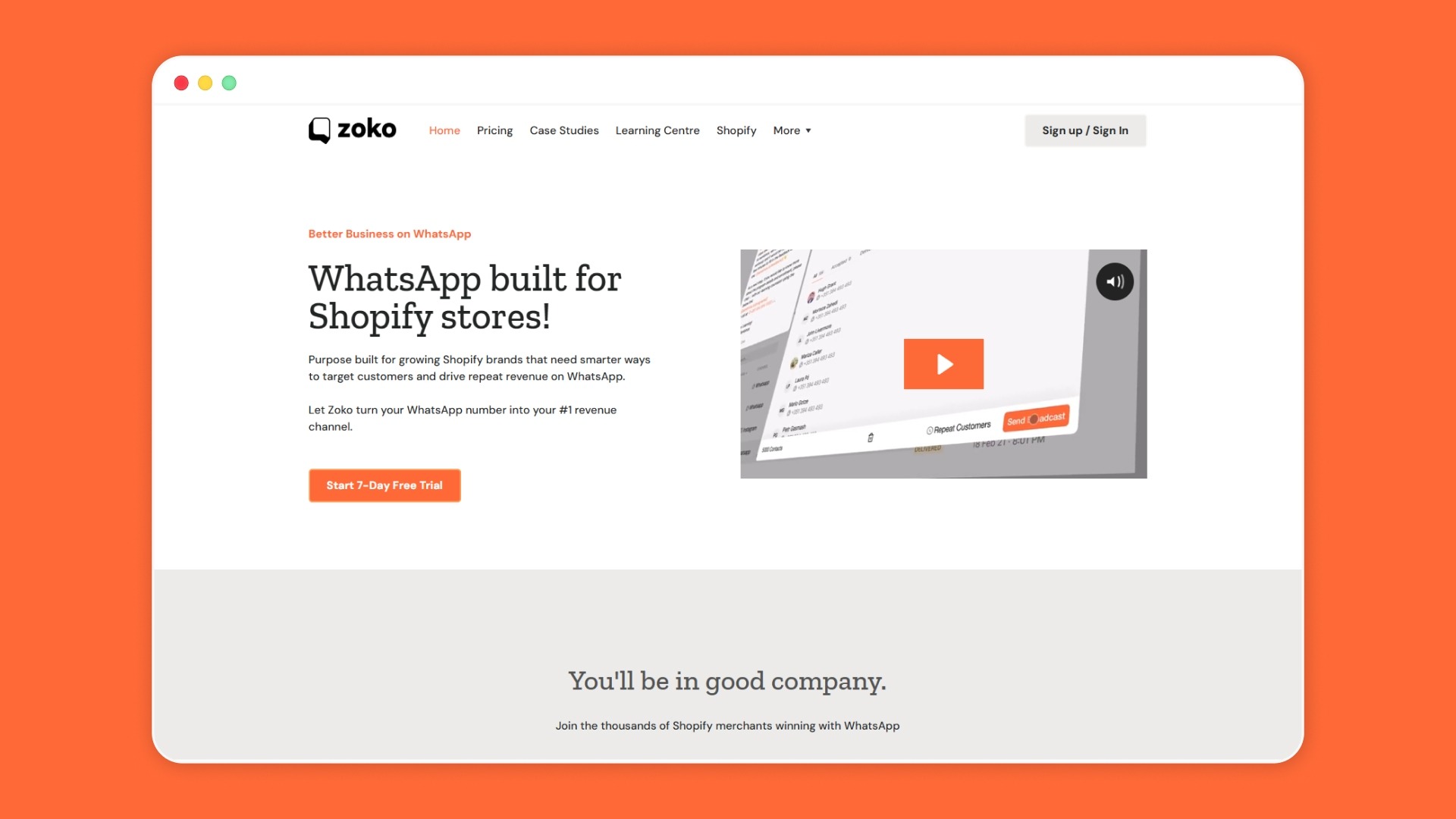
If your evaluation keeps pointing back to native Shopify integration, pre-built e-commerce flows, and transparent pricing, that is exactly what Zoko was built to deliver. Zoko is a WhatsApp Business platform designed specifically for Shopify merchants. It installs from the Shopify App Store, syncs your catalog automatically, and includes the automation flows that other providers sell as upgrades or add-ons. Zoko is an Official Meta Business Partner.
Here is what Shopify merchants get from the platform:
- Shopify plugin: Sync your Shopify product catalog into WhatsApp automatically. When you update a product in Shopify, the change reflects in WhatsApp. Customers browse and order inside the chat.
- WhatsApp for Shopify: Track conversions from Click-to-WhatsApp Ads through to Shopify orders. Connect your Meta Ads account and see which ad spend drives actual checkout revenue.
- Unified inbox: Manage WhatsApp, Facebook, and Instagram messages from one screen. Route chats to the right agent with tags, segments, and auto-distribution rules.
- Pre-built Zoko Flows: Recover abandoned carts, confirm COD orders, send reorder reminders, collect reviews, and convert COD to prepaid. All included free in every plan, no add-on fees.
See Zoko's pricing to compare plans and per-message rates for your market.
Final Thoughts
Choosing a WhatsApp Business API provider is really a decision about how deeply that provider connects to your Shopify store. The features that matter most for e-commerce, like catalog sync, COD confirmation, and cart recovery, should work out of the box. Not as add-ons you pay extra for, and not as webhooks you configure yourself.
Zoko gives Shopify merchants automatic catalog sync, pre-built COD and cart recovery flows, and a unified inbox from the moment you install. Start your 7-day free trial and send your first WhatsApp campaign this week.
FAQs
1. Can I use WhatsApp Business API without a BSP like AiSensy?
Yes, Meta allows direct API access through its Cloud API. However, direct access requires your own hosting, technical setup, and ongoing maintenance. Most Shopify merchants prefer a BSP because it provides a dashboard, pre-built features, and managed hosting without a development team.
2. Does AiSensy work with platforms other than Shopify?
AiSensy is a general-purpose WhatsApp platform that integrates with Shopify, HubSpot, Zoho, LeadSquared, Razorpay, WebEngage, and Google Sheets, among others. It serves industries including education, healthcare, real estate, finance, and e-commerce.
3. What is the difference between a native Shopify app and an API integration?
A native Shopify app installs directly from the Shopify App Store and syncs product data, order events, and customer records automatically. An API integration requires manual webhook configuration and does not pull Shopify data unless you build the connection yourself.
4. Are WhatsApp Business API messages free to send?
No. Meta charges per template message delivered. Marketing messages cost more than utility or authentication messages, and rates vary by recipient country. Your BSP may add its own markup on top of Meta's rates.
Interested to know more?
.svg)
Case Studies




















Featured Posts


Continue reading

The E-Commerce Divide: How the Top 10% of Brands Use AI to Grow 5X Faster (And Why It’s Not for Everyone)
Drive Sales with WhatsApp Catalog Integration: Here's How