
For many Shopify merchants, WhatsApp is now a daily channel for product questions, support, and repeat sales. As your store grows, simple chat replies can become more complex workflows across support, fulfillment, and marketing, making the system behind those conversations even more important.
That is where the WhatsApp Cloud API vs WhatsApp Business API setup comparison often begins. You may hear both terms even though both are part of the WhatsApp Business Platform.
This guide explains what each setup means, how they differ, and why the choice matters for your store. You will learn the differences in hosting, cost, support, and technical readiness. More importantly, you will understand what Cloud API can and cannot handle on its own.
The WhatsApp Cloud API vs. WhatsApp Business API setup comparison comes down to hosting, setup speed, support, cost, and the level of workflow help your Shopify store needs.
WhatsApp Business API is often used as a broad or legacy term for API-based WhatsApp messaging through the WhatsApp Business Platform. It refers to BSP-managed or on-premise-style access, where a provider acts as a middleman between WhatsApp and your Shopify store.
BSPs usually support businesses by:
For your e-commerce business, this setup can support important WhatsApp workflows. You can use it for customer support, order updates, abandoned cart reminders, CRM-based follow-ups, and automated notifications.
However, WhatsApp Business API can feel heavy for smaller Shopify merchants. That's because the setup often involves more coordination, more technical planning, and greater dependence on providers.
Common limitations:
Also Read: Key Features of WhatsApp Business API
The WhatsApp Cloud API is not a separate messaging product from the WhatsApp Business Platform in the broad sense. In simple terms, it is Meta’s hosted API path for programmatic WhatsApp messaging. It lets businesses and developers connect WhatsApp messaging directly with their applications without external hosting or a Business Solution Provider.
With WhatsApp Cloud API:
For a Shopify merchant, this can reduce the technical weight of starting with WhatsApp messaging.
Example: A growing Shopify skincare store may want to send order updates, answer product questions, and manage cart reminders through WhatsApp. With Cloud API, the business can start with Meta-hosted infrastructure instead of coordinating hosting through a provider.
Still, WhatsApp Cloud API is only an API layer. It gives access to WhatsApp messaging, but it does not automatically provide a full inbox, Shopify workflows, WhatsApp catalog browsing, cart recovery journeys, or ready-made customer support processes (more on this, later).
For Shopify merchants, this comparison is not just about API access. It affects how quickly your team can start WhatsApp support, connect order workflows, manage automation, and control costs as conversations grow.
The table below compares Meta-hosted Cloud API with BSP-managed or on-premise-style WhatsApp Business API setups from an e-commerce perspective.
WhatsApp Cloud API gives your business a direct way to send and receive WhatsApp messages through Meta’s infrastructure. But it is not a complete tool for running customer support, campaigns, product discovery, or order workflows.
For Shopify merchants, this difference matters. Cloud API can power the connection, but other systems/tools must manage the daily work around that connection and handle the business logic. It decides where messages appear, which agent replies, what customer data is shown, and which workflow runs next.
Example: A Shopify skincare store may receive WhatsApp questions about product suitability, prepaid orders, COD confirmation, and delivery updates. Cloud API can carry those messages between the store and the customer. But it will not assign chats to human agents, show past orders, sync products, or create follow-up flows on its own.
Pro tip: Before you choose the Cloud API setup, map your daily WhatsApp tasks first. Include customer questions, cart reminders, COD checks, order updates, review requests, and repeat purchase prompts. This planning helps you determine whether you only need API access or a more comprehensive WhatsApp commerce setup.
Both setup paths support WhatsApp messaging at scale. The real decision is whether your store needs BSP-managed infrastructure or direct access to the Meta-hosted Cloud API. Your choice also depends on technical resources, budget, compliance needs, and how quickly you want to start.
Ask yourself a key question: Do you want a provider-managed setup, or can your team build directly on Meta’s Cloud API?
Best fit: Large Shopify brands, enterprise teams, and businesses that prefer a managed setup over direct control.
Best fit: Tech-enabled small Shopify stores, startups, and developers.
Also Read: Top 5 WhatsApp API Future Improvements in 2026
For Shopify merchants, the API decision is only the starting point. Whether you use a Meta-hosted Cloud API or a BSP-managed Business API setup, API access only helps you send and receive messages. They do not automatically turn WhatsApp into a sales channel. To sell well on WhatsApp, you also need the layer that connects messages with products, orders, support, and repeat purchases. This is where the difference between “having API access” and “running WhatsApp commerce” becomes clear.
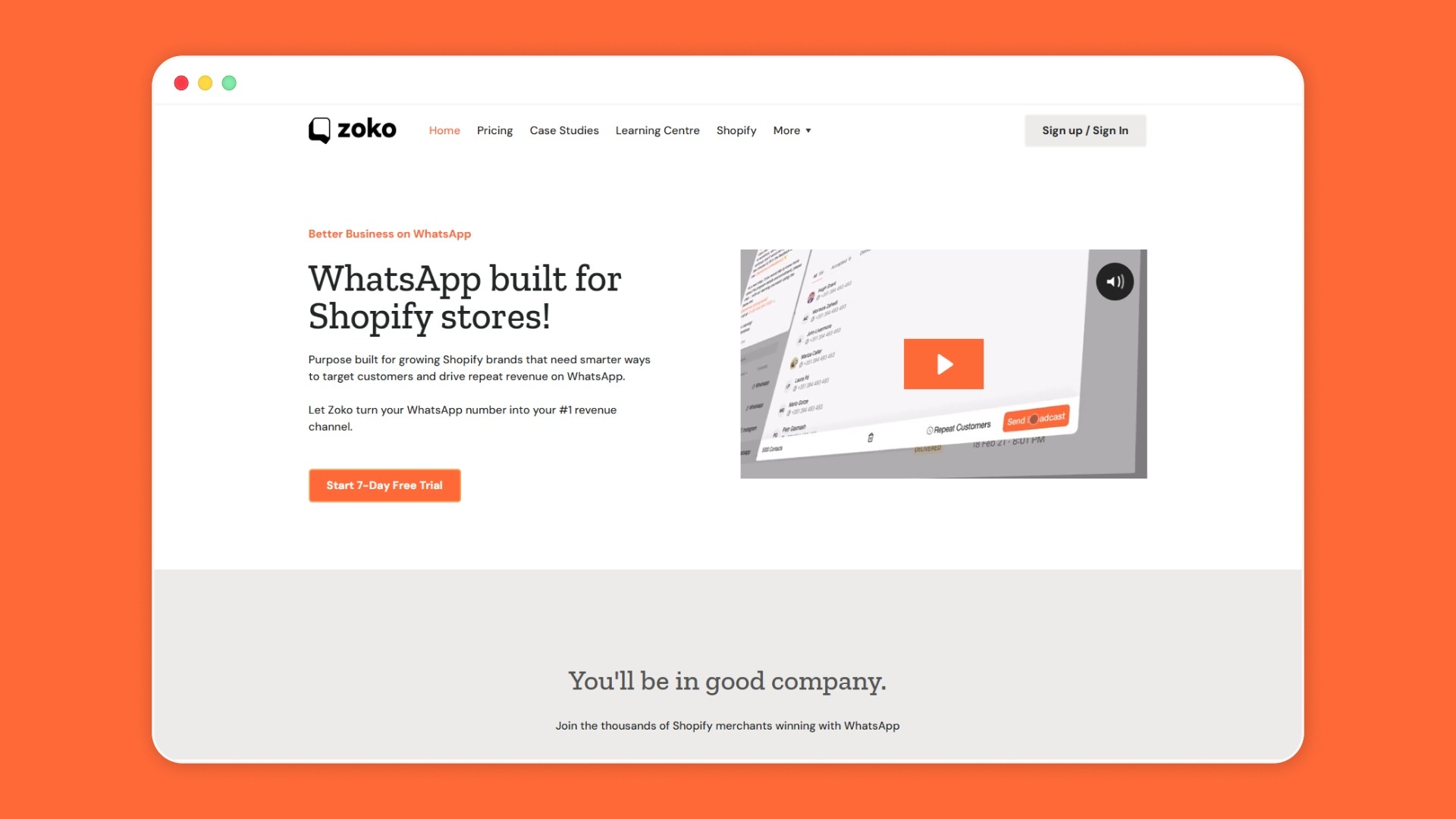
Zoko helps you bridge that gap by connecting WhatsApp with everyday store workflows. Instead of treating WhatsApp as only a messaging tool, you can use it throughout the buying journey.
Relevant Zoko features fit into this journey in practical ways:
Book a demo to go beyond API comparison and learn how Zoko helps you turn WhatsApp conversations into smoother buying journeys.
Yes, the setup can affect your total cost. With the BSP-based Business API, you pay provider fees in addition to WhatsApp charges. With the Cloud API, Meta charges you based on the number of delivered messages, message category, and market. This matters for Shopify stores sending utility updates, marketing messages, and customer support replies.
No. The differences affect daily store operations too. Hosting, setup time, support, pricing, team inbox needs, and automation all shape how smoothly your team handles WhatsApp messages. That is why you should compare the setup experience, not just the API features.
Prepare your business phone number, customer opt-in points, message template needs, support workflow, and Shopify use cases. Also, decide whether your team can manage direct API work or needs a partner-supported setup. This makes the WhatsApp Business API vs. Cloud API comparison clearer before implementation.
Yes, you can migrate phone numbers from older on-premise setups to Cloud API. However, plan the move carefully because the phone number, templates, and workflows must stay connected throughout the migration.
Yes, Meta supports using the WhatsApp Business app and API with the same phone number. This can help you move from manual replies toward API-based workflows more smoothly. It is useful when your team still needs app access while setting up structured WhatsApp support, notifications, or automation.



.svg)


