



WhatsApp has moved far beyond simple customer support. For many businesses, especially e-commerce brands, it now plays a direct role in sales conversations, order confirmations, payment follow-ups, and post-purchase support. As message volumes increase, manual replies and basic chatbots no longer scale. This is where WhatsApp AI automation tools become essential.
In 2026, businesses are using AI on WhatsApp to respond faster, handle repetitive queries, guide customers through buying decisions, and keep conversations active without increasing support costs. The right tool can connect chats with sales data, automate routine flows, and still keep interactions personal.
This guide breaks down the top WhatsApp AI automation tools businesses use to scale operations, improve response efficiency, and manage growing customer conversations without losing control.
Key Takeaways
WhatsApp AI automation tools help businesses manage and scale customer conversations on WhatsApp through automation and AI. Instead of replying to every message manually, these tools handle routine interactions automatically while allowing human agents to step in when needed.
At a basic level, they connect WhatsApp with business systems like e-commerce platforms, order management tools, and CRMs. AI is used to understand customer intent, trigger the right response, and guide conversations toward actions such as placing an order, confirming delivery, or resolving a query.
Most WhatsApp AI automation tools support tasks like:
For growing businesses, especially Shopify merchants, these tools remove the need to choose between speed and personal interaction. Automation handles volume, while AI keeps responses relevant and contextual. The result is faster replies, fewer missed messages, and more consistent customer experiences on WhatsApp.
Now that you know what WhatsApp AI automation tools are, it helps to see how they work behind the scenes.
Also Read: Transforming Customer Retention in E-commerce: Zoko's ChatGPT inside WhatsApp
WhatsApp automation works by responding to customer actions using predefined rules and AI logic. Each conversation follows a simple flow that determines what happens next based on the customer's actions or words.
At a high level, the process looks like this:
All messages follow WhatsApp’s messaging rules, including template approvals and time-window limits. Automation handles volume and speed, while agents focus on conversations that need attention. This balance allows businesses to reply faster, stay consistent, and manage growing message traffic without overwhelming support teams.
Once you see how WhatsApp automation works end-to-end, it becomes easier to evaluate the features that make one tool more effective than another.
When selecting a WhatsApp AI automation tool, focus on features that support real business workflows, not just basic chat replies. The right setup helps you manage conversations at scale while keeping interactions relevant.
A reliable tool should understand what customers are asking, even when messages are phrased differently. This allows automation to respond accurately to common queries like order status, delivery updates, or product questions.
Look for tools that support structured flows instead of one-off replies. Multi-step automation guides customers through actions such as browsing products, confirming orders, or getting support, with a human handoff when needed.
Outbound messages on WhatsApp require approved templates. A good platform makes it easy to create, manage, and reuse templates for order confirmations, reminders, and follow-ups without delays.
For online sellers, automation should connect directly with store data. Tools that integrate closely with Shopify can trigger messages based on real events like new orders, shipment updates, or abandoned carts.
Platforms like Zoko are built specifically around these e-commerce workflows, making automation more reliable and easier to manage.
Automation should never block customers from reaching a person. Shared inboxes, agent assignment, and conversation history help teams step in smoothly when a query needs human attention.
Targeted messaging matters. Segmentation and broadcast features help send updates or offers only to relevant customers, keeping communication useful rather than intrusive.
Simple metrics such as response time, automated resolution rate, and message engagement help you understand what is working and where automation needs adjustment.
Support for buttons, images, documents, and quick replies improves clarity and reduces back-and-forth without adding complexity.
Also Read: Automate WhatsApp Order Confirmation Messages
The tools below are grouped by what they help businesses achieve. For each tool, we outline core automation features, AI capabilities, WhatsApp-specific strengths, Shopify readiness, and use cases.
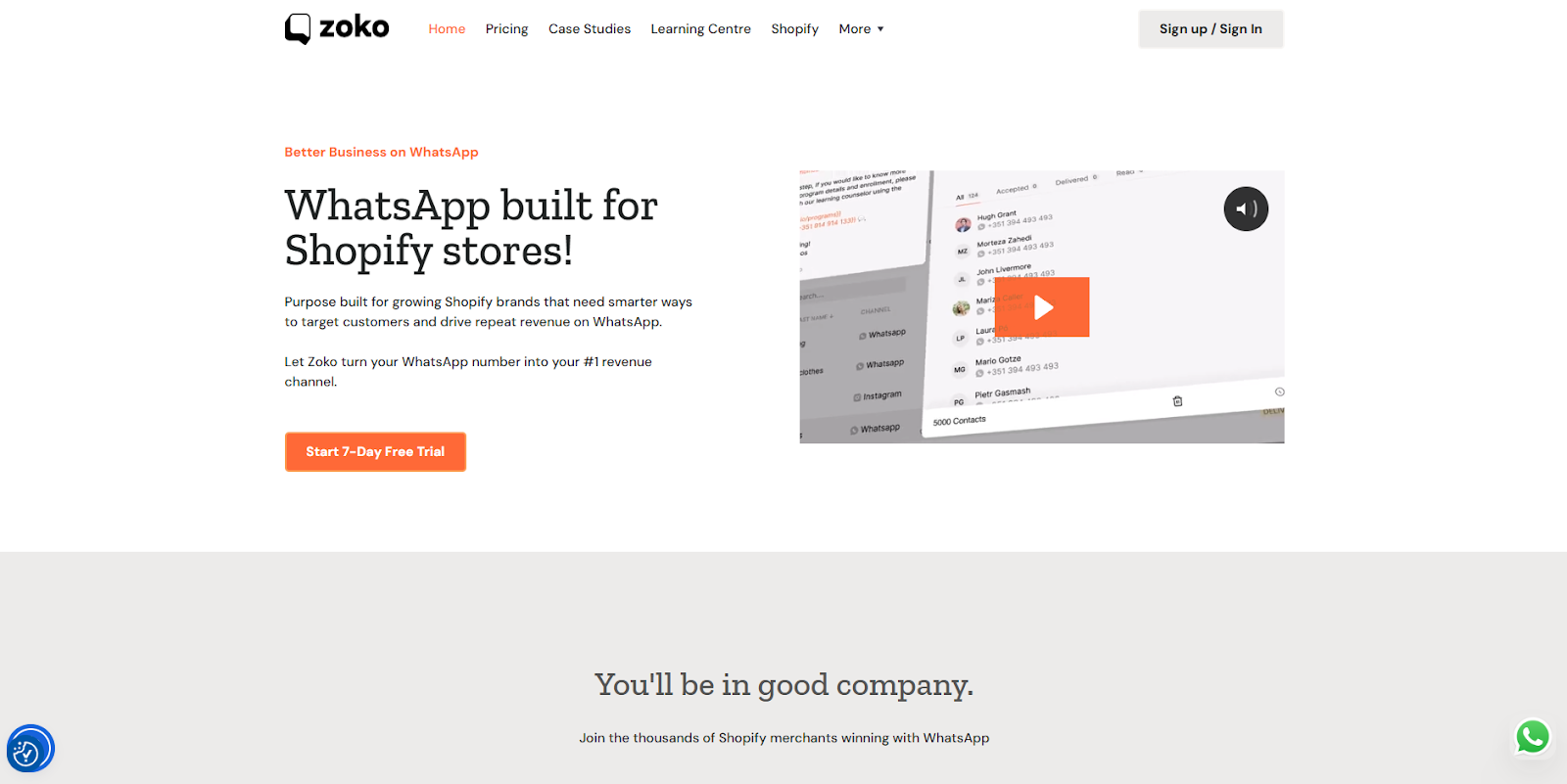
Zoko is built to help merchants sell via WhatsApp without manual workflows. It combines WhatsApp automation with order management and customer engagement features.
Core Features:
AI Strengths:
Shopify Fit: Highly compatible. Zoko syncs catalog and order data, reducing repetitive manual messages.
Best For: Shopify merchants who want WhatsApp flows tied directly to e-commerce activity.
If WhatsApp commerce is a priority for your business, reviewing how Zoko applies these automation features can provide useful context. Start 7 day free trial to explore sales, support, and order workflows in action.
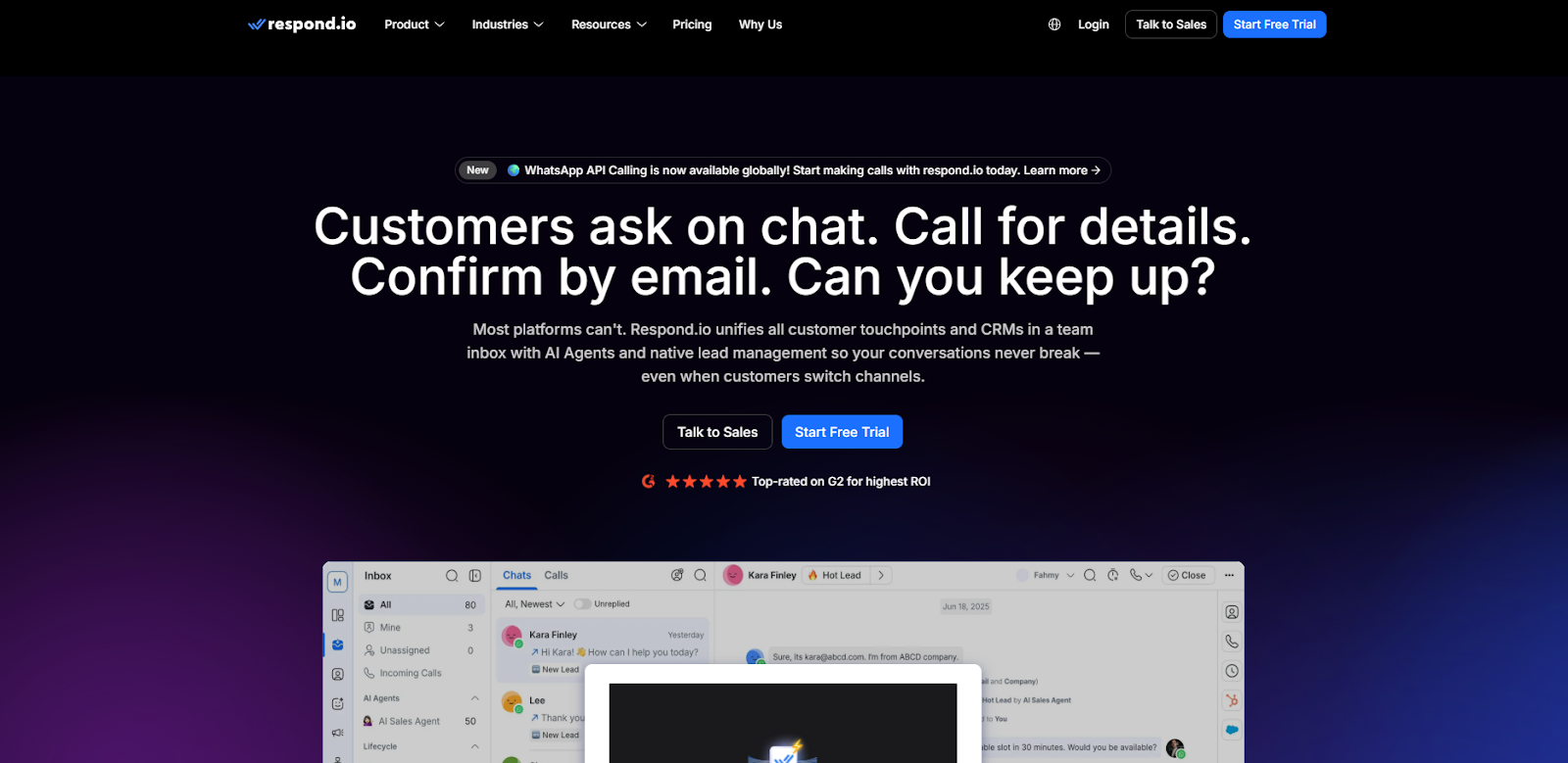
Respond.io brings WhatsApp and other messaging platforms together into one inbox, adding rules and automation to simplify replies.
Key Features
Best For: Businesses that manage customers across multiple messaging platforms and need automation plus inbox workflows.
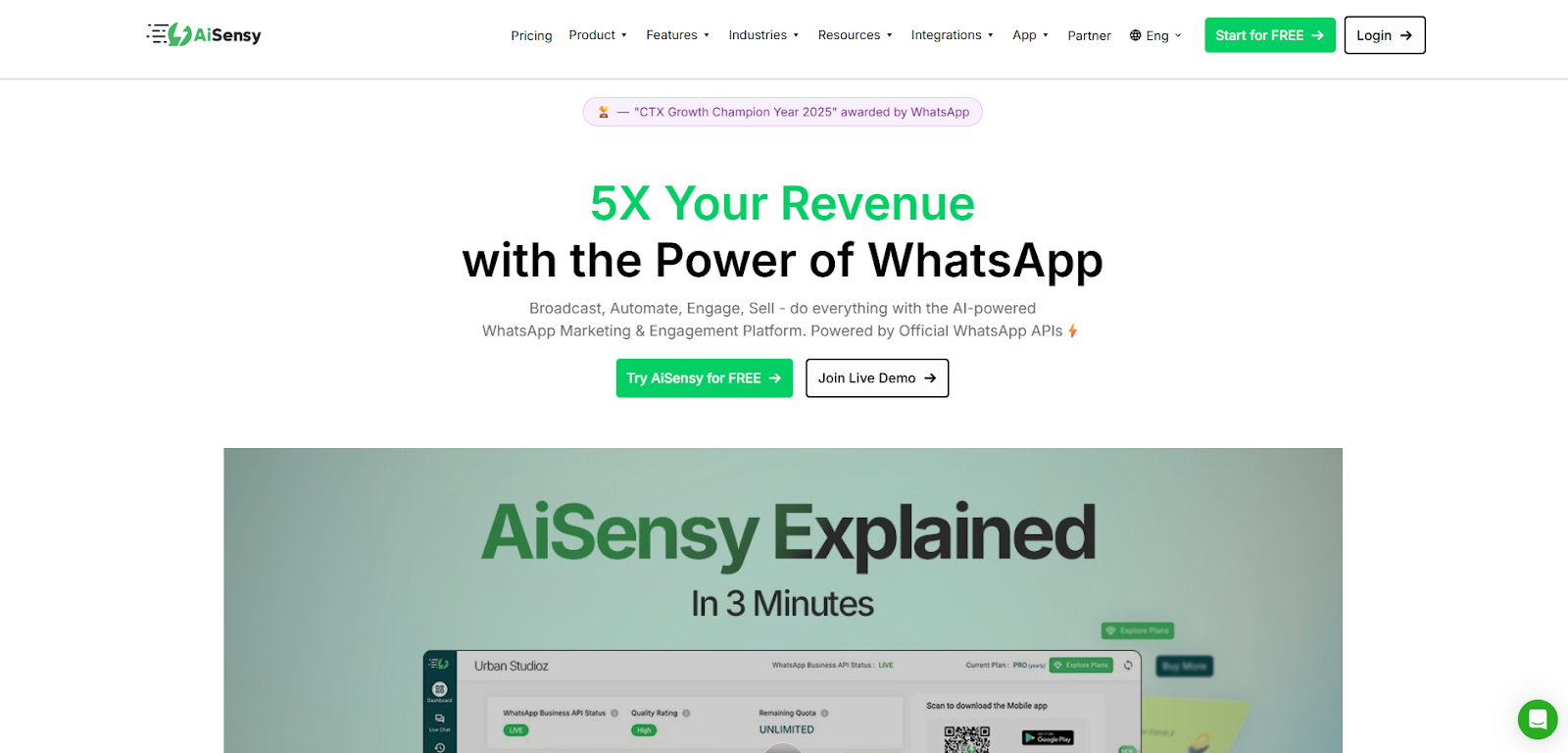
Aisensy focuses on sending targeted messages and managing customer segments with automation.
Key Features
Best For: Brands that send frequent promotions, alerts, and segmented WhatsApp messages.
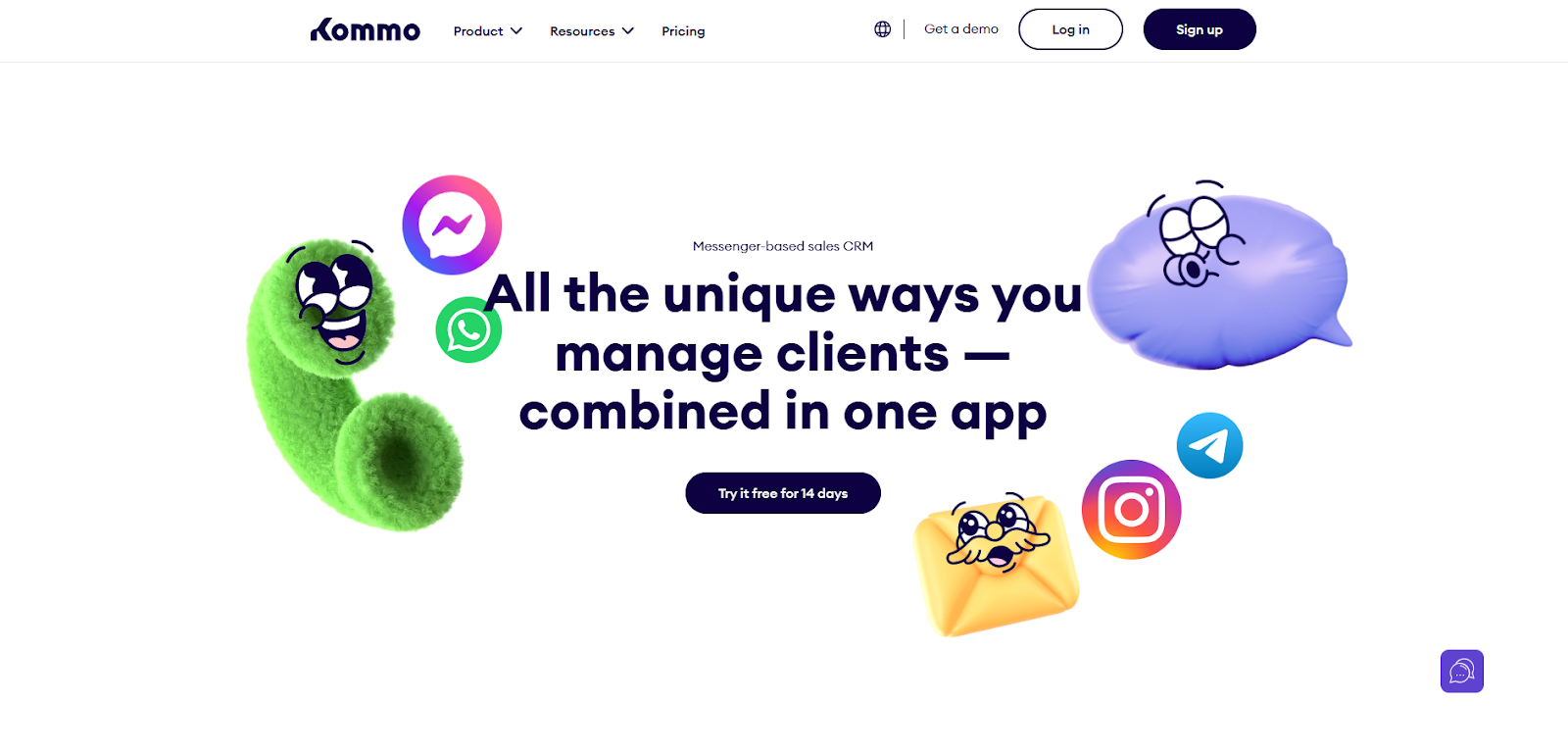
Kommo integrates WhatsApp messaging into a sales CRM, making automation more personalised based on customer data.
Key Features
Best For: Sales teams who want automation and CRM workflows working together.
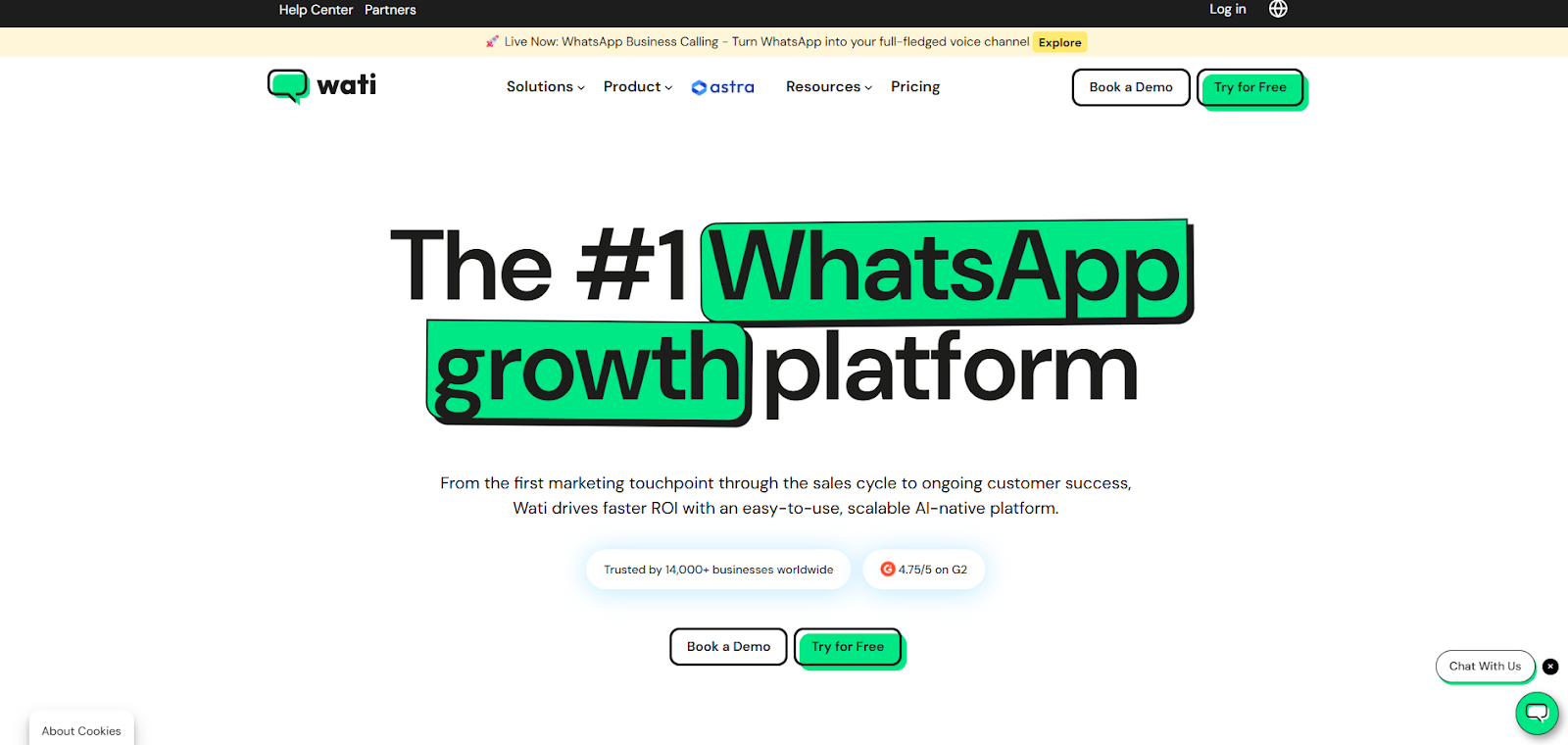
A widely adopted tool focused on helping businesses automate support and scale team responses.
Key Features
Best For: SMBs that want dependable automation plus easy team collaboration on WhatsApp support.
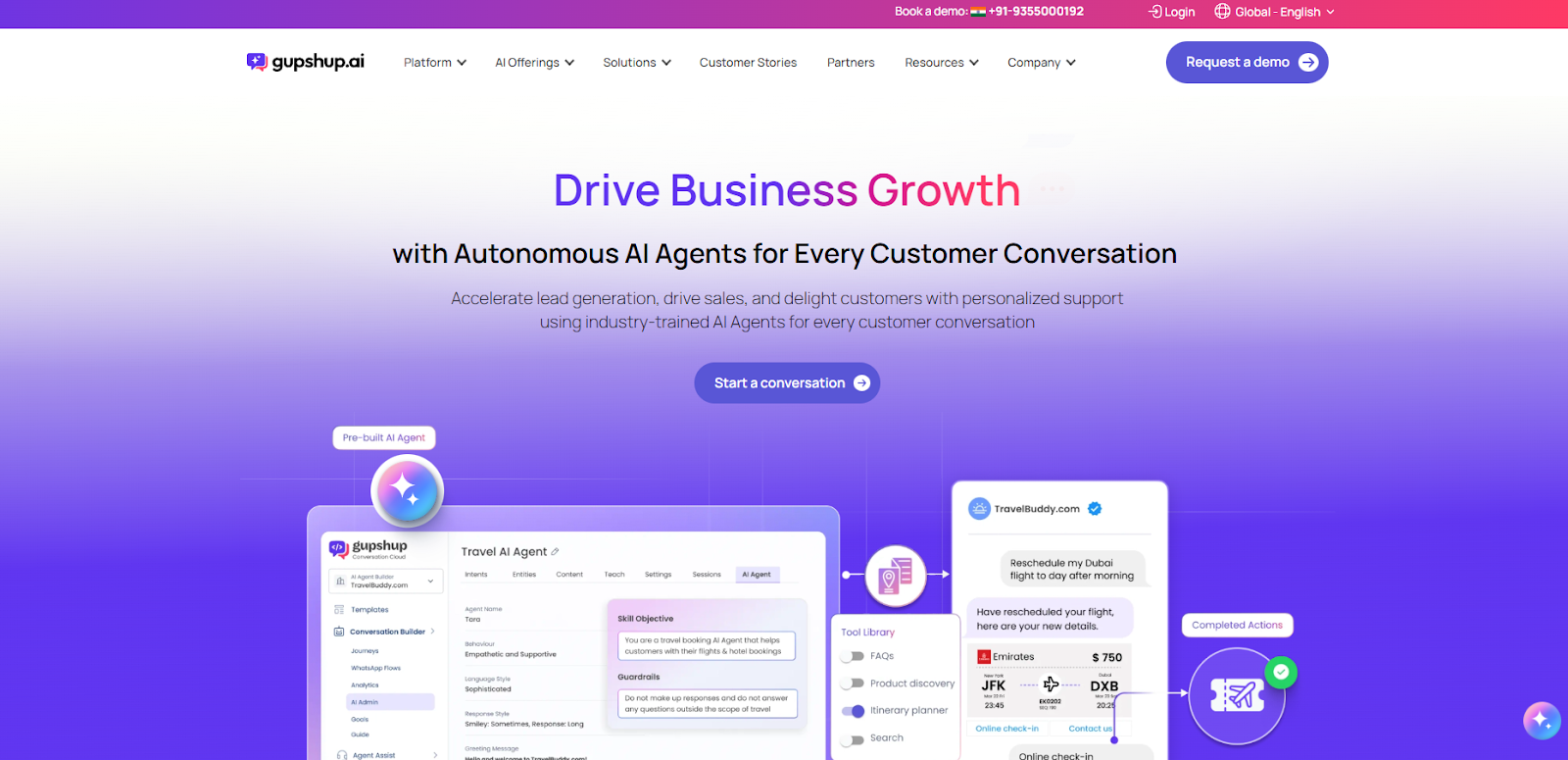
Why it stands out: A flexible platform offering robust bot support and developer-friendly integrations.
Key Features
Best For: Businesses that want custom automation flows with deeper technical control.
Each tool serves a different purpose. Understanding how to choose the right one helps you avoid unnecessary features and focus on what matters most.
Also Read: Best Customer Engagement Tools and Platforms for 2025
Choosing the right WhatsApp AI automation tool starts with understanding what you want to automate and how it fits into your business flow.
WhatsApp AI automation tools have become a practical requirement for businesses handling growing customer conversations. When used well, they help respond faster, reduce manual work, and keep sales and support interactions consistent as message volumes increase. The key is choosing a tool that fits your workflows, integrates with your systems, and balances automation with human support.
For Shopify merchants, tools that connect directly with store data and order events tend to deliver the most value. Platforms like Zoko are designed around these needs, helping businesses manage sales, support, and order communication on WhatsApp without adding operational complexity.
If you are exploring ways to scale customer conversations in 2026, book a Demo and see how WhatsApp automation fits into your day-to-day workflow.
Yes. Advanced automation, multi-agent inboxes, approved message templates, and AI-driven workflows require access to the WhatsApp Business API. The standard WhatsApp Business App supports only basic automation.
Yes. Many tools are designed for small and mid-sized businesses. They help reduce manual replies, manage order queries, and handle customer messages without needing a large support team.
Yes. Most commerce-focused tools integrate with Shopify to trigger messages for order confirmations, shipping updates, cart recovery, and payment follow-ups based on real store events.
No. AI automation handles routine and repetitive questions, but complex or sensitive queries still require human support. Good tools allow a smooth handoff from automation to a live agent.
Yes, as long as the tool follows WhatsApp’s policies. This includes using approved templates for outbound messages, respecting message limits, and handling customer data responsibly.



.svg)


