

For many Shopify merchants, website traffic does not convert on the first visit. Shoppers ask product questions, compare options, check delivery timelines, and often leave before checkout.
That is where WhatsApp becomes useful. It gives your ecommerce team a direct way to handle product discovery, pre-purchase questions, order updates, and post-purchase support in one channel.
In this guide, you will learn how to create a WhatsApp Business account for your ecommerce website, when the Business App is enough, when the API makes more sense, and how to connect WhatsApp to your store without adding manual work.
Before you begin, decide which setup path fits your store. The WhatsApp Business App suits smaller stores handling conversations manually. The WhatsApp Business API suits stores that need automation, integrations, and team-based workflows.
Also read: Get Verified: How to Obtain the WhatsApp Blue Tick for Your Business?
When customers have questions, speed often decides whether they buy or leave. WhatsApp gives ecommerce websites a more immediate sales and support channel, helping teams handle inquiries, share products, and guide customers from interest to action with less friction.
There are two setup paths. The WhatsApp Business App works for smaller stores managing conversations manually. The WhatsApp Business API is better for stores that need automation, integrations, team access, and more structured workflows.
1. Download the WhatsApp Business App: Install the dedicated WhatsApp Business application from your device's app store. It's distinct from the regular WhatsApp app.
2. Sign in using your phone number: Register using the business phone number you want to associate with your store. This can be a new number or an existing one (with a migration process).
3. Set up your WhatsApp Business profile: Fill in essential details like your business name, description, address, operating hours, website link, and business category. This acts as your storefront within WhatsApp.
4. Create your WhatsApp product catalog: Upload images of your products, along with their names, descriptions, prices, and optional website links. This allows customers to browse your offerings directly within WhatsApp.
5. Share catalog links: To make your products easily discoverable, share individual product links or your entire catalog link directly in WhatsApp chats or across other platforms.
6. Access business tools: Customize your profile by accessing the following business tools:
7. Add a WhatsApp button to your website: Integrate a "Chat on WhatsApp" button on your website, particularly on product pages, to allow instant connection.
8. Link your WhatsApp Business account to your business’s Facebook and Instagram pages: This expands your reach and provides a seamless way for customers discovering you on social media to connect via WhatsApp.
The WhatsApp Business App is a starting point for smaller stores that handle sales and support manually. But once message volume rises, or you need automation, multi-agent access, and store integration, the API usually becomes the better option.
The WhatsApp Business API is built for businesses that need scale, automation, and integrations. It is usually the better route for stores handling higher message volumes, multiple agents, abandoned cart recovery, order updates, and repeat purchase campaigns. Access typically happens through an approved provider or platform layer.
Many ecommerce businesses access the API through an approved platform layer that simplifies setup, integration, and workflow management. For Shopify merchants, Zoko is one such option. Here’s how the setup process works through a platform like Zoko.
1. Sign up with Zoko: Create an account on the Zoko platform. Zoko acts as your gateway to the WhatsApp Business API.
2. Connect your WhatsApp Business API via Zoko: Zoko guides you through setting up or connecting your existing WhatsApp Business API account to their system. This typically involves business verification with Facebook (Meta).
3. Integrate Zoko with your e-commerce platform: Zoko offers direct connections that allow your online store to communicate with WhatsApp. This means:
4. Build automated WhatsApp conversations in Zoko: Zoko allows you to create automated message sequences to answer common questions, share product details, and even help customers with their purchases.
5. Add a "Chat on WhatsApp" button to your website using Zoko: Zoko provides simple tools to add a WhatsApp chat button to your website. When clicked, customers are directly connected to your Zoko WhatsApp interface.
6. Use Zoko for broadcast messaging on WhatsApp: Send targeted promotional messages and important updates to customers who have agreed to receive them on WhatsApp.
7. Manage WhatsApp conversations with your team using Zoko: If you have a team, Zoko allows multiple agents to handle customer chats on WhatsApp at the same time.
8. Track your WhatsApp e-commerce performance with Zoko's reports: Zoko provides insights into your WhatsApp activity, such as message volume and customer engagement, to help you understand what's working.
So, you've set up your WhatsApp e-commerce connection. Now, it's time to make it a powerful sales engine!
Also read: Ultimate WhatsApp API Integration Guide: 10X Your Customer Service
Once your setup is live, the next step is reducing friction inside the chat. Advanced features help customers browse products, get answers faster, and move toward purchase with fewer drop-offs.
After setup, most merchants focus on reducing manual work through automation, structured flows, AI-assisted support, and better performance tracking.
You can transform your WhatsApp presence into a dynamic sales channel that enhances customer engagement, builds loyalty, and ultimately drives revenue for your e-commerce business. Here are some strategies to help boost your e-commerce sales using WhatsApp:
Now, let's briefly touch upon some crucial "don'ts" to ensure your WhatsApp selling practices remain effective and customer-friendly.
While WhatsApp offers a powerful platform for e-commerce, it's essential to avoid certain practices that can alienate customers and harm your brand reputation:
By focusing on these "don'ts," you can create a more positive and effective selling experience on WhatsApp.
Once you've set up your WhatsApp Business account, the next challenge is connecting it to your store in a way that actually drives sales.
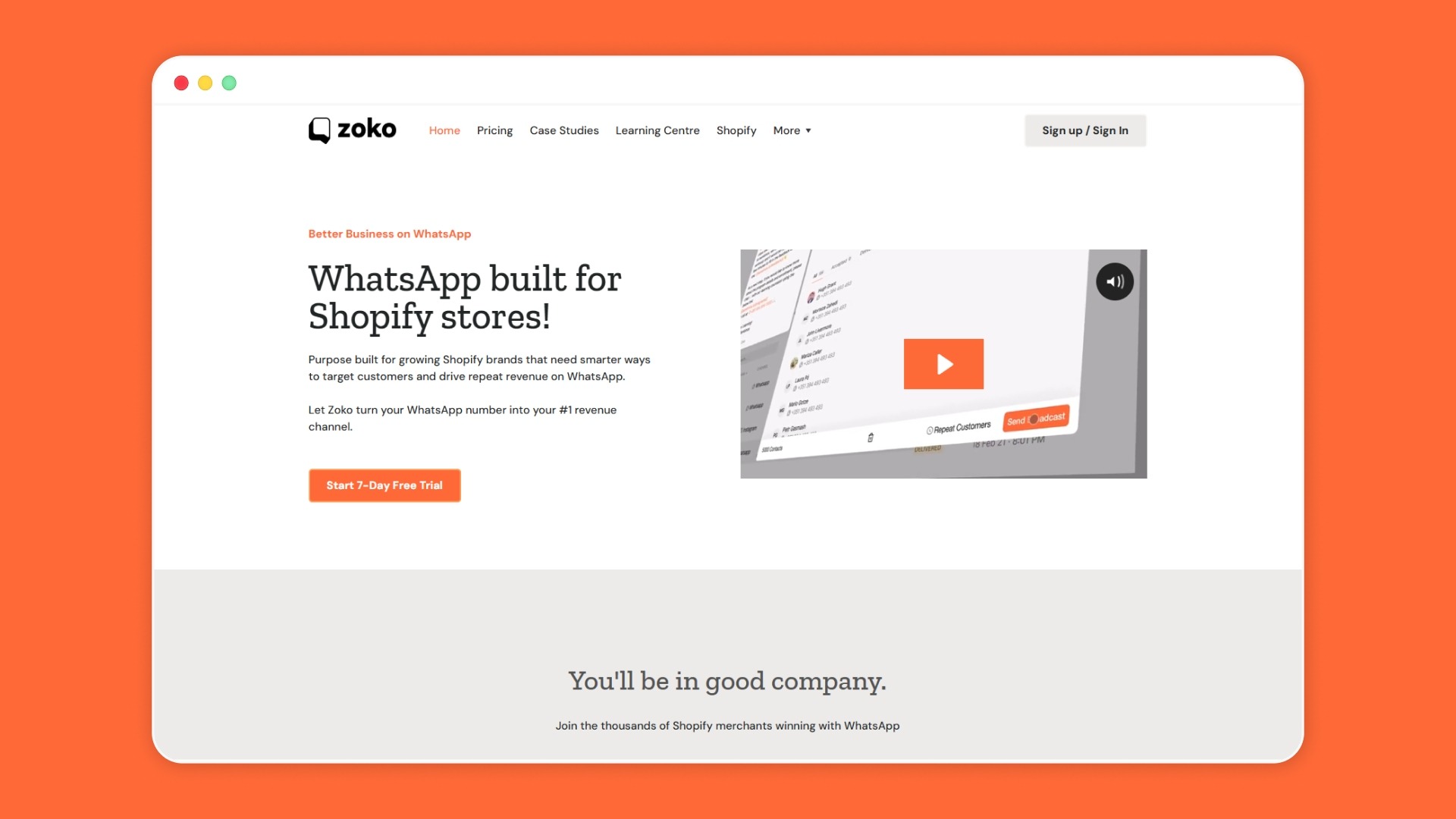
Zoko is an official Meta Business Partner and a WhatsApp Business Solution Provider designed specifically for e-commerce merchants, especially those on Shopify. It brings together everything a growing store needs to sell, support, and retain customers.
Zoko is trusted by Shopify merchants across India, Brazil, the Middle East, and Western Europe, looking to turn WhatsApp from a support channel into a full revenue channel.
Book a free demo with Zoko and see how eCommerce merchants are closing more sales, fewer abandoned carts, and better COD rates, directly on WhatsApp.
Creating a WhatsApp Business account for your ecommerce website is not just about opening another chat channel. The real value comes from choosing the right setup path, connecting it to your store, and using it to support product discovery, order journeys, and customer retention.
If your store is small, the Business App can help you get started quickly. If you want Shopify-linked selling, automation, team workflows, and better scale, Zoko gives you the infrastructure to do that on WhatsApp. Start your 7-day free trial today and see the results yourself!
1. What is the difference between the WhatsApp Business App vs WhatsApp Business API?
The WhatsApp Business App is built for small teams managing conversations manually on a single device. The API, on the other hand, supports automation, integrations, and multi-agent access, making it suitable for scaling customer communication and sales workflows.
2. What is the 24-hour rule for WhatsApp Business?
Businesses can freely reply to user messages within a 24-hour window after a customer initiates contact. Once this window closes, only pre-approved template messages can be sent to re-engage the customer.
3. What is a WhatsApp shop?
A WhatsApp shop is a setup where products are displayed through a catalog within WhatsApp, allowing customers to browse, enquire, and continue the buying journey in chat. The exact order and checkout flow depend on the merchant’s setup and integrations.
4. Difference between a WhatsApp eCommerce store and a WhatsApp chat button
A WhatsApp commerce setup can support product browsing, order-related communication, and guided sales journeys within WhatsApp, depending on how the merchant has configured catalog, automation, and integrations. A chat button simply redirects users to a conversation without that added structure.
5. Can I connect WhatsApp to Shopify without coding?
Yes, many merchants use platforms that connect Shopify to WhatsApp without building custom workflows from scratch. The right option depends on whether you only need a chat entry point or want catalog sync, automation, and team workflows.
6. Do I need the WhatsApp Business API for my ecommerce website?
Not always. The Business App works for small stores handling lower message volume manually. The API is a better fit when you need automation, integrations, multi-agent access, and scale.
7. How do customers browse products inside WhatsApp?
Customers can browse catalog items shared within chat, review product details, and ask follow-up questions without returning to the website each time. The purchase flow after that depends on your store setup and integration model.



.svg)


