







Documents Required for WhatsApp Business API: 2026 Shopify Checklist

Documents Required for WhatsApp Business API: 2026 Shopify Checklist
You are ready to sell on WhatsApp, but Meta asks you to submit documents before anything can go live. That pause can feel frustrating when your customers already ask about products, COD, delivery, returns, and order updates on WhatsApp. One incorrect GST detail, a mismatched business name, an inactive number, or an unclear website can turn a simple setup into repeated approval delays.
That's why it helps to know exactly what to prepare before you start. The documents required for WhatsApp Business API decide how quickly you can start using WhatsApp as a serious sales and support channel. This guide shows you what business documents, website details, phone number checks, and display name rules to prepare before submission. You will also see where Shopify merchants often get stuck, so you can avoid delays and move toward WhatsApp-based conversations and sales with more confidence.
Quick Snapshot
The documents required for WhatsApp Business API access help Meta verify your business identity before your Shopify store can start using WhatsApp for customer conversations, order updates, and sales.
- Prepare business registration and legal name proof, such as GST, proof of incorporation, MSME/Udyam registration, shop establishment proof, or a business license.
- Keep address proof ready, such as a utility bill, bank statement, tax record, or trade license that matches your Meta Business Manager details.
- Use a valid business phone number that can receive OTPs by SMS or voice call and is not already tied to another WhatsApp setup.
- Make sure your Shopify store supports your application with HTTPS, clear product pages, visible contact details, policy pages, and a consistent brand name.
- Choose a WhatsApp display name that matches your Shopify store, website, brand, or legal business identity.
- Avoid approval delays by uploading clear documents, applying through one provider, checking business category rules, and selecting the right business type.
Core Documents You Need Before Applying For WhatsApp Business API
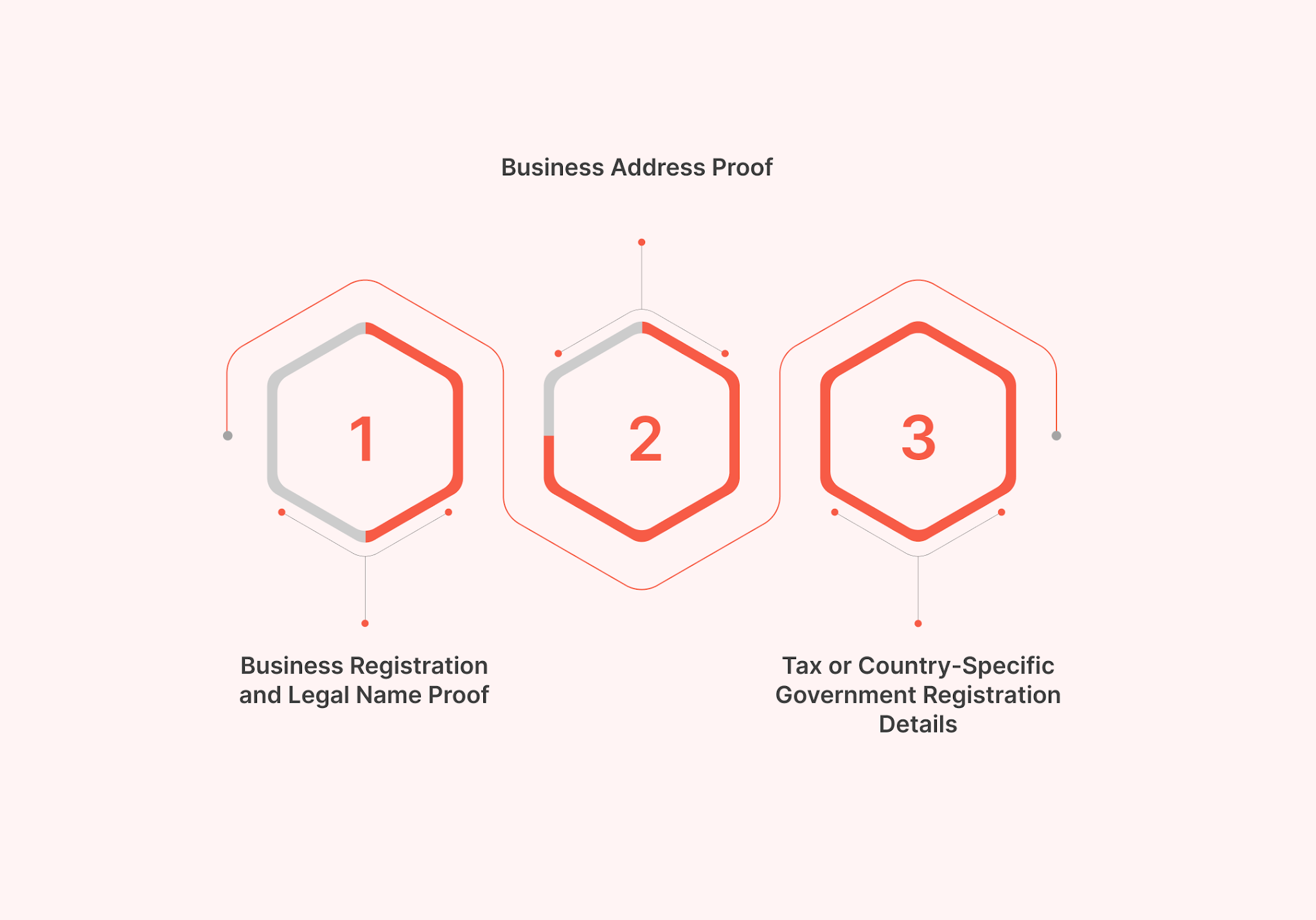
Before you apply, group your documents by what they prove. This helps you avoid submitting random files that do not match your Meta Business Manager details.
1. Business Registration and Legal Name Proof
Start with a document that clarifies to Meta that a real, registered business backs your Shopify store. This document should also show the legal business name you want Meta to verify.
For Indian Shopify merchants, this may include:
- GST certificate
- Certificate of Incorporation
- MSME/Udyam registration, especially for smaller businesses
- Shop establishment certificate
- Business license
The key is to choose the document that most clearly shows your legal business name. If your Shopify store uses a brand name, check the legal entity behind it before entering details in Meta Business Manager. For example, your store may be called “ABC Lifestyle,” while your GST certificate says “ABC Lifestyle Private Limited.” In that case, your Meta Business Manager details should match the legal name on the document, not the shortened store name.
Pro tip: Pick the document that creates the least confusion as your source of truth, then match all entered details to it. A clear GST certificate or incorporation document is preferable to multiple weak files that list different names or addresses.
Note: Accepted documents can vary by country, business type, and verification flow. Always check the current requirement before submission.
2. Business Address Proof
Your address proof should show the same address you'll enter during verification in Facebook Business Manager. Common examples include:
- Utility bills
- Bank statements
- Tax registration records
- Trade licenses
Note: Avoid using outdated bills, old office addresses, or documents that show a different branch location.
3. Tax or Country-Specific Government Registration Details
For India, keep your GSTIN, PAN-linked business records, or other official registration details ready where applicable. These details help confirm that your business is active and traceable through official records.
Country-specific tax or regulatory documents may be needed outside India. Merchants in Brazil, South America, the Middle East, or Western Europe should prepare the local equivalent.
Also Read: Full list of accepted documents
Digital Store Assets and Setup Details To Prepare
Your legal documents prove that your business exists. Your digital store assets indicate whether the business appears active, consistent, and ready to speak with customers on WhatsApp.
Before you apply, review your Shopify store like Meta or a customer would.
1. Website or Shopify Store URL
Do not treat your website as just a link to submit. It should clearly support your business identity. Before applying, check that your store has:
- A working HTTPS URL with an SSL certificate
- Clear product pages
- A visible brand name
- A product category that matches your business type
- Contact details in the footer or on the contact page
- No broken checkout, policy, or collection pages
If your Shopify store sells ethnic wear, skincare, electronics, or home products, that should be clear within a few seconds. A vague homepage can make your business look incomplete.
2. Business Contact Details
Prepare a support email, business phone number, registered address, and customer-facing contact details. A domain-based email address, such as support@yourbrand.com, looks more reliable than a personal email address.
3. Privacy Policy and Terms Pages
Policy pages are not filler pages. They explain how customers interact with your store. They also help build trust and legal protection before you start WhatsApp-based sales and support.
Therefore, at a minimum, keep these pages ready:
- Privacy policy
- Terms and conditions
- Refund policy
- Return policy
- Shipping policy
4. Logo and Business Description
Keep a clean logo and a short business description ready. These assets help create a consistent WhatsApp Business profile. Write the description in simple language.
Your description should answer these three questions primarily:
- What do you sell?
- Who do you sell to?
- What kind of customer help can people expect?
Example: Avoid generic lines like “We provide the best products.” A better description is: “We sell everyday skincare products for Indian customers, with order support available on WhatsApp.”
5. Opt-in and Opt-out Compliance
Before sending WhatsApp messages, customers should know what they are agreeing to receive. This includes order alerts, offers, support replies, delivery updates, or abandoned checkout reminders.
Your opt-in flow can appear on:
- Checkout pages
- Signup forms
- Order confirmation pages
- Website popups
- Customer support forms
Also, prepare a clear opt-out path, such as “Reply STOP to unsubscribe.”
Pro tip: Treat consent as a trust signal, not just a compliance task.
Also read: WhatsApp Business API Without a GST Number: What You Actually Need in 2026
Phone Number, Display Name, and Message Readiness Checks To Consider
Your documents may be correct, but your setup can still slow down if your phone number, display name, or message plan is not ready. Check these items before you submit anything.
1. Business Phone Number Requirements
Choose a phone number that is ready for verification. It should be active, reachable, and able to receive an OTP through SMS or voice call.
For a cleaner setup, use a new dedicated number for your WhatsApp Business API account. Avoid using a number that is already linked to a personal WhatsApp account or the WhatsApp Business app unless you have first checked the migration process.
2. Display Name Requirements
Your display name is the name customers will see on WhatsApp. It should closely match your Shopify store, website, brand, or legal business identity.
Avoid names that are:
- Too generic
- Promotional
- Written in all caps
- Unrelated to your website or documents
- Different from your customer-facing brand
Example: “ABC Lifestyle” is clearer than “BEST DEALS INDIA OFFICIAL.”
Check whether your website supports your display name. If your legal name and store name differ, make the relationship clear on your website or in your business details.
Also Read: Understand the Display Name that Gets Easily Approved on WhatsApp API
3. Message Template Readiness
Templates are not legal documents, but preparing them early saves time after approval. For Shopify merchants, common templates include:
- Order confirmation
- Shipping update
- Payment reminder
- COD confirmation
- Abandoned checkout reminder
- Review request
Keep each template clear, useful, and tied to a real customer action.
At this stage, your application should be ready for review. The next step is not to add more documents, but to make sure every detail connects cleanly. Meta should be able to trace your business identity from your documents to your Shopify store, phone number, website, and display name without confusion.
Also Read: WhatsApp API Onboarding Process
Common Mistakes That Can Delay WhatsApp API Approval
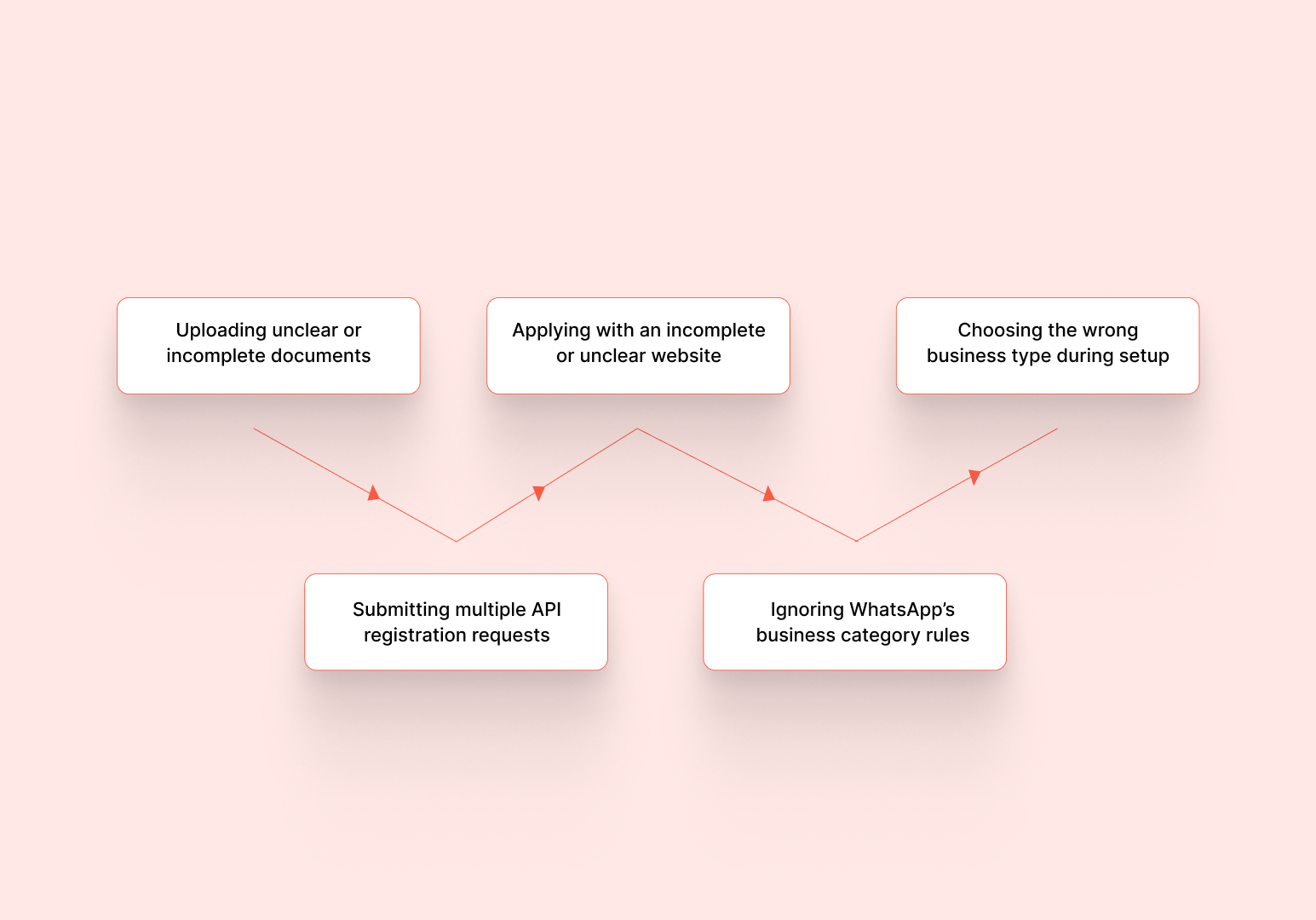
Even after preparing the required documents, avoidable mistakes can still slow down the approval process. This usually happens when the submitted files do not provide the exact details Meta is checking, the website looks incomplete, or the application is sent through too many routes at once. Before applying, review these mistakes so your documents, store details, and business category are ready for a smoother review.
- Uploading unclear or incomplete documents: Blurred scans, cropped files, missing pages, expired certificates, and screenshots can create avoidable delays. Upload a clear PDF or full-page scan that shows the legal name, address, registration number, and issuing authority.
- Submitting multiple API registration requests: Do not apply for WhatsApp API access through multiple solution providers simultaneously. Multiple active requests can confuse the review process and may lead to rejection or delays.
- Applying with an incomplete or unclear website: Broken pages, missing policies, or vague product categories can make your business look incomplete.
- Ignoring WhatsApp’s business category rules: Some business categories may be restricted or prohibited on the WhatsApp Business Platform. Check the latest policy before applying, especially if your store sells regulated or age-restricted products.
- Choosing the wrong business type during setup: If you select a business type that does not match your documents, the review process can become more difficult. For example, a private limited company, a sole proprietorship, an LLP, and a local shop may require different forms of proof.
How Zoko Helps You Move From API Approval to WhatsApp-Based Shopify Sales
The listed documents get you ready for approval, but they do not answer the next Shopify question: once your WhatsApp API access is ready, how do you turn it into a working sales and support channel?
This is where Zoko can help. As an Official Meta Business Partner, Zoko supports Shopify merchants in moving from setup readiness to WhatsApp-based selling. That means instead of just preparing documents in isolation, you are also building the base for customer chats, order updates, COD confirmations, and support workflows that connect back to your Shopify store. Here's how the entire process pans out:
- Get setup guidance before going live: Prepare your business details, phone number, display name, and other readiness checks with clarity.
- Avoid common setup gaps: Get help spotting issues such as mismatched business details, unclear store information, phone number readiness issues, or incomplete WhatsApp profile details.
- Plan your WhatsApp setup before access goes live: Prepare the order updates, COD messages, shipping alerts, and support replies you may need once your WhatsApp Business API access is ready.
- Connect WhatsApp readiness with Shopify context: Once approved, link WhatsApp to Shopify orders, products, and customer details so your team can handle conversations with the right context.
- Set up focused automation after approval: Use Zoko Flows or FlowHippo Flows for routine workflows such as COD confirmations, shipping updates, abandoned checkout reminders, and review requests.
- Support delivery communication where Shiprocket is used: If your store uses Shiprocket, connect WhatsApp updates with tracking and delivery communication to reduce customer confusion after purchase.
Book a demo with Zoko to see how your Shopify store can transition smoothly from document preparedness to faster WhatsApp replies, order handling, and more sales-ready customer conversations.
FAQs
1. Is GST mandatory for WhatsApp Business API in India?
GST is commonly used as proof of business in India, but it is not the only accepted document for every business. The documents required for WhatsApp Business API can vary based on your business type, country, and verification flow. If you do not have a GST certificate, check whether your Certificate of Incorporation, MSME/Udyam registration, shop establishment certificate, or trade license can support your application.
2. What happens if Meta cannot verify my business from the documents?
Meta may reject the submission or ask for more information. In that case, review the exact issue, correct any mismatched details, and submit a clearer document that verifies the requested business details.
3. What if my business document has an old address?
Avoid using an old address unless it is still the official address entered during verification. If your business has moved, update your records or use a current document before applying.
4. Do I need DLT registration for WhatsApp Business API in India?
DLT registration is linked to telecom-based commercial messaging in India, such as SMS. It is not usually a requirement for WhatsApp Business API documents. However, if your store also sends SMS updates, reminders, or OTPs, check DLT requirements separately.
5. Do I need payment or billing documents for WhatsApp Business API approval?
Payment details are usually not part of business document verification. They may be needed later for message billing, depending on your provider or Meta setup. Treat billing information as an account setup item, not a core approval document.
6. Can I use a co-working space or virtual office address?
You can use the address listed in your official business records. If your business is registered at a co-working or virtual office address, your submitted proof should clearly support that address.
Interested to know more?
.svg)
Case Studies





















Featured Posts


Continue reading

The E-Commerce Divide: How the Top 10% of Brands Use AI to Grow 5X Faster (And Why It’s Not for Everyone)
Drive Sales with WhatsApp Catalog Integration: Here's How