



WhatsApp is no longer just a support channel for e-commerce brands. It is where customers notice messages, ask questions, and make faster buying decisions. WhatsApp Business reports a 98% open rate, compared with 20% for email, making delayed replies, buried cart reminders, and slow support a real revenue problem for Shopify merchants.
That is why WhatsApp chatbots are becoming part of the core e-commerce workflow. They can confirm COD orders, recover abandoned carts, send shipping updates, answer routine questions, and guide shoppers toward purchase without adding more manual work for your team.
This blog walks through 10 practical WhatsApp chatbot examples that show how Shopify merchants and SMBs are using automation to improve customer engagement, reduce friction, and turn WhatsApp into a stronger sales channel.
A WhatsApp chatbot is an automated messaging system that runs on WhatsApp and helps businesses handle repeatable customer interactions at scale. It can answer common questions, send order updates, guide shoppers through product discovery, and support actions like COD confirmation, cart recovery, and post-purchase follow-up.
Not every WhatsApp chatbot use case matters equally for every store. The examples below focus on the workflows that matter most to e-commerce businesses, especially Shopify merchants looking to improve conversions, support speed, and operational efficiency.
One of the most common and most impactful WhatsApp chatbot examples is the order confirmation bot. As soon as a customer places an order on your Shopify store, the bot sends an automated confirmation on WhatsApp.
For COD orders, the bot asks the customer to confirm the order before it goes into fulfillment. This step can help reduce fake orders and lower RTO risk, which is a major pain point for Indian and South Asian e-commerce businesses.
Example flow:
Shopify merchants lose $260 billion in revenue every year to abandoned carts. A WhatsApp chatbot can recover a portion of that revenue by following up with customers who left without completing their purchase.
A well-timed message, WhatsApp messages with a direct link back to the cart, or a small discount can bring them back.
Example flow:
This is one of the more powerful WhatsApp chatbot examples for Shopify stores that are product-heavy. Instead of directing customers to a website, the bot displays your product catalog directly in WhatsApp.
The customer can browse products, view images and prices, and add items to an order, all without leaving the chat.
Example flow:
Customers want to know where their order is. A shipping update bot eliminates the need for customers to call or email for tracking information. The bot proactively sends updates at each stage: dispatched, out for delivery, and delivered.
When paired with Shiprocket integration, the bot can pull real-time logistics data and send accurate delivery estimates directly on WhatsApp.
Example flow:
A support bot handles the questions your team answers over and over, order status, return policy, sizing guides, and payment options. Setting it up once means your team never has to answer those same questions manually again.
The bot can handle multiple customers simultaneously, respond within seconds, and escalate to a human agent if the query is too complex. This keeps your support costs low while keeping your response time fast.
Common queries the bot handles:
For stores selling consumables like skincare, supplements, groceries, and pet food, a reorder bot is a revenue engine. The bot tracks purchase history and sends a timely reminder when the customer is likely running low.
Example flow:
Collecting reviews is often an afterthought. But reviews directly impact your store's conversion rate, and social proof sells. A WhatsApp bot makes feedback collection effortless by reaching out automatically after delivery.
Instead of sending a generic email that gets ignored, the bot sends a short, conversational message asking for a quick rating.
Example flow:
For merchants running WhatsApp ads or click-to-WhatsApp campaigns, a lead qualification bot is a must. When a prospect starts a conversation from an ad, the bot greets them, asks a few qualifying questions, and routes serious buyers to the right place.
This bot also collects opt-ins at the start of the conversation to keep your messaging list compliant with WhatsApp's policies.
Example flow:
A broadcast bot lets you send personalized messages to your entire customer list at once, new product launches, flash sales, back-in-stock alerts, and seasonal offers.
When the message is personalized using the customer’s name and past purchase data, campaign performance is often stronger than with generic broadcasts.
Example broadcast:
The moment after a purchase is one of the best times to sell again. A post-purchase bot sends a well-timed message with a complementary product suggestion. The customer is already in a buying mindset, and your brand is fresh in their memory.
This type of chatbot example works well for fashion stores, electronics brands, and any Shopify merchant with a broad catalog.
Example flow:
If you like the idea of the examples above, the next question is practical. Which WhatsApp chatbot platform can actually run these workflows on your Shopify store? The right answer depends on what you need most: sales automation, support, campaign messaging, COD confirmation, or deeper AI handling.
For Shopify merchants, the best platforms usually combine WhatsApp automation with store sync, campaign tools, and workflows that reduce manual work.
If you want a platform built specifically for Shopify merchants, Zoko stands out for its deep Shopify sync, AI chatbot, and automation flows for COD confirmation and cart recovery. Get a 7-day free trial today!
Not every WhatsApp chatbot is built for Shopify workflows. The right platform should connect with your store, support key sales and support journeys, and be easy for your team to manage.
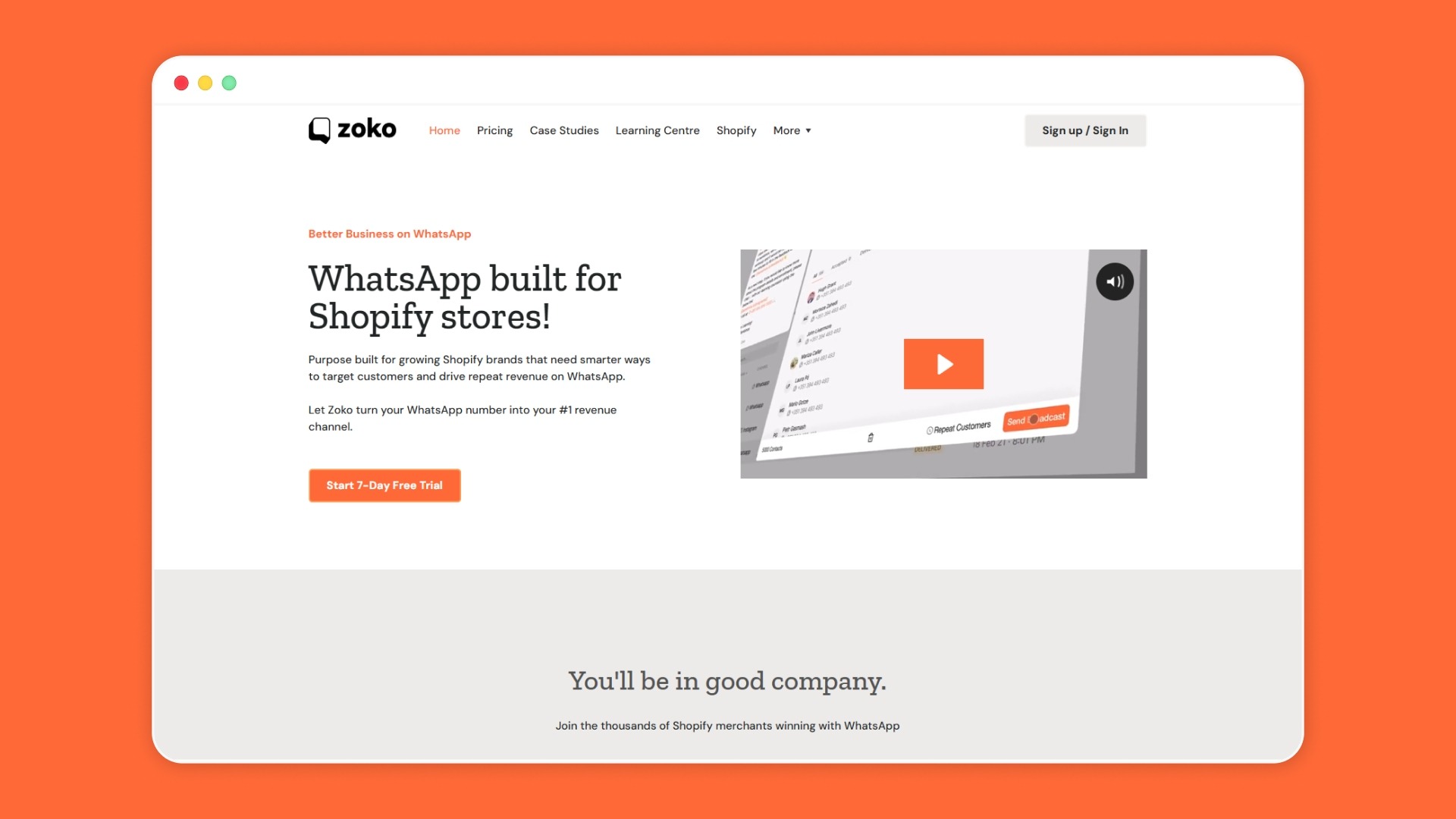
Zoko is built for Shopify merchants who want to run WhatsApp as a sales and support channel, not just a messaging inbox. As an Official Meta Business Partner, Zoko gives merchants a more credible path to WhatsApp Business API access and onboarding.
WhatsApp chatbots are no longer limited to basic support. For Shopify merchants, they now play a direct role across order confirmation, cart recovery, product discovery, shipping updates, repeat purchases, and post-purchase engagement. The strongest results come from choosing the workflows that solve your biggest store friction first, then running them through a platform that connects cleanly with your Shopify data, customer journeys, and support operations.
If you want to see how those chatbot workflows can work together in one Shopify-focused setup, Zoko is worth a closer look. Book a demo to see how Zoko can fit your store’s sales and support workflow.
1. Can a WhatsApp chatbot be created without coding?
Yes, many WhatsApp chatbot platforms offer no-code or low-code builders. These let you create flows for support, order updates, lead capture, and cart recovery without relying on a developer for every change.
2. What are the metrics that can be tracked for the WhatsApp chatbot?
You can usually track message opens, reply rates, flow completion, drop-off points, clicks, and conversions. For e-commerce, it also helps to track recovered carts, support resolution speed, repeat purchases, and campaign results.
3. Can we use QR codes to invite customers to our WhatsApp chatbot?
Yes, QR codes are a simple way to send customers straight into a WhatsApp chat. They work well on packaging, store counters, inserts, ads, and offline campaigns where you want to start a conversation quickly.
4. Can a WhatsApp chatbot work in multiple languages?
Yes, many WhatsApp chatbots can support more than one language. A good setup can detect language preference early or let the customer choose it at the start of the conversation.
5. Is WhatsApp chatbot free?
Usually, no. While some tools offer free trials or limited plans, most WhatsApp chatbot setups involve platform fees, WhatsApp Business API charges, or both, depending on usage and features.
6. What industries use WhatsApp chatbots?
WhatsApp chatbots are used across e-commerce, healthcare, education, travel, banking, real estate, and customer support-heavy businesses. They are especially useful where fast replies, repeated queries, and direct customer communication matter.
7. How does a WhatsApp chatbot work?
A WhatsApp chatbot follows pre-set rules or AI-based logic to reply to customer messages automatically. It can answer questions, guide users through steps, trigger updates, collect information, and pass the conversation to a human when needed.
8. Can I customize the WhatsApp chatbot personality/tone?
Yes, most platforms let you shape the chatbot’s tone to match your brand voice. You can adjust the wording, greeting style, reply structure, and message flow so the experience feels more consistent with your business.



.svg)


