


.jpg "blogs-main-image")

You send a Shopify checkout link into a WhatsApp chat. The customer opens it, then disappears for two days. This is the friction a WhatsApp Business payment gateway is built to close.
Most online shoppers walk away from carts they already filled. The Baymard Institute shows an average documented rate at 70.22% across multiple studies. In fact, payment friction ranks high on the reasons they leave. An in-chat payment removes the screen switch that causes most of it.
This guide breaks down what a WhatsApp Business payment gateway is, how it works for Shopify stores, and which gateway partners are live in your market. You will also see what to set up first.
A WhatsApp Business payment gateway is an approved payment partner connected to a WhatsApp Business Account that lets customers pay for orders inside a chat. The customer sees product details, an order message, and a payment button in the same conversation.
For Shopify merchants, the gateway turns a WhatsApp number into a place where customers can browse, ask questions, and pay, rather than just a place where the merchant sends checkout links.
A WhatsApp Business payment gateway works by carrying the customer through four steps inside the same chat: browse, confirm, pay, and receive confirmation. The merchant sends a structured order details message with the product, the price, and the supported payment methods. Below is a closer look at each step in the flow.
The customer opens a WhatsApp chat with the business and views products from the merchant's catalog. A Shopify store can sync its catalog from Shopify to WhatsApp, keeping prices and images up to date.
The customer adds items to the cart inside the chat. The same chat answers most pre-purchase questions, which is part of why conversion holds up on this channel.
Once the customer is ready, the merchant's system sends a structured order details message. This message carries the line items, the subtotal, taxes, shipping, and the supported payment methods.
The merchant chooses which payment options to show. For example, UPI and net banking in India, or Pix in Brazil. The WhatsApp Business Platform sends the message using the merchant's chosen payment configuration.
The customer taps the payment button inside the message, picks a payment method, and completes the payment. Inside India, that often means selecting a UPI app and approving the request.
In Brazil, the customer scans a Pix QR or pastes a Pix key. In Singapore, the customer typically pays with a card. The entire payment happens inside WhatsApp, so the customer never opens a browser tab or a new app.
After the payment is approved, the gateway sends a webhook to the merchant's system with the transaction status. The merchant's platform updates the order status, sends a confirmation message to the customer, and triggers any downstream Shopify actions like creating an order or marking it paid.
The chat now carries the order receipt, the order number, and the next step. If a payment fails, the same flow handles a retry.
Also Read: How Effective Is WhatsApp Marketing for Shopify
WhatsApp Business supports a list of key payment gateways that varies by country. Here's a quick view of what's supported in the main markets right now:
The right choice is the gateway that matches the country where your customers actually pay. A Shopify store shipping to both India and Brazil needs two configurations, one per market.
The technical setup looks similar. But what changes is the payment method the customer uses at the end of the chat.
To set up a payment gateway on WhatsApp Business, a merchant needs a verified WhatsApp Business Account, an approved gateway partner account in their country, and a platform that can send the structured order messages WhatsApp requires. Here's how the setup works for a Shopify merchant:
For Shopify stores, doing this through a partner platform that already integrates with Shopify reduces setup time and keeps the catalog, recovery flow, and payment in one place.
Suggested Read: WhatsApp Business API Features & Setup Guide
A WhatsApp payment gateway matters for Shopify stores because it closes the most expensive moment in the conversation: the point at which a customer is ready to buy but is asked to leave the chat. Here's why a WhatsApp payment gateway matters for Shopify merchants:
If your Shopify store is already running broadcasts and recovery flows on WhatsApp, the payment gateway is the piece that turns those conversations into closed orders.
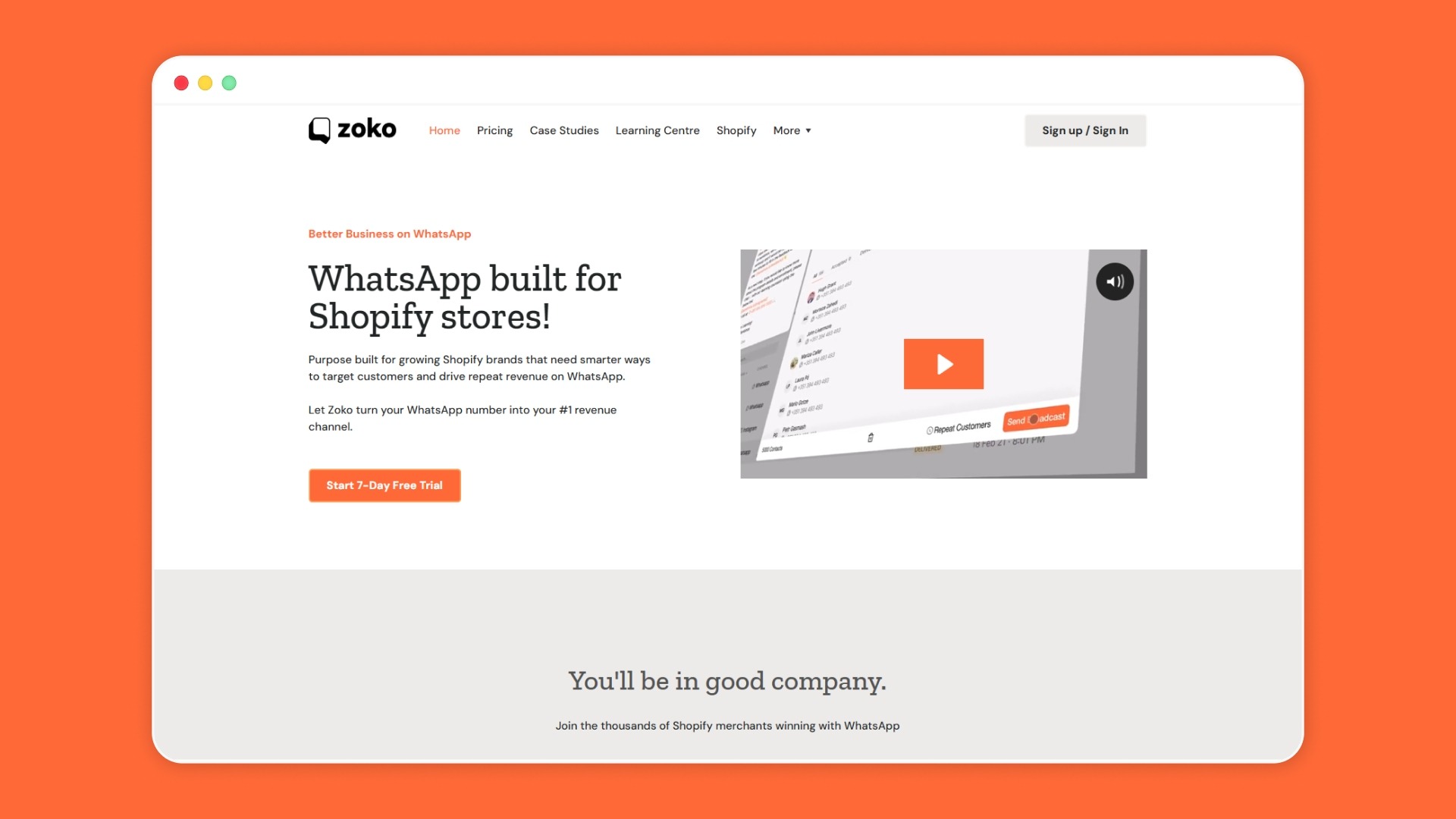
The payment gateway is one part of a larger setup. To make WhatsApp an effective sales channel, a Shopify merchant also needs a synced catalog, an abandoned cart flow, a COD confirmation flow, retention broadcasts, and a unified inbox for messages that come back.
Zoko is a WhatsApp Business platform built specifically for Shopify merchants. Here’s how it can help you:
1 Hair Stop used Zoko's abandoned cart recovery flow to bring back $57K in revenue from 564 carts over 90 days, a result that depends on the chat, the recovery message, and the payment step working in the same place.
If you are mapping out your WhatsApp setup for the next quarter, see Zoko's pricing for Shopify merchants to plan around your order volume.
A WhatsApp Business payment gateway is not a separate product. It is the closing step in a chat that already carries the catalog, the questions, and the cart. Pick the gateway that matches your market, then connect it to the same WhatsApp number that already runs your cart recovery flow and your COD confirmation flow. Without a single setup behind them, the payment button has nothing to close.
For Shopify merchants, Zoko brings the catalog sync, the cart recovery, the COD confirmation, and a unified inbox onto one WhatsApp number, so your gateway is closing orders into a live conversation. Start your 7-day free trial and close the orders waiting in your WhatsApp inbox right now.
A checkout link sends the customer to a separate webpage to pay. A WhatsApp payment gateway lets customers pay within the chat, without tab switching. The gateway approach keeps the conversation in one place, reducing the risk of the customer dropping off mid-purchase.
No. Approved gateway partners are rolled out market by market. India has the widest list with multiple supported providers. Brazil and Singapore have approved partners for specific payment methods. Other countries are in rollout. Always check the latest list from Meta before planning a setup.
Not always. Direct API integrations require code and a developer team. Most Shopify merchants use a partner platform that handles the WhatsApp Business Platform integration and the gateway connection, so the merchant only configures settings and tests one flow. The trade-off is platform fees against engineering time.
Refunds run through the same payment gateway that processed the original payment. The merchant initiates the refund from the gateway dashboard or through the partner platform. The customer receives a confirmation message inside the same WhatsApp chat. Refund timelines follow the gateway and the customer's bank rules, not WhatsApp.
Yes. In India, approved gateway partners support UPI as a payment method inside WhatsApp. Customers pick their preferred UPI app from the in-chat payment screen and approve the request. The order is then confirmed in the same conversation. UPI is the default payment method most Indian customers expect.
The customer sees a failure message inside the chat and can retry with the same method or pick a different one. The merchant's platform receives a webhook with the status set to failed, so the order is not marked as paid. A retry message can be sent automatically or by an agent, depending on the flow setup.



.svg)


