
Getting traffic is not the same as converting it. For many Shopify stores, the real problem starts after a shopper clicks, browses, or adds to cart, but never takes the next step. With average online cart abandonment still above 70.22%, too many buyers drop off even after showing clear purchase intent.
Many shoppers prefer asking questions on WhatsApp before placing an order, especially for COD purchases, delivery timelines, sizing, etc. If that conversation does not happen, the sale often does not happen either.
This is where WhatsApp lead generation changes the flow. Instead of sending traffic to static pages, Shopify stores can move high-intent visitors directly into conversations through Click-to-WhatsApp ads, product-page chat triggers, and cart recovery flows.
In this guide, you’ll learn how WhatsApp lead generation works, how to set it up, and how Shopify merchants can use it to capture and convert more leads.
For Shopify stores, WhatsApp lead generation is the process of turning store visitors, ad clicks, and cart drop-offs into real-time conversations that move buyers toward purchase.
Instead of relying on forms or delayed email follow-ups, it allows you to engage shoppers at the exact moment they have intent, when they are viewing a product, hesitating at checkout, or clicking on an ad.
In practice, it works through three connected stages:
Also Read: How to use WhatsApp catalog to generate more leads
Before you send traffic to WhatsApp, make sure the parts that affect lead capture and conversion are already in place. For Shopify stores, this means preparing the channel for fast replies, clear attribution, and smoother handoff between automation and sales support.
Your WhatsApp setup should be connected to Shopify so customer conversations, product links, and follow-up actions stay tied to store activity. This makes it easier to manage leads based on browsing behavior, cart activity, and purchase stage.
Give shoppers an easy way to start a conversation at the moment they need help. The most useful entry points are product page chat buttons, cart-page prompts, WhatsApp widgets, QR codes, and Click-to-WhatsApp ads.
Set up a welcome message, quick replies, and simple qualification prompts before traffic starts coming in. This helps you respond faster and sort inquiries by intent instead of treating every new chat the same way.
Have your product catalog, pricing, delivery details, FAQ answers, and current offers ready to share inside WhatsApp. For many leads, fast answers are what move the conversation toward purchase.
Shoppers should know what they are signing up for when they message you or opt into updates. At the same time, track where leads come from, such as ads, product pages, cart prompts, or QR codes, so you can compare lead quality by source.
WhatsApp lead generation works best when each conversation matches where the shopper is in the buying journey. For Shopify stores, that usually means capturing intent at the right moment, qualifying it quickly, and moving the shopper toward purchase with relevant follow-up.
The strongest WhatsApp leads usually come from shoppers who are already close to making a decision. This includes visitors on product pages, users clicking on Click-to-WhatsApp ads, shoppers who reach the cart but do not check out, and customers who want to ask a question before placing a COD order.
At this stage, the goal is not to collect a phone number and wait. The goal is to start a conversation while the intent is still active. For Shopify merchants, this works best through product-page chat buttons, cart-page prompts, WhatsApp widgets, and ad campaigns that send clicks straight into chat.
Once the shopper enters WhatsApp, the next step is to understand what they want and how close they are to purchase. This can be done through simple automated questions, quick reply options, or chatbot flows that sort buyers based on category interest, budget, order intent, or common pre-purchase concerns.
For example, a shopper clicking from a product ad might be asked whether they want details on size, delivery, pricing, or availability.
After qualification, WhatsApp should help the shopper take the next step with as little friction as possible. For Shopify stores, this often means sending product links, catalog items, limited-time offers, COD clarification, delivery information, or abandoned cart reminders with direct checkout paths.
This stage works best when the follow-up reflects what the shopper already asked or viewed. A lead asking about availability should get a product-specific answer. A cart drop-off lead should get the exact product link and a clear reason to return.
Not every lead converts in the first chat. Some need a second touchpoint after they compare options, check with family, or wait for payday. This is where WhatsApp follow-up becomes important.
For Shopify merchants, useful re-engagement messages include back-in-stock alerts, price-drop updates, reminder messages for browsed products, and segmented broadcasts tied to category interest or purchase stage.
Once a shopper buys, WhatsApp can keep them in your lead generation loop. Post-purchase messages can encourage repeat orders, collect reviews, promote complementary products, or bring customers back during launches and seasonal campaigns.
Once your setup is in place, the next step is prioritizing the tactics that bring in higher-intent conversations and move them toward purchase. For Shopify stores, the strongest results usually come from a small number of focused plays rather than trying every WhatsApp feature at once.
Measuring WhatsApp lead generation depends on how your store, ads, and WhatsApp platform are connected. Some metrics come directly from campaign and message performance, while others require Shopify integration or additional tracking to connect conversations with purchases.
Even strong WhatsApp lead generation campaigns can underperform when execution is weak. These are the mistakes that most often reduce lead quality and conversion outcomes for Shopify stores.
If you want to use WhatsApp as a serious lead generation channel, you need more than basic messaging. You need a platform that connects Shopify data, customer conversations, and automation in one workflow.
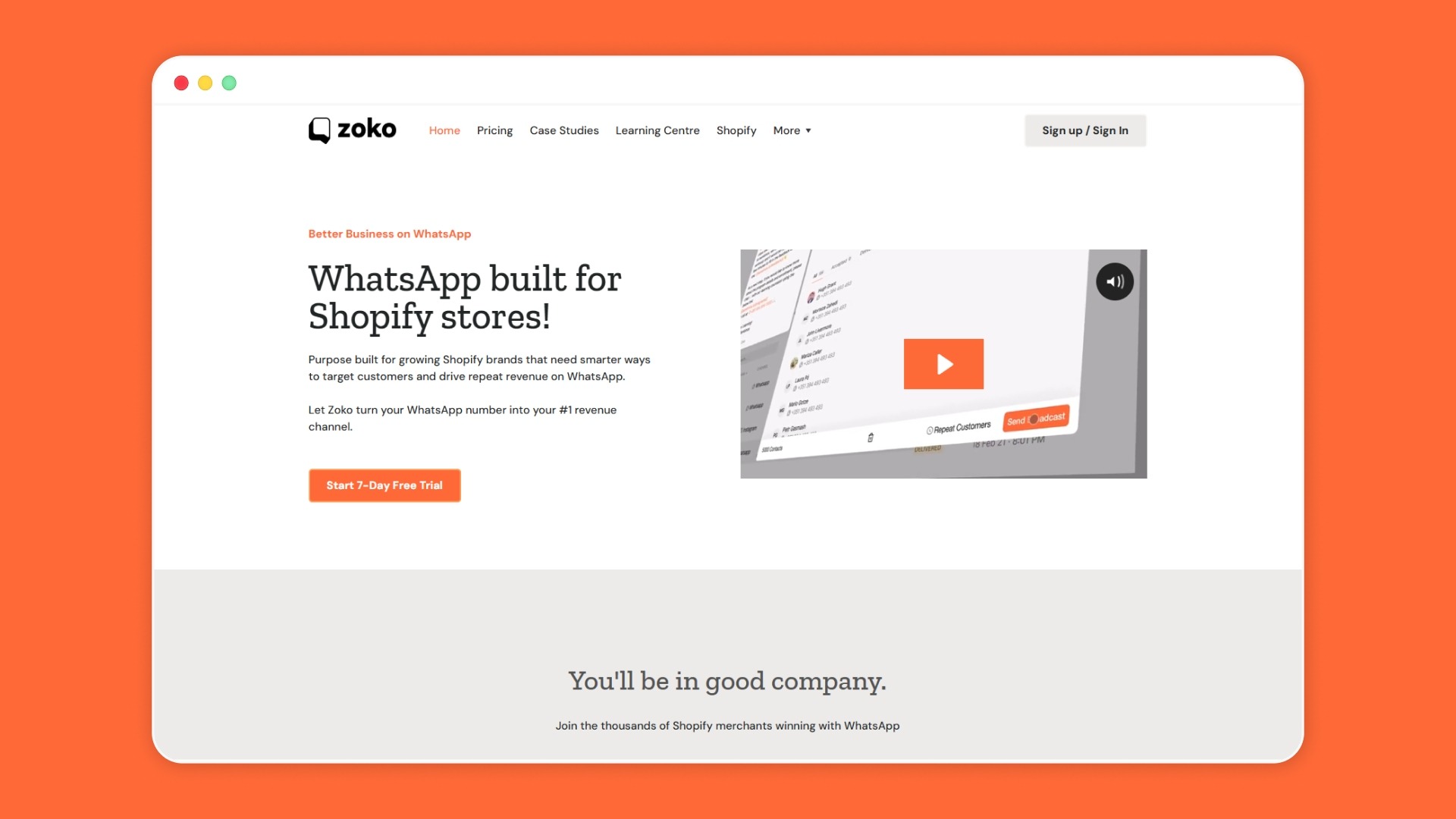
For Shopify-led brands using WhatsApp for lead generation, Zoko’s value is not just in starting conversations, but in qualifying and converting them efficiently. Fabus Frames used Zoko’s Click-to-WhatsApp ads and automated flows to generate ₹487,706 in chat sales in 60 days, while achieving 2330% ROI.
Here’s what Zoko brings to your WhatsApp lead generation stack:
WhatsApp lead generation gives Shopify stores a more direct way to capture, qualify, and convert high-intent buyers. With the right setup, automation, and follow-up, it can turn customer conversations into a stronger and more measurable sales channel.
If WhatsApp is already driving customer interest, Zoko helps you turn that attention into a more structured lead and sales engine. From Click-to-WhatsApp ads and Flows to catalog-driven buying and Shopify integration, Zoko helps you move faster from conversation to conversion.
Book a demo today to see how it can fit into your Shopify growth strategy.
1. How to nurture leads on WhatsApp?
Nurture leads on WhatsApp with timely, relevant follow-ups rather than generic message blasts. For Shopify stores, that usually means product recommendations, abandoned cart reminders, back-in-stock alerts, and segmented offers based on shopper interest or behavior.
2. Can I use AI for lead generation?
Yes, AI can help you qualify leads faster by answering common questions, collecting intent signals, and routing conversations more efficiently. For e-commerce teams, it is most useful when paired with clear workflows, human handoff, and Shopify-connected data.
3. How to attract customers on WhatsApp?
Attract customers by making WhatsApp easy to access across the touchpoints they already use. Click-to-WhatsApp ads, chat widgets, QR codes, product-page links, and post-purchase opt-ins help turn existing interest into direct conversations.
4. How do I grow my WhatsApp audience?
Grow your WhatsApp audience by collecting clear opt-ins through your website, ads, checkout flow, and post-purchase communication. The goal is not just list size, but building a high-intent audience that wants updates, support, or offers from your store.
5. Do I need templates for the first outreach?
Yes, templates help you keep first outreach clear, consistent, and faster to deploy, especially at scale. They work best when the message feels relevant to the shopper’s action, such as a new inquiry, cart abandonment, or opt-in from an ad.
6. How can I use WhatsApp Groups for lead generation?
WhatsApp Groups are usually less effective for lead generation than direct 1:1 conversations because they are harder to personalize and manage at scale. For Shopify stores, broadcasts, chat automation, and direct follow-ups are usually better for capturing and converting leads.
7. What if a lead doesn’t reply?
If a lead does not reply, send a short follow-up that adds value rather than repeating the same message. A reminder, product suggestion, limited-time offer, or restock update can help restart the conversation without sounding pushy.



.svg)


