



You check your WhatsApp API bill, and something looks off. Marketing messages cost more than last quarter. A template you have been using for months is suddenly paused. Your COD confirmation flow is still running on the old conversation logic.
These are real problems for Shopify merchants right now. The API shifted to per-message pricing in July 2025, and new WhatsApp Businesses still start at just 250 conversations per day until quality and verification unlock higher tiers. Template quality now controls your delivery speed, and falling behind on these changes costs you money and reach.
This guide breaks down the best practices you need to update. You will see what changed, what to do about it, and how to apply each practice to your store.
The WhatsApp Business Application Programming Interface (API) is the programmatic access layer that lets businesses send messages, automate conversations, and manage customer communication on WhatsApp at scale.
Unlike the free WhatsApp Business app (limited to one device and manual replies), the API connects to your Shopify store through a Business Solution Provider (BSP), supports multiple agents, handles templates, broadcasts, and automation flows, and bills per message through Meta's rate card.
For Shopify merchants, the API is what turns WhatsApp from a personal chat app into an order management and marketing channel. It is how you send abandoned cart recovery messages to hundreds of customers at once, confirm Cash on Delivery (COD) orders automatically, and push catalog updates into a chat.
Three structural shifts happened between mid-2025 and early 2026 that made older best practices outdated. Each one changes how you send messages, what you pay, and what you are allowed to automate. Here’s what shifted:
Suggested Read: A Complete Guide to WhatsApp API Pricing
Now let's take a look at the best practices, covering the full operating surface of the WhatsApp Business API in 2026, from message classification and template management to cost control and AI compliance.
Meta defines four message categories, and each one carries a different per-message rate. Getting the classification right at template creation is the single fastest way to control your API costs.
Marketing messages (promotions, cart reminders with discounts, product launches) carry the highest rate. Utility messages (order confirmations, shipping updates, COD confirmations, payment reminders) cost less. Authentication messages (OTPs, verification codes) carry the lowest rate in most markets. Service messages (replies within 24 hours of a customer-initiated chat) are free.
Template quality is no longer a background metric. It directly controls how fast and how far your messages reach. Meta's pacing system starts every new or unpaused template with a small delivery batch, collects feedback, and only allows full delivery if the feedback is positive.
Test new templates on your highest-engagement segment first. If the template clears pacing with good feedback, it gets full delivery access faster. A template that launches to your full list on day one risks early blocks from unengaged contacts, which can trigger throttling before your best customers ever see the message.
The content of your template directly affects its quality score. A message that says "Reply YES to confirm your order" gives the customer a clear action. A message that says "Check out our new arrivals" with no context gives them a reason to report spam.
For Shopify merchants, the highest-performing templates tend to be transactional with a clear next step. COD confirmation flows, delivery status updates with tracking links, and reorder reminders with a one-tap reply all perform well because the customer expects them and has something to do with them.
When a customer messages you first, your replies are free for 24 hours. No per-message charge, no template required. This is the most cost-effective interaction on the API.
Train your support team to resolve issues within this window instead of opening a new template-based thread. If a customer asks about their order at 2 PM, every follow-up reply you send before 2 PM the next day costs nothing. The moment you initiate a new template after the window closes, you pay per message.
For Shopify stores handling high customer support volume, this practice alone can reduce monthly messaging costs significantly. The key is fast response. A customer who waits 20 hours for a first reply leaves you almost no free window for the resolution.
When a customer messages your business through a Click-to-WhatsApp Ad (CTWA) or a Facebook Page call-to-action button, Meta gives you a 72-hour free messaging window. Every message you send within that window, including business-initiated templates, carries no per-message charge.
For Shopify merchants running Meta ad campaigns, this is the largest cost-saving strategy available. A customer clicks your CTWA ad, lands in your WhatsApp chat, and you can send product recommendations, catalog messages, and checkout links for three full days without paying per-message rates.
Meta applies pricing changes on a fixed quarterly schedule. Match your template audit as per that schedule. Remove templates you no longer use.
Check that categories are still accurate. Review quality scores. Old seasonal templates, expired campaigns, and one-time offers that sit in your account accumulate blocks from outdated sends and drag your overall quality down.
Promotional broadcast campaigns on the WhatsApp Business API work best when they go to engaged segments, not your entire contact list. Under per-message pricing, every unread promotional message is money spent with no return.
Segment by recent engagement: customers who opened or replied to a message in the last 30 days. Segment by purchase behavior: customers who bought in the last 90 days. Segment by intent: customers who abandoned a cart this week.
A pet food brand sending a restock reminder to customers who bought the same product 30 days ago will see better conversion and fewer spam reports than the same brand blasting a "20% off everything" message to its full database. Per-message pricing makes this shift from volume to precision financially necessary.
Controlling WhatsApp API costs in 2026 comes down to applying the best practices above consistently. Here’s a quick view of the highest-impact cost moves for Shopify stores:
Also Read: WhatsApp Business Message Types for E-Commerce
Running WhatsApp Business API best practices on a Shopify store means classified templates, quality monitoring, compliant AI, and cost-aware automation all need to work together. Without a platform that handles these from your store data, you are managing compliance manually.
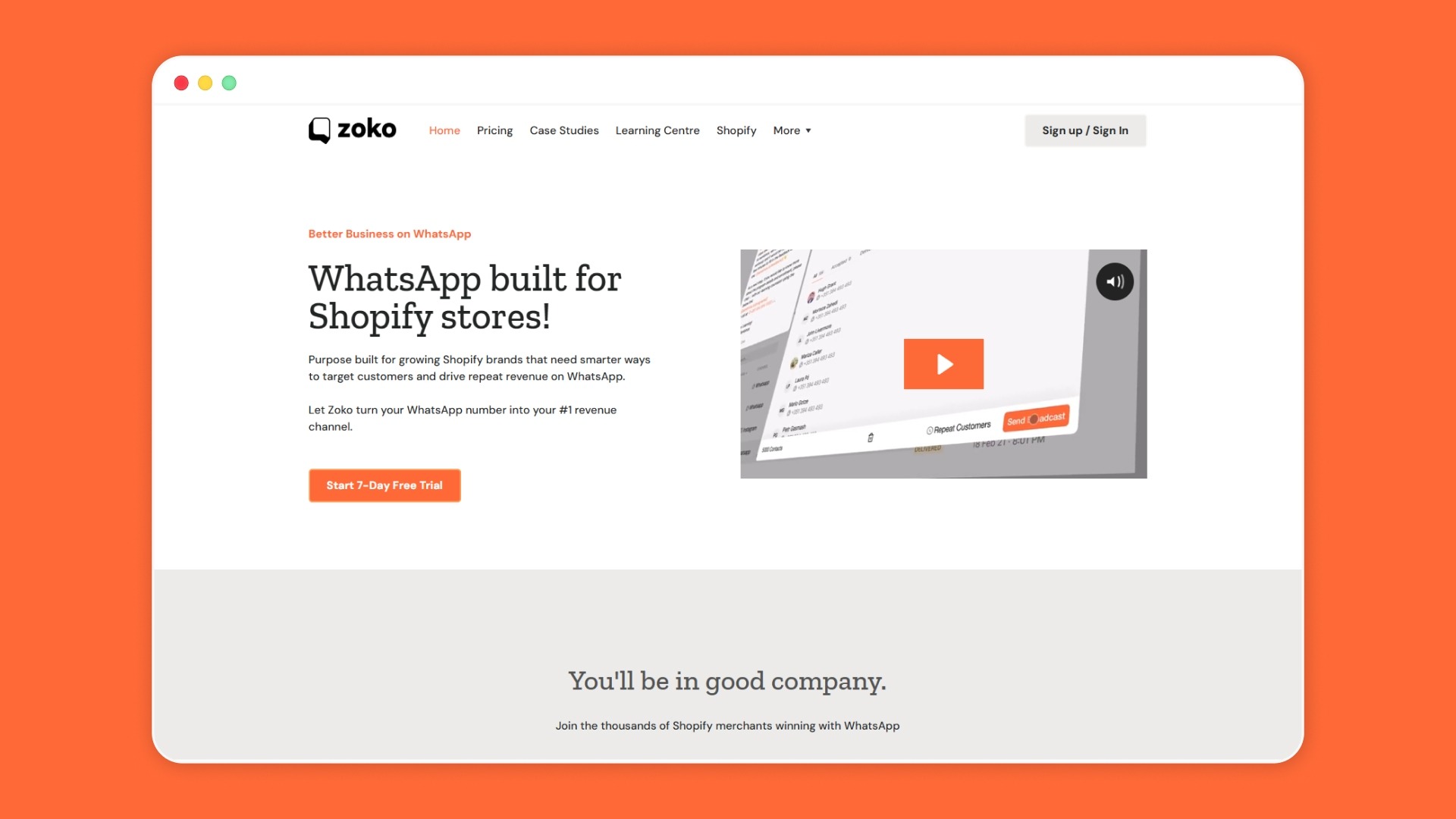
Zoko is a WhatsApp Business platform built specifically for Shopify that gives you pre-classified message flows, built-in quality tracking, and compliant AI agents, so you spend time selling instead of auditing templates.
FabUs Frames, a Shopify brand running CTWA ads, generated ₹487,706 in sales over 60 days with a 2,330% ROI using WhatsApp Ads and Flows through Zoko.
See Zoko's pricing for Shopify merchants on every plan.
The WhatsApp Business API in 2026 runs on per-message pricing, quality-scored templates, and stricter AI rules. Classify every template correctly, treat template quality as a weekly check, and scope your AI agents to defined business functions. Getting these right protects your delivery speed and your messaging budget at the same time.
Zoko gives Shopify merchants a single dashboard for broadcasts, automation flows, catalog sync, and compliant AI agents. Start your 7-day free trial and apply these practices to your store this week.
Meta replaced the per-conversation billing model with per-message pricing for business-initiated templates. Utility templates moved to per-message billing in April 2025, and marketing templates followed in July 2025. By 2026, every business-initiated template is billed individually.
You can view your template quality ratings inside your WhatsApp Business Manager or through your BSP dashboard. Templates are rated as High, Medium, or Low quality based on customer feedback signals like blocks and spam reports.
Only task-specific AI agents with defined business functions remain compliant. Order status bots, product recommendation bots, FAQ bots, and appointment booking bots are allowed. Open-ended AI assistants that answer any question are banned.
When a customer clicks a Click-to-WhatsApp Ad or a Facebook Page call-to-action button, all messages you send to that customer within 72 hours carry no per-message charge, including business-initiated templates.



.svg)


