


WhatsApp AI Real-Time Response Automation for E-commerce
You'll be in good company.
Join the delighted Shopify merchants growing their businesses with the powerful suite of features from Zoko

.webp "schmancy-logo")


Key Features of Zoko's WhatsApp AI Real-Time Automation
.png)
Guru AI Chatbot
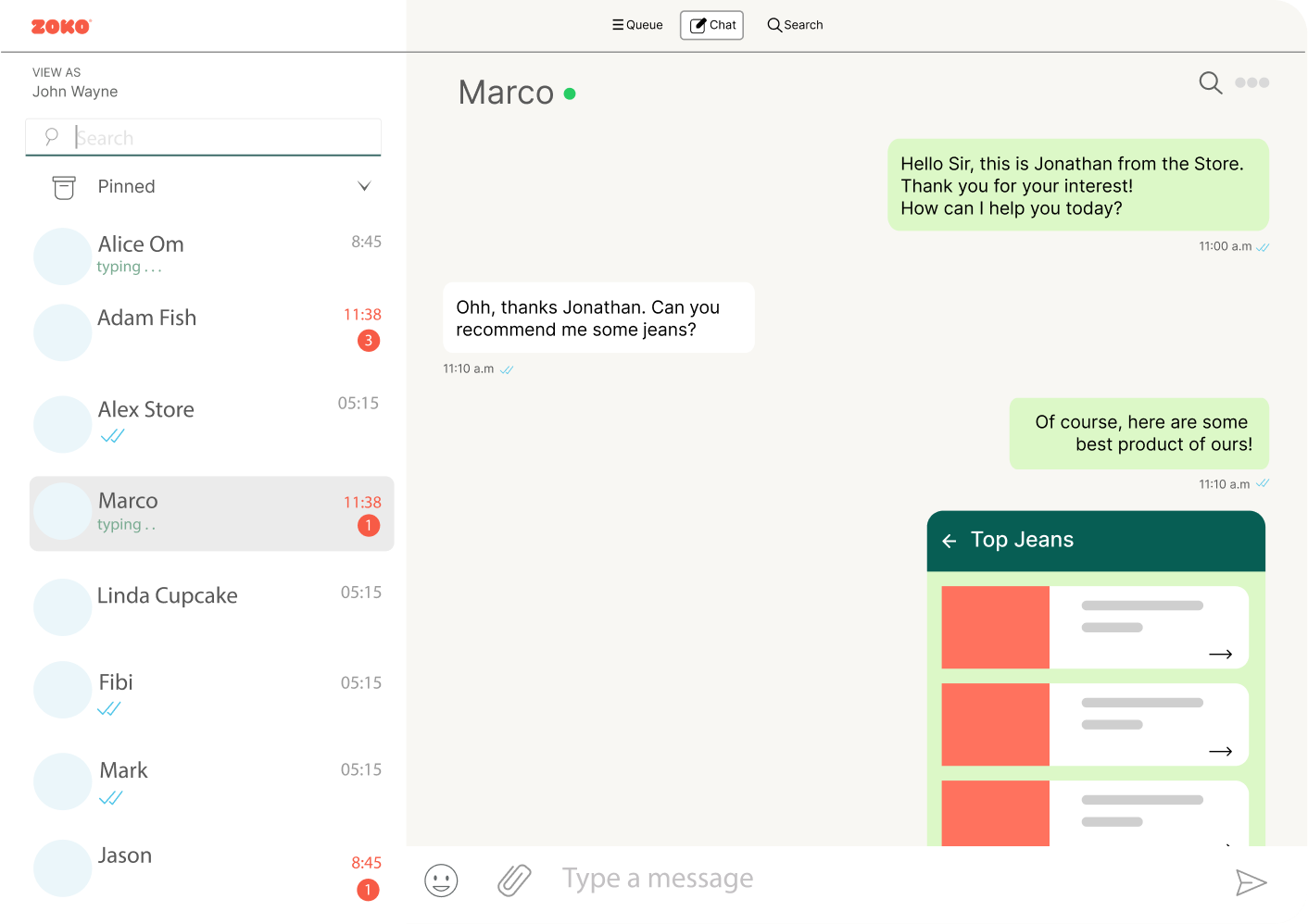
Zoko's ChatGPT-powered AI bots help automate FAQs, sales conversations, and order-related support on WhatsApp. Guru can be trained on your knowledge base and product information, so it can respond more accurately and reduce routine support load.
FlowHippo Automation
FlowHippo is Zoko’s no-code workflow builder for automating customer journeys such as abandoned checkout recovery, order updates, and COD confirmations.

WhatsApp Pop-Up Campaigns
Zoko’s Pop-Up Campaigns add a WhatsApp opt-in widget to your Shopify storefront. Visitors enter their number and consent to WhatsApp messages without filling out long forms.
.png)
Abandoned Cart Recovery with In-Chat Payment Link
When a customer abandons checkout, Zoko can trigger a WhatsApp recovery flow that reminds them to complete the purchase and share a payment option inside the conversation.
.png)
COD Prepaid Conversion Flow
Two automation flows are designed to reduce costly order returns. The COD Prepaid Flow prompts customers to switch COD orders to prepaid before dispatch.
.png)
Ratings, Reviews Collection on WhatsApp
Post-purchase WhatsApp flows prompt customers to leave reviews through a familiar chat experience that is easy to complete.
.png)
Hyper-Segmented Broadcast Campaigns
Zoko's broadcast engine segments customers by purchase history, cart value, product category, and pin code, then populates each message with the recipient's name, last order, and a personalized CTA.
.png)
Click-to-Chat Buttons
Zoko extends beyond WhatsApp; click-to-Chat buttons on your website and Meta ads open WhatsApp conversations directly, eliminating forms and drop-off.
.png)
WhatsApp-First, All-in-One Platform
Zoko isn’t just about bulk messaging; it’s built to power your entire business on WhatsApp. From product discovery to payment to post-sale support, everything flows in one place.

Transparent Pricing Structure
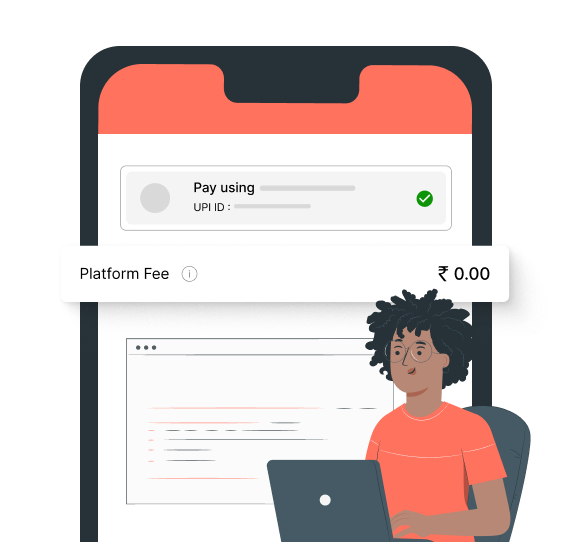
Zoko gives merchants clearer visibility into platform fees, including usage and WhatsApp conversation-related charges as messaging volume grows.
Platform Built as a Revenue Engine
Zoko is architected from the ground up as a sales and revenue platform; every feature, from catalog sync to abandoned cart flow to COD loop, is designed to move money.
Concierge Onboarding
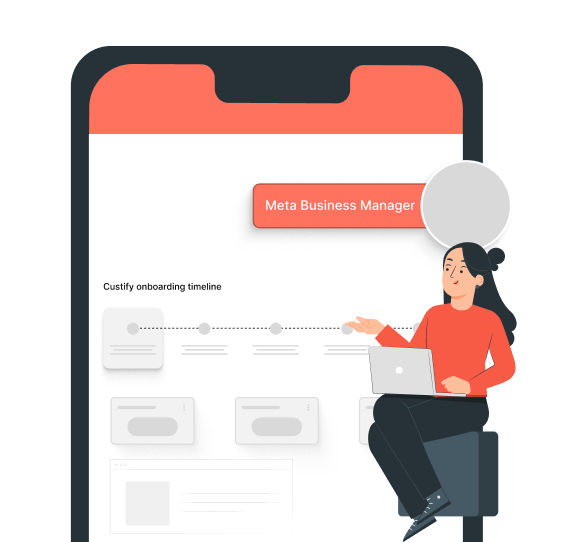
Zoko supports onboarding for WhatsApp setup, business verification, and launching your first automation workflows.
Quicker Replies That Keep Customers Happy
Reply instantly through a unified inbox and smart automations. Speed up response times, manage more conversations, and keep customer satisfaction high without overloading your team.
Step 1: Connect Your WhatsApp Business Account
Create your Zoko account, link your existing WhatsApp Business number (or register a new one), and complete Meta verification through Zoko's streamlined, Meta-approved onboarding.

Step 2: Sync Your Product Catalog
Connect your Shopify store to WhatsApp in one click. Customers can instantly browse products, view variants, check live pricing, and add items to the cart.
Step 3: Build Your Automation Flows
Use FlowHippo, Zoko's no-code flow builder, to configure your AI responses, order confirmations, payment links, COD verification messages, cart recovery sequences, and customer support escalations.
Step 4: Go Live and Track Revenue in Real Time
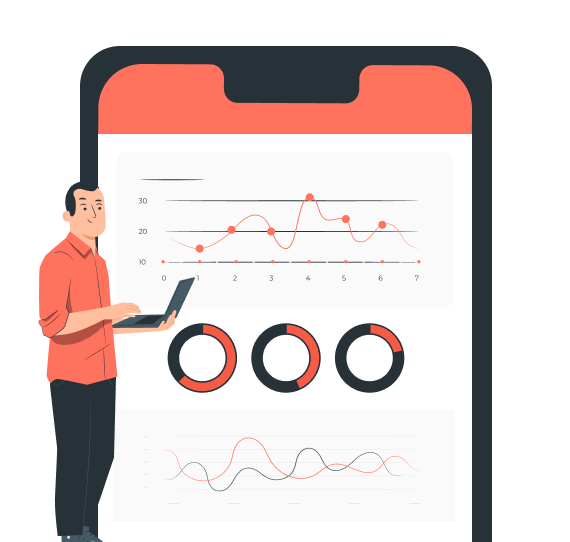
Launch your WhatsApp automation, begin accepting orders, and monitor performance through Zoko's live analytics dashboard. Track every message, interaction, and sale.
Faqs

Testimonial Section
Animeal
“We needed an effective solution to convert these interactions into sales. Zoko's WhatsApp Catalog integration turned out to be our best decision.”

Vipul Patil
Purplle.com
“Zoko...integrates all chats and enables our agents to manage customer success operations efficiently,... The best part was that it took us less than a day to set it up.”
Anuradha Nagar
Dr. Ortho
"Our customers seem really happy with the new WhatsApp chat option. It’s so much easier for them to reach us ..... We’ve been able to respond to queries 40% faster, .."
Navjyoti Kaur
Convert Visitors into Customers with Real-time Automation
United States
3297 Mill Springs Circle Northeast
Buford
Georgia - 30519
India
A/4M, IG KHB COLONY, 5TH BLK, KORMANGALA,BANGALORE, Bengaluru (Bangalore) Urban, Karnataka, 560034


