


Stop Sending Random WhatsApp Message Blasts That Customers Ignore
You'll be in good company.
Join the delighted Shopify merchants growing their businesses with the powerful suite of features from Zoko

.webp "schmancy-logo")


Key Features That Turn Bulk WhatsApp Sends Into Buyer-Focused Campaigns

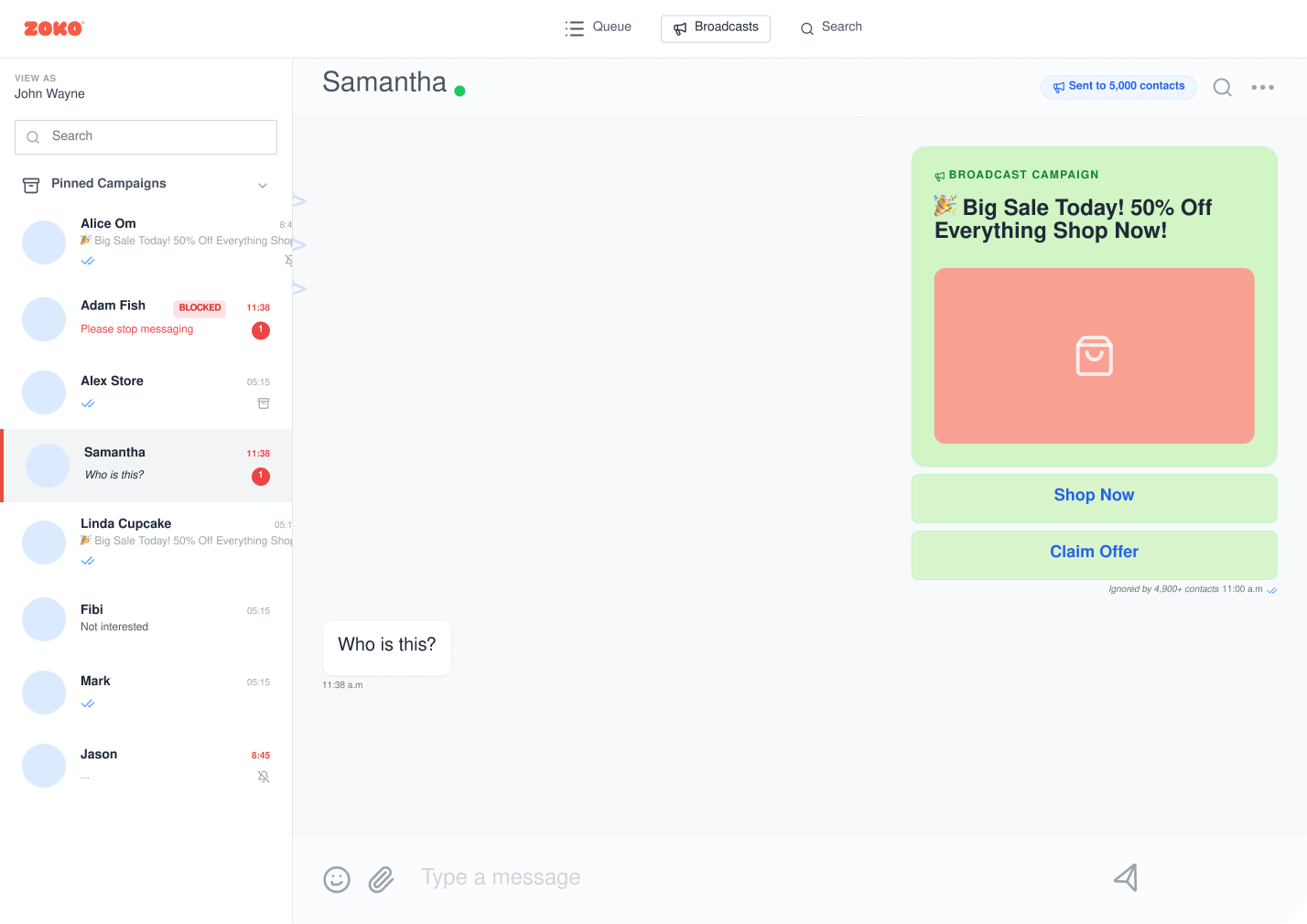
Send Personalized Broadcasts to the Right Buyers
Send WhatsApp broadcasts to specific customer groups rather than your entire contact list. Use tags and segments to target buyers by interest, past purchase behavior, campaign stage, or store context.
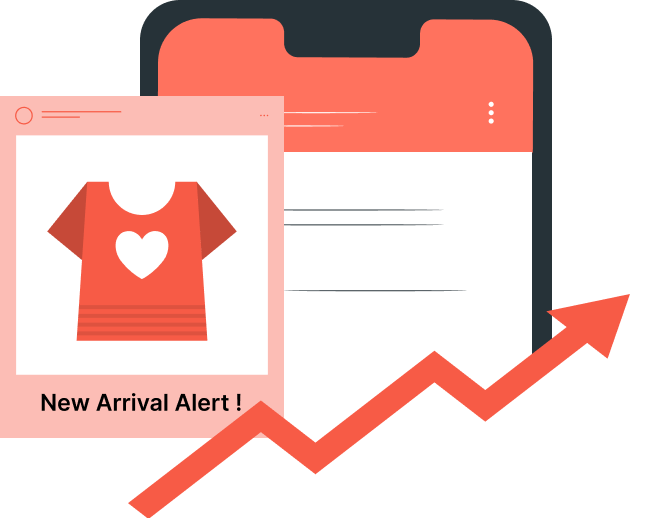
Show the Product Before They Click
Add images, videos, or files to your broadcasts so customers can clearly see the offer. Use media-rich broadcasts for product drops, sale previews, back-in-stock alerts, and festive campaigns.
Run High-Volume Campaigns Without List Chaos
Use file imports to send bulk media broadcasts to many customers at once. Manage large campaign lists faster without manually sorting, copying, or rebuilding recipient groups.

Schedule Campaigns Around Buying Intent
Plan broadcasts ahead and send them when buyers are more likely to respond. Use this for flash sale buying windows, limited-time offers, and weekend sales.

Retry Failed Messages Without Manual Resends
Use Smart Re-attempts to retry failed messages within your chosen timeframes. Recover missed campaign reach without manually finding failures and resending messages.

Build Follow-Up Campaigns, Not One-Off Messages
Send a planned sequence rather than a single isolated campaign message. Use series broadcasts to warm up buyers, remind them about offers, and guide them closer to checkout.

Exclude Customers Who Already Received a Campaign
Avoid repeating the same message to customers who have already received a previous broadcast. Use exclusion segments to keep campaigns cleaner, reduce fatigue, and protect customer experience.

Track Which Bulk Broadcasts Lead to Orders
Measure campaign results beyond basic delivery. See how many customers received, viewed, replied to, and placed orders after interacting with your broadcast.

Approved Templates for Safer Campaign Sending
Send offers, updates, and reminders through approved WhatsApp templates, instead of loose blasts that can look spammy and reduce buyer confidence.
Official Meta Business Partner
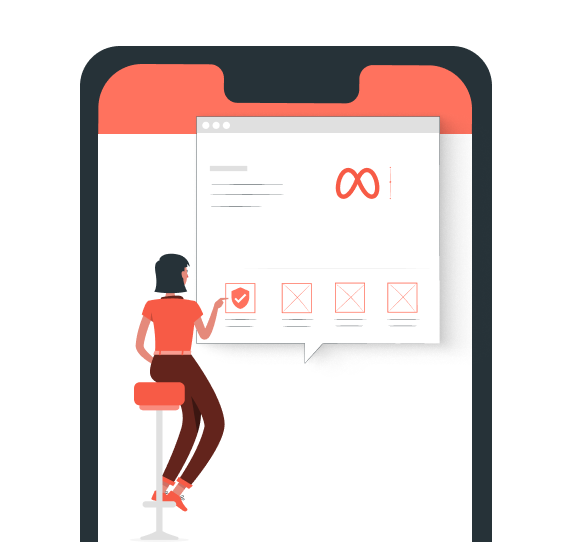
When WhatsApp drives orders, replies, and repeat purchases, your setup needs to feel reliable. Zoko gives you the trust of an Official Meta Business Partner.
Blue Tick Guidance for Eligible Businesses
Get blue tick verification guidance if your business is eligible. For qualified brands, this can make WhatsApp campaigns feel more recognizable and credible.
Automated Responses to Broadcast Replies
Turn campaign replies into instant next steps with automated flows and chatbots, instead of letting high-intent shoppers wait for manual responses.
Built Around Opted-In Customer Communication
Send campaigns to opted-in customers rather than to cold lists that erode trust. This helps your broadcasts feel more relevant, expected, and conversion-ready.
Step 1: Sign Up and Connect Your WhatsApp Business Account
Create your Zoko account and connect your WhatsApp Business API number. This gives your brand the base needed to broadcast campaigns from Zoko.

Step 2: Complete Your Business and Sender Setup
Add the required business details, confirm your WhatsApp sender, and prepare your account for campaign activity. This helps your team start with a clean sending setup.
Step 3: Organize Your Customers Inside Zoko
Bring your customer data into Zoko and group contacts in a way your team can use. This makes it easier to prepare campaigns without having to sort lists from scratch every time.
Step 4: Launch, Review, and Improve Your First Broadcast
Create your first broadcast inside Zoko, review your audience and message, then send or schedule it. After launch, use campaign activity to improve your next send.
Faqs

Testimonial Section
Animeal
“We needed an effective solution to convert these interactions into sales. Zoko's WhatsApp Catalog integration turned out to be our best decision.”

Vipul Patil
Purplle.com
“Zoko...integrates all chats and enables our agents to manage customer success operations efficiently,... The best part was that it took us less than a day to set it up.”
Anuradha Nagar
Dr. Ortho
"Our customers seem really happy with the new WhatsApp chat option. It’s so much easier for them to reach us ..... We’ve been able to respond to queries 40% faster, .."
Navjyoti Kaur
Make Your Next WhatsApp Broadcast Worth the Send
United States
3297 Mill Springs Circle Northeast
Buford
Georgia - 30519
India
A/4M, IG KHB COLONY, 5TH BLK, KORMANGALA,BANGALORE, Bengaluru (Bangalore) Urban, Karnataka, 560034


